AI Editor Chat
Use natural language to add clips, music, text, and captions to your timeline.
What Is AI Editor Chat?
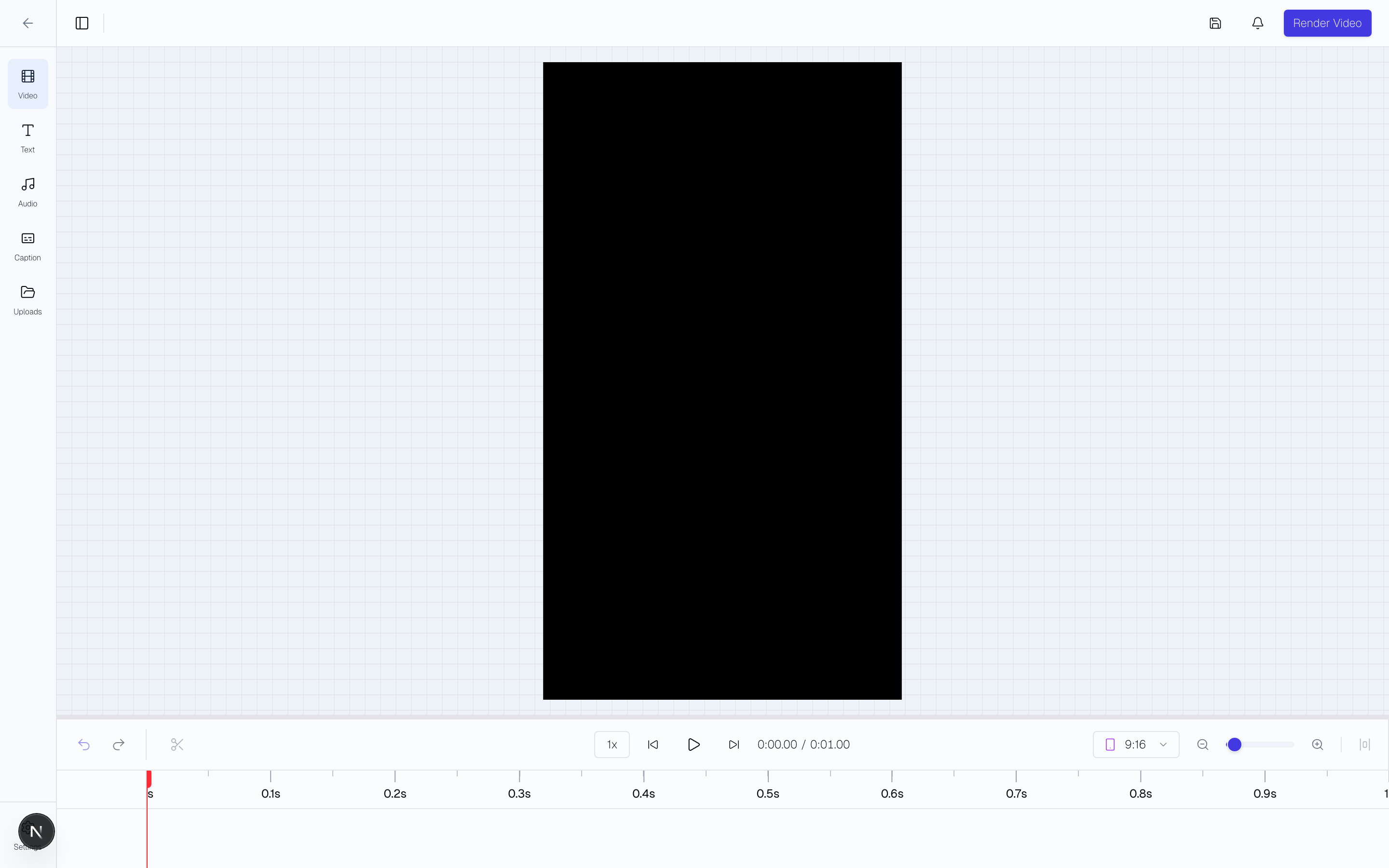
AI Editor Chat is a conversational assistant built into the video editor. It understands your timeline and can search, add, modify, and arrange elements using natural language — no manual dragging required.
Opening the Chat
Click the "AI" button in the top-right toolbar of the video editor. A chat drawer opens on the right side. Close it anytime with the X button.
What You Can Ask
The AI can perform over 25 actions on your timeline:
- Continue Auto-edit drafts — "Clean up the retakes and tighten this into a 30-second ad"
- Search and add project clips — "Add my product demo clip"
- Search and add stock media — "Find stock footage of someone running outdoors" (powered by Pexels)
- Add text overlays — "Add a hook that says 'Stop scrolling'"
- Add voiceovers with captions — "Add my voiceover about the new feature"
- Generate captions — "Add captions to the first clip"
- Modify overlays — "Move the text to the top", "Make the font bigger"
- Trim and crop clips — "Trim the first 2 seconds off clip 1"
- Reorder clips — "Swap the first two clips"
- Adjust audio — "Fade in the music over 2 seconds"
- Change canvas settings — "Switch to 9:16 for Reels"
Smart Suggestions
When the chat is empty, contextual suggestion chips appear based on your timeline state:
- Empty timeline: "Add video clips", "Use my saved CTA text", "Add a voiceover"
- Has video but no audio: "Add background music"
- Has video but no text: "Use text from my library"
- Multiple clips: "Swap the first two clips", "Duplicate the last clip"
Auto-edit Drafts
When Auto-edit builds a draft, it opens in the video editor with the AI editor chat ready to continue the work. Ask it to remove silences, filler words, and retakes; tighten the hook, body, and CTA structure; regenerate captions; or make follow-up timeline edits without rebuilding from scratch.
Stock Media
The AI searches Pexels for free stock video and images. Describe what you need — "cinematic sunset over ocean" or "woman using laptop in office" — and the AI adds matching results directly to your timeline.
Tips for Best Results
- Be specific: "Add a 3-second text overlay saying 'Limited Time Offer' at the top" works better than "add some text."
- Reference overlay numbers when modifying: "Change overlay #2 to bold."
- Chain requests naturally: "Add my product clip, then add captions to it."
- The AI sees your full timeline state, so it can reference what is already there.