Getting Started
Creating Your Account
Sign up for Sovran with email or Google, choose a plan, and get started.
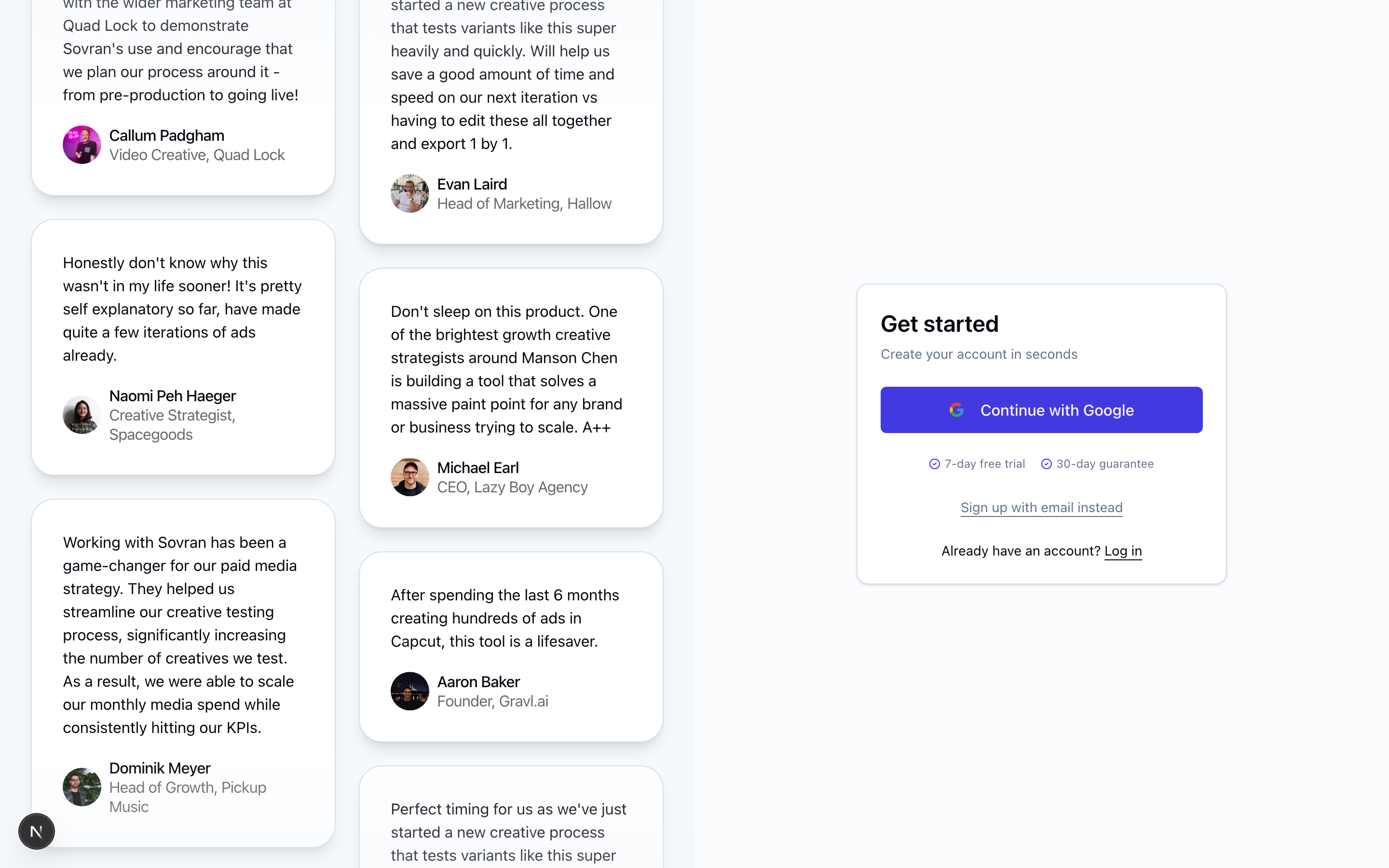
Sign Up
Visit sovran.ai/sign-up to create your account. You can sign up with:
- Email and password — Enter your email, choose a password, and verify your email address via the confirmation link we send.
- Google — Click "Continue with Google" to sign in with your Google account. No email verification needed.
Choose a Plan
All new accounts start on a paid subscription. During sign-up, you'll be asked to choose a plan and enter a payment method.
If Sovran isn't the right fit, you're covered by a 30-day money-back guarantee.
Logging In
After creating your account, visit sovran.ai/login to sign in. If you forget your password, use the "Forgot password?" link on the login page to reset it via email.
Next Steps
Once you're logged in, you'll be guided through onboarding to create your first project. See Setting Up Your First Project for details.
Related Articles
Was this article helpful?