Adding Captions
Auto-generate or manually add captions to your video ads.
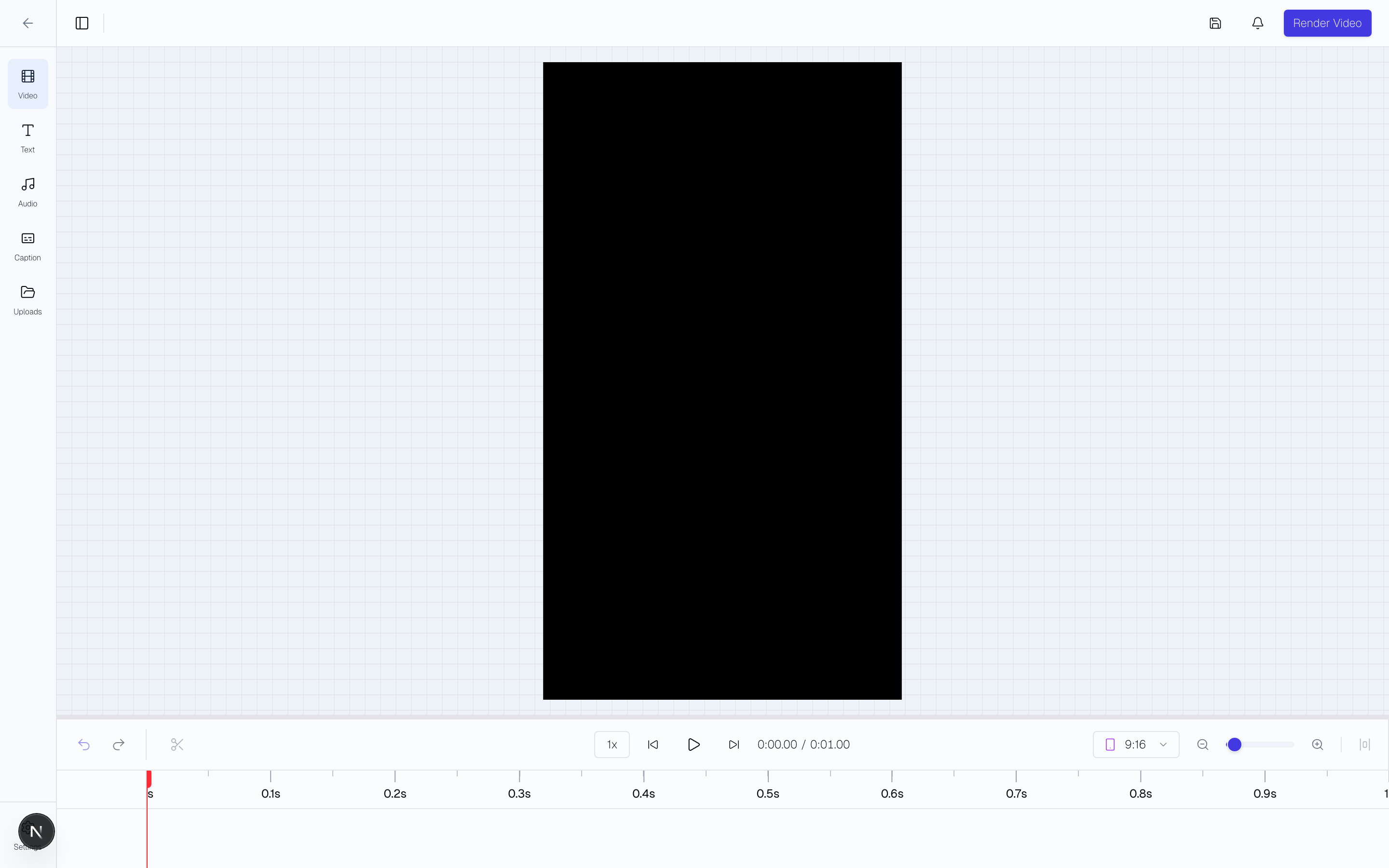
Auto-Generated Captions
Sovran can automatically generate captions from your video's audio using AI transcription:
- Open a video in the Video Editor.
- Click the Captions icon in the left sidebar.
- Click "Auto Captions".
- Captions are generated with word-level timestamps for precise sync.
The AI transcribes all video clips on your timeline — not just the selected one. If your timeline has multiple trimmed clips from the same source, each clip's captions are filtered to its exact time range and aligned to its position on the timeline. No manual timing required.
Auto Captions are also accessible from the AI tab when a video clip is selected.
Caption Templates
Choose from pre-built templates to style your captions instantly:
- TikTok Native — Bold white text with black stroke, matching the native TikTok caption look.
- Minimal — Clean TikTok Sans with stroke, no karaoke highlighting.
- Classic — White text with blue word-level highlights.
- Hustle — Bold with red highlights and 3D shadow.
- Neon — Glowing text with purple highlights.
- Handwritten — Casual Caveat font with green highlights.
- And more: Medusa, Retro, Cinematic, Gradient, Future.
Templates with word-level highlighting (karaoke style) animate each word as it's spoken. Templates without highlighting render all words uniformly.
Customizing Styles
After selecting a template, switch to the Customize tab to fine-tune:
- Font Size — Slider from 0.8rem to 4rem.
- Text Color — Color picker for caption text.
- Background Color — Color picker for caption background.
- Font Weight — Slider from 300 (light) to 900 (black).
- Stroke Weight — Slider from 0 to 12px (shown for stroke-based templates).
- Stroke Color — Color picker for text outline.
- Highlight Color — Color picker for the karaoke highlight (shown for templates with highlighting).
- Letter case — Keep the original text, use uppercase or lowercase, or capitalize each word.
- Background padding — Set the space between the text and background edge from 0 to 200 px. Rounded text boxes have horizontal padding. Other backgrounds also have vertical padding.
Changes apply live to the selected caption overlay.
Save a style for reuse
When you save a caption style, choose This project or Entire workspace. Workspace styles are available in every project.
Replace a Saved Style
If you save a caption style with an existing name in the same project or workspace scope, Sovran asks you to confirm. Select Replace style to save the current settings under that name. Select Cancel to keep the saved style.
Editing Captions
After auto-generation, you can edit any caption text directly in the editor. Click on a caption segment to modify the text, adjust timing, or split/merge segments.
Caption corrections change displayed text only. They do not change the spoken audio.
Replace spoken words
For a Sovran AI voiceover, select Open Transcript in Caption. You can also open Transcript in the editor header. Caption edits change displayed text only.
- Select a phrase from one narration clip.
- Select Replace spoken words.
- Enter up to 1,000 characters of replacement text. Sovran reuses the original voice, language, delivery style, and saved speed.
- Choose Keep timing or Move later content.
- Select Generate to create the new speech. Voiceover generation uses no credits.
- Select Play preview. Listen to the new speech and surrounding audio.
- Select Apply replacement after the preview finishes. Use Undo to restore the previous audio and captions together.
Keep timing fits speech into the selected interval with a limited speed adjustment. All clips stay in place. Move later content changes the video duration. For longer speech, it extends the last affected clip at its current speed. This option needs enough source footage. The editor explains when either option is unavailable.
Changing the timing option reuses the generated speech. If saved speech is found, select Prepare saved speech. If preparation fails, select Retry preparation. Retry generation continues the same saved request. Generate again creates new speech.
Uploaded narration, unavailable voices, and sources without verified word times cannot use this action. A new generation can have a different tone. Always use Play preview before Apply replacement.