Assets
Asset Formats & Requirements
Supported video and audio formats, file sizes, and aspect ratios for Sovran.
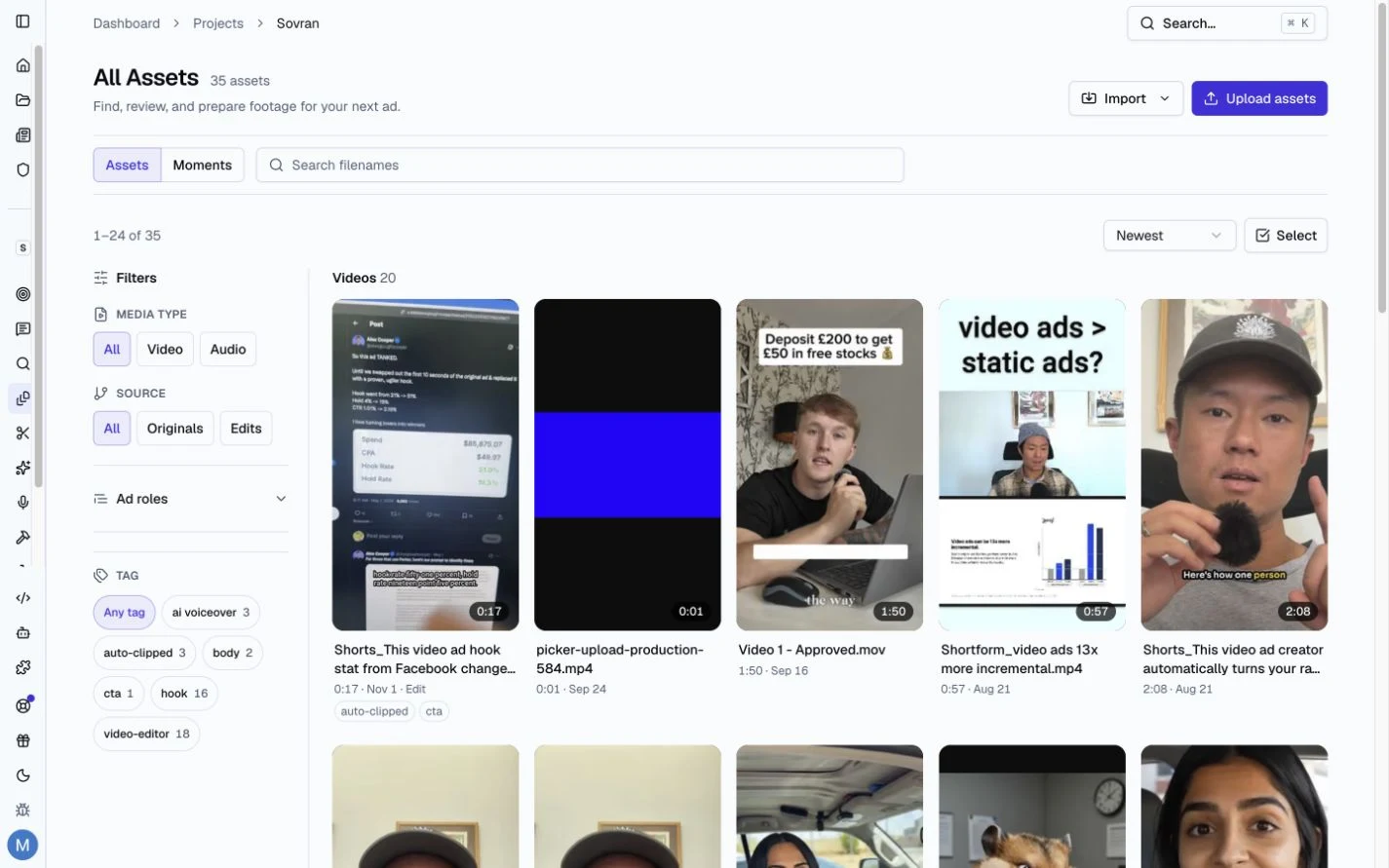
Supported Formats
Sovran accepts the following video formats:
- MP4 (H.264 codec) — recommended
- MOV (QuickTime)
- AVI
- WebM
Sovran accepts the following audio formats for music and voiceover files:
- MP3
- WAV
- FLAC
- AAC
- M4A
Each video can be up to 1 GB. Each audio file can be up to 500 MB. One upload can hold up to 100 files.
Recommended Specs
- Resolution: 1080p or higher recommended. Sovran will render at the resolution you configure for each sequence.
- Frame rate: 30fps is standard for Meta ads. 60fps is supported but may increase render times.
- File size: Upload or import videos up to 1 GB per file. For the best performance, keep individual clips under 100 MB.
- Duration: No hard limit, but modular clips of 3-15 seconds work best for creative testing sequences.
Aspect Ratios
You can upload assets in any aspect ratio. When building sequences, Sovran lets you render in multiple aspect ratios simultaneously:
- 9:16 — Stories, Reels
- 1:1 — Feed (square)
- 4:5 — Feed (portrait, recommended by Meta)
- 16:9 — In-stream video, landscape
If your source clip doesn't match the target ratio, Sovran will center-crop or letterbox it depending on your sequence settings.
Related articles
Was this article helpful?