Managing Your Subscription
View, change, or cancel your Sovran subscription plan.
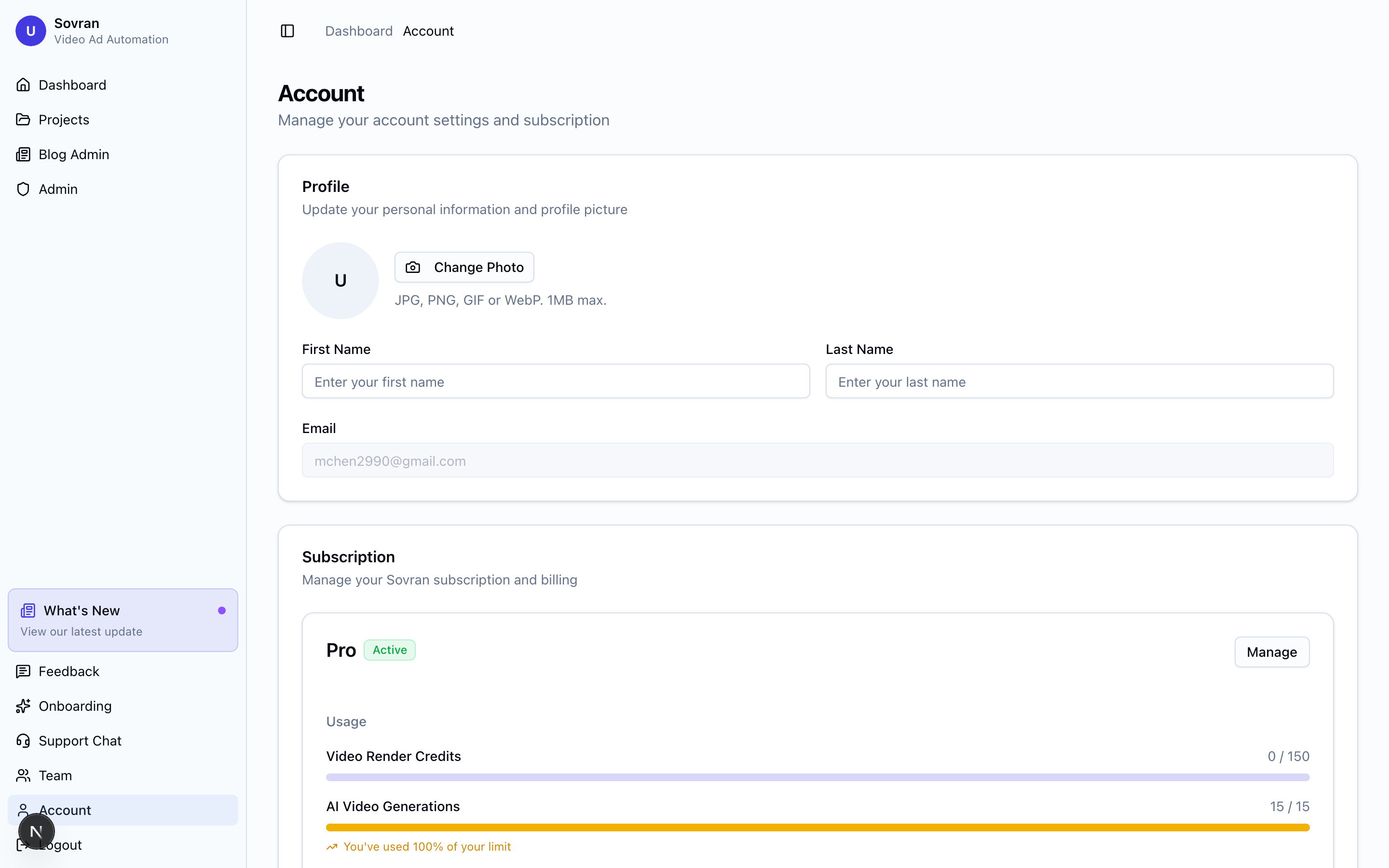
Viewing Your Plan
Navigate to Account Settings from the dashboard sidebar to see your current plan, billing cycle, and next payment date.
Upgrading or Downgrading
To change your plan:
- Go to Account Settings → Subscription.
- Click "Change Plan".
- Select your new plan.
- Changes take effect immediately. If upgrading, you'll be charged the prorated difference. If downgrading, the change applies at the end of your current billing cycle.
Buy Extra Render Credits
Open Account and find Video Render Credits. This section shows your monthly and permanent credits remaining.
Workspace owners can buy a credit pack. Pack sizes and prices depend on the current plan. Purchased render credits do not expire. An active subscription is required to use them.
If a batch or editor export needs more credits, open Account from that workflow. Account shows the missing credit count. After payment is confirmed, check the updated balance. Select Return to Modular Builder or Return to editor to continue.
If the balance is unavailable, select Refresh credit balance before you build. Workspace members must contact the owner to buy credits.
Canceling
To cancel your subscription:
- Go to Account Settings → Subscription.
- Click "Cancel Subscription".
- Your access continues until the end of your current billing period.
Your project data is retained for 30 days after cancellation in case you decide to resubscribe.
Refund Policy
We offer a 30-day money-back guarantee. If you're not satisfied for any reason within your first 30 days, contact us and we'll issue a full refund — no questions asked.