AI Features
AI Video Generation
Generate video clips from text prompts using Google Veo 3.1 and Kling 3.
Overview
Sovran integrates with Google Veo 3.1 and Kling 3 to generate video clips from text prompts. This is ideal for creating:
- Hooks — Eye-catching 3-5 second openers.
- B-roll — Supplementary footage that enhances your message.
- Product demos — AI-generated scenes showing your product in context.
Generating a Video
- In your project, click "Generate" and select "Video".
- Write a text prompt describing the scene you want (or generate one from Brief).
- Select the AI model (Veo 3.1 or Kling 3).
- Configure aspect ratio and duration (3-15 seconds depending on model).
- Click "Generate" and wait for the result.
Generation typically takes 1-3 minutes. You'll see a preview when it's ready.
Tips for Better Results
- Be specific — "A woman in a white kitchen opening a blue box and smiling" works better than "someone opening a package."
- Include style cues — "cinematic lighting," "UGC-style handheld," "flat lay top-down" help guide the visual style.
- Iterate — Generate multiple versions and compare. Small prompt tweaks can significantly change the output.
Using Generated Videos
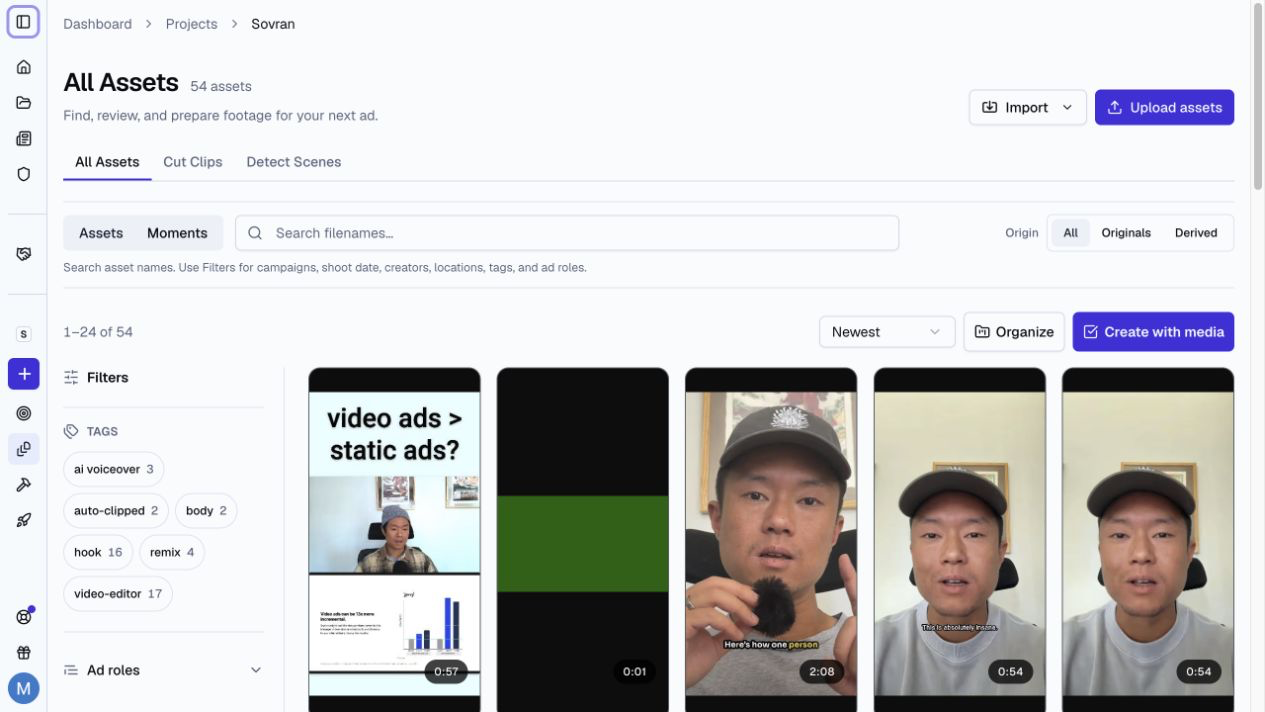
Generated clips are saved to your project's asset library. From there, you can:
- Tag them and add to your creative library.
- Edit them in the video editor (add text, captions, music).
- Assign them to sequence blocks for combinatorial testing.
Talking videos
Use AI Avatar to create a talking video from a saved photo and an approved custom voiceover.
Related Articles
Was this article helpful?