B-Roll Remix
Select video clips and automatically generate all possible orderings as finished videos.
What Is B-Roll Remix?
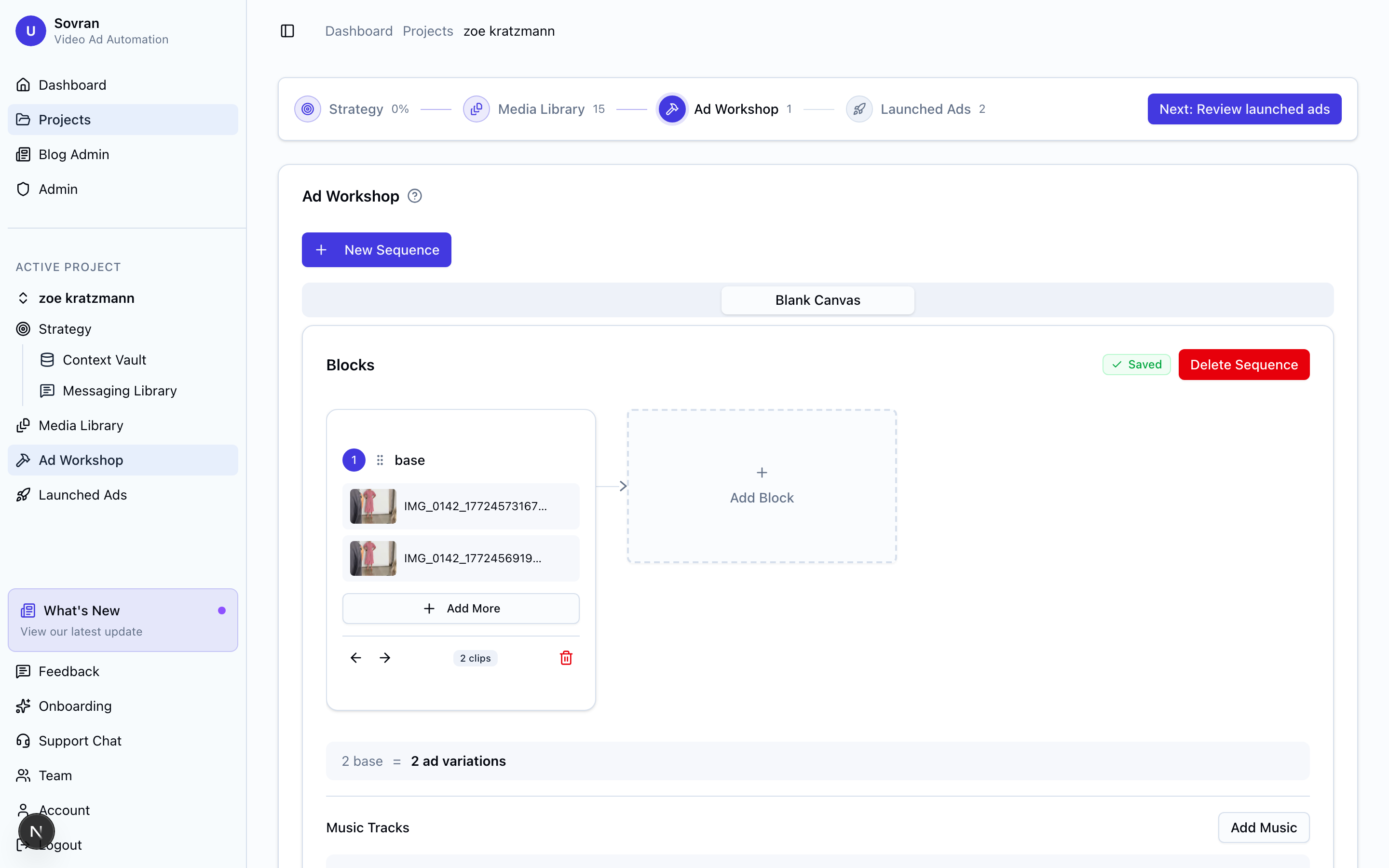
B-Roll Remix generates every possible ordering of your selected video clips as finished, rendered videos. Select 2–4 clips and Sovran creates all permutations automatically:
- 2 clips → 2 videos
- 3 clips → 6 videos
- 4 clips → 24 videos
This lets you test which clip order drives the best performance without manually editing each variation.
Creating a Remix
There are two ways to start a remix:
From the Asset Bank
- Open the Remix modal from the Asset Bank toolbar (click "Remix B-Roll").
- Select 2–4 video clips from the asset picker.
- Click Continue to configure your remix.
From the Create Clips Tab
You can also remix clips directly from the asset detail page:
- Open any video asset and go to the Create Clips tab.
- Click "Select Clips" to enter selection mode.
- Tap approved or exported clip candidates to select them.
- Click "Remix N Clips" in the selection toolbar.
This is especially useful after running AI analysis or scene detection — approve the best moments and remix them without leaving the page.
Configuration
Text Overlays (Optional)
Add text that appears on each video. You can create up to 5 text variants — each permutation is rendered once per variant, multiplying your total output.
- Font — Choose from available fonts or upload your own.
- Size — 12–120px with a slider.
- Weight — Light through Black (300–900).
- Color — Custom text and stroke colors.
- Position — Top, center, or bottom.
- Stroke — Toggle text stroke on/off with adjustable width.
Output Settings
- Aspect ratio — 9:16 (default), 16:9, 1:1, or 4:5.
- Resolution — 1080p.
Safe Zone Guides
For 9:16 videos, toggle safe zone overlays for TikTok or Instagram Reels to make sure text and important content stay visible.
Previewing Permutations
The Permutations card shows every ordering that will be generated:
- clip-a.mp4 → clip-b.mp4 → clip-c.mp4
- clip-a.mp4 → clip-c.mp4 → clip-b.mp4
- clip-b.mp4 → clip-a.mp4 → clip-c.mp4 ...
The total output count combines permutations × text variants.
Rendering
Click "Remix" to submit all jobs for rendering. Videos are rendered server-side and appear in your Asset Bank when ready.
B-Roll Remix does not consume render credits.
For large batches (12+ videos), a warning is shown with the expected output count. Rendering may take several minutes for larger batches.
Build in Editor
Instead of remixing, you can send selected clips to the Video Editor for manual arrangement. Click "Build in Editor" in the selection toolbar. Each clip lands on the timeline pre-trimmed to its exact time range, ready for captions, music, and further editing.