Meta Ads Publishing
Connecting Your Meta Account
Authenticate with Meta and link your Business account to Sovran.
Prerequisites
Before connecting, make sure you have:
- A Meta Business account with an active ad account.
- Admin or advertiser access to the ad account you want to publish to.
- At least one active campaign with an ad set (Sovran publishes ads into existing campaign structures).
Connecting Your Account
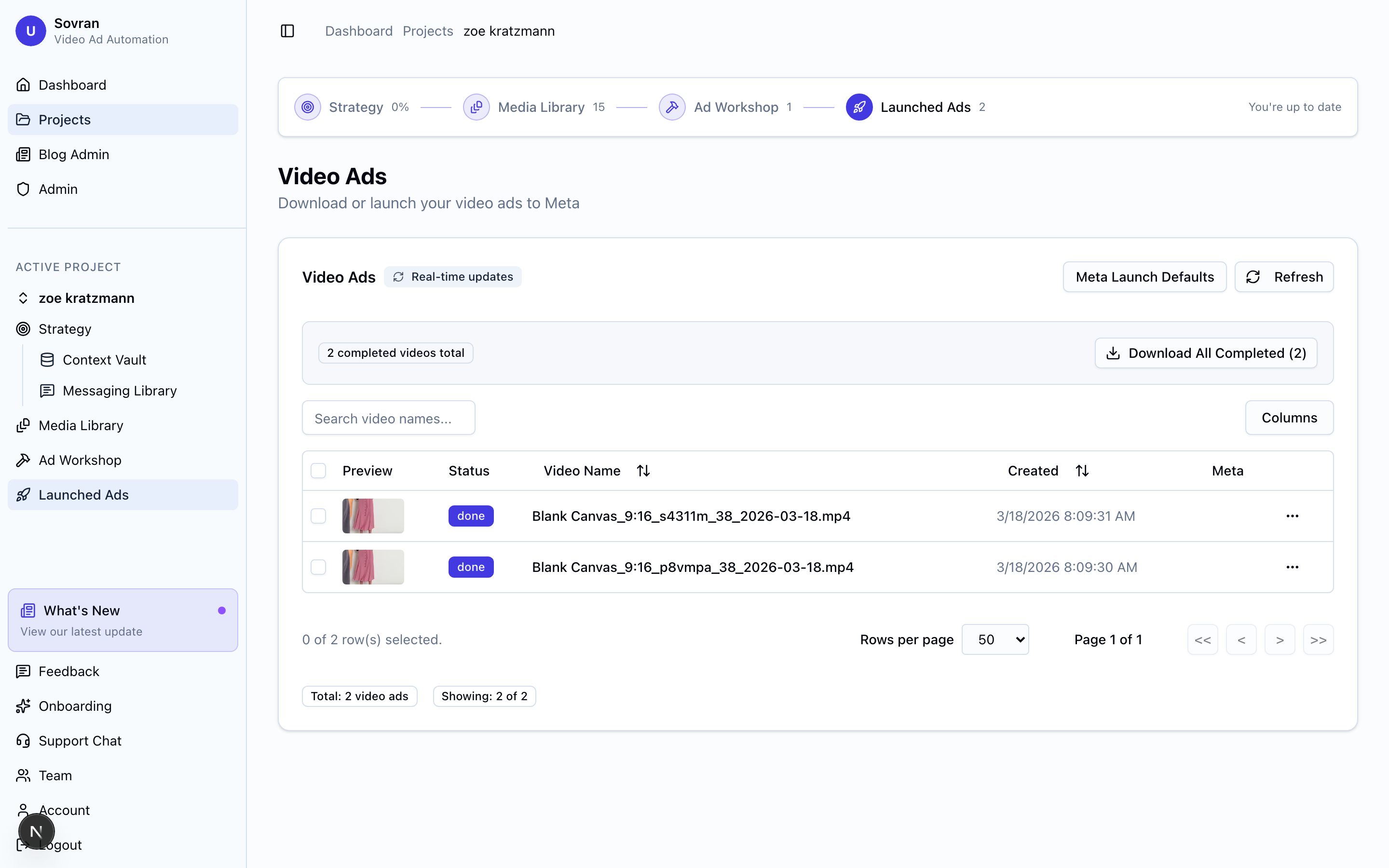
- Navigate to the Ads section of your project.
- Click "Connect Meta Account".
- You'll be redirected to Meta's OAuth flow. Log in with your Meta account and authorize Sovran.
- Select the ad accounts you want to connect.
- Click "Done" to return to Sovran.
Sovran only requests the permissions needed to create ads and upload media. We never modify your existing ads or campaigns without your explicit action.
Managing Connections
You can manage your Meta connection from Account Settings. If you need to disconnect or reconnect, you can do so at any time without losing your project data.
Troubleshooting
- "No ad accounts found" — Make sure you have advertiser access to at least one ad account in Meta Business Manager.
- "Authorization failed" — Try disconnecting and reconnecting. Ensure you're logging in with the Meta account that has access to your ad account.
Related Articles
Was this article helpful?