Meta Ads Publishing
Publishing Ads to Meta
Push rendered video ads directly to Meta Ads Manager in bulk.
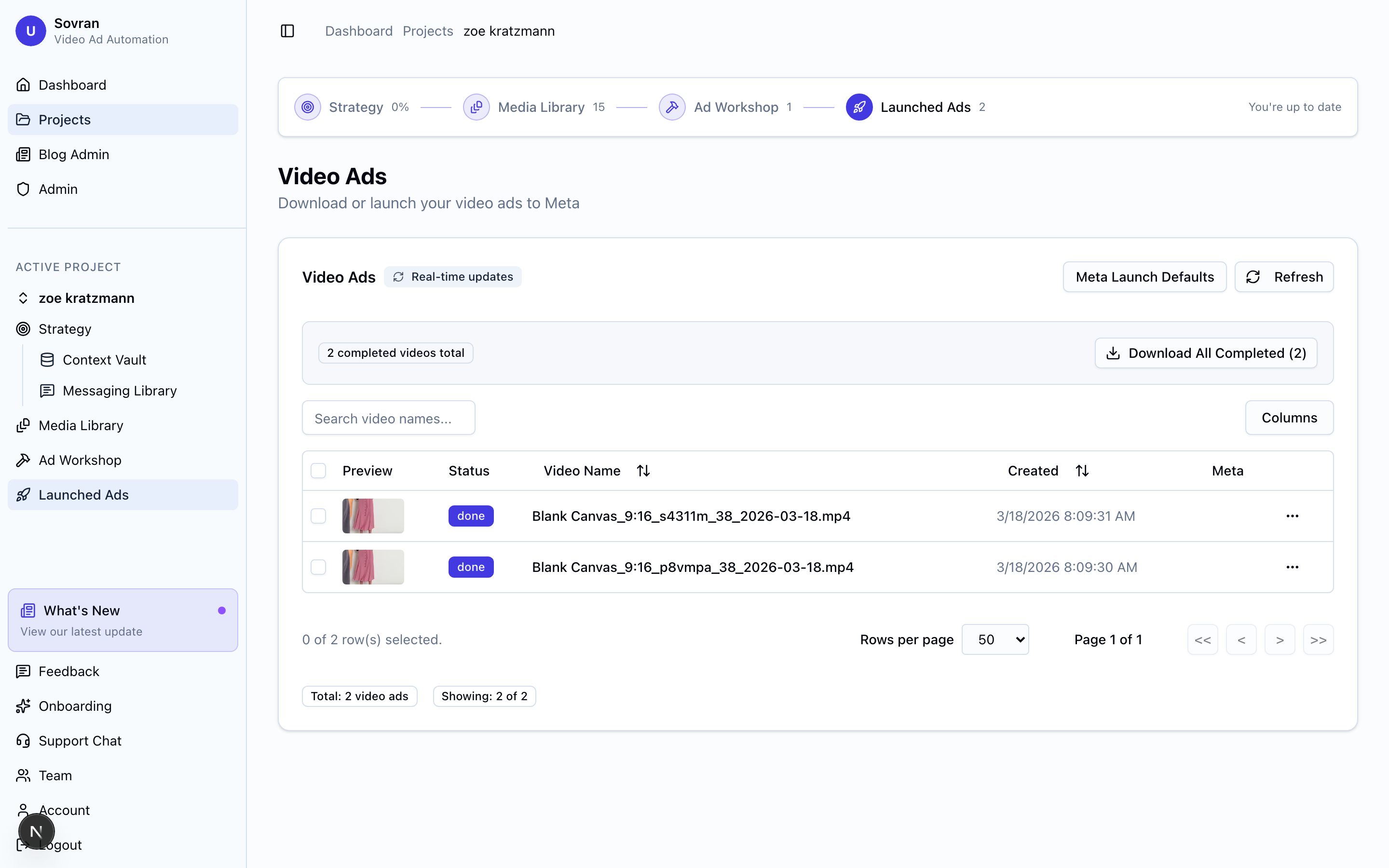
Publishing Workflow
- Select videos — In the Ads section, select the rendered video ads you want to publish.
- Choose campaign & ad set — Browse your existing Meta campaigns and select the ad set to publish into. You can also duplicate an existing ad set with targeting and budget pre-filled.
- Configure ad details — Set ad names, primary text, headlines, and destination URLs. Add UTM parameters for tracking.
- Add thumbnails (optional) — Upload multiple thumbnail options per video ad for thumbnail A/B testing.
- Publish — Click "Publish" to push all selected ads to Meta.
Bulk Publishing
Sovran supports bulk publishing with concurrency-controlled operations. You can push dozens or hundreds of ads at once without hitting Meta's API rate limits. The system queues and processes them automatically.
Ad Status
All ads are published in PAUSED state by default. This gives you a chance to review everything in Meta Ads Manager before the ads go live. Simply switch them to "Active" in Meta when you're ready to start spending.
Deep Links
After publishing, Sovran provides direct links to each ad in Meta Ads Manager. Click any link to jump straight to that ad for review, editing, or activation.
Related Articles
Was this article helpful?