How to Make 50 Video Ad Variations Fast
Learn how to create 50 video ad variations using the modular production method. 5 hooks x 5 bodies x 2 CTAs = 50 testable ads. Step-by-step guide for performance marketers.
Jump to a section
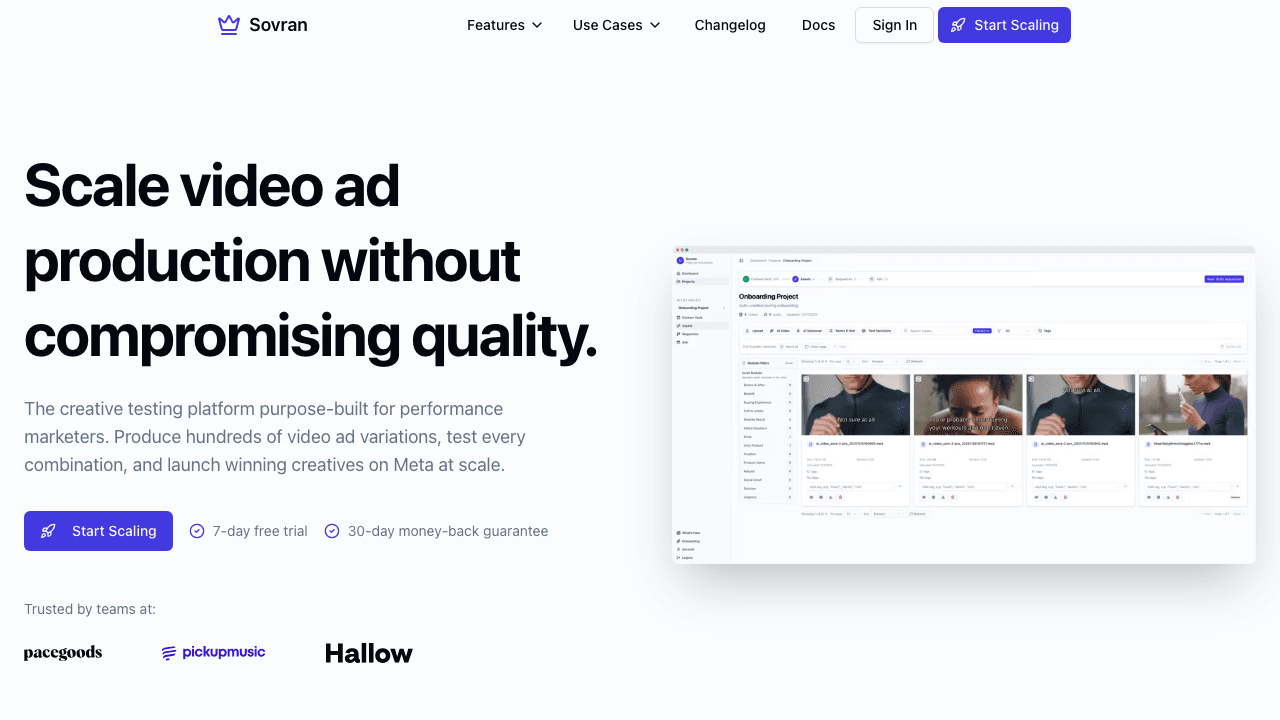
Most performance marketers know they need more creative variations. The data is clear: the more hooks, angles, and formats you test, the faster you find winners. The problem is that making 50 unique video ads sounds like it should take 50x the effort.
It does not. With modular video production, you can generate 50 ad variations from a handful of reusable components in a single session. Here is exactly how it works.
The Math Behind 50 Variations
Modular production breaks a video ad into interchangeable blocks. The standard structure for a direct response video ad is:
- Hook — the first 3 seconds that stop the scroll
- Body — the proof, demo, or story that builds interest
- CTA — the closing action you want the viewer to take
When you create 5 hooks, 5 bodies, and 2 CTAs, you get:
5 hooks × 5 bodies × 2 CTAs = 50 unique ad variations
Each variation is a different combination of components. Same footage, different sequences. This is the exact approach used by high-volume creative teams at DTC brands and agencies.
What You Need Before You Start
Before you build your 50 variations, gather these raw materials:
- 5 hook clips (3–5 seconds each) — different angles to stop the scroll. Try: bold claim, question, stat, UGC testimonial, and pattern interrupt.
- 5 body clips (10–20 seconds each) — different proof or demo angles. Try: product demo, before/after, social proof, feature walkthrough, and problem/solution.
- 2 CTA clips (3–5 seconds each) — different closing actions. Try: urgency-based ("Limited time") and benefit-based ("Start free today").
- Background music — 1–2 tracks that match your brand energy.
That is 12 total clips. From 12 clips, you will get 50 finished ads.
Step-by-Step: Creating 50 Variations
Step 1: Set Up Your Modular Project
Create a new project and define your ad structure. Set up three blocks: Hook, Body, and CTA. Each block is an independent slot that can hold multiple clip options.
Step 2: Upload Your Hook Variations
Add your 5 hook clips to the Hook block. Each clip is an option that will be swapped in and out across your 50 variations. Name them descriptively so you can track which hooks perform best later: "Hook-BoldClaim", "Hook-Question", "Hook-Stat", etc.
Step 3: Build Your Body Segments
Add your 5 body clips to the Body block. These are the middle sections of your ad. Each one tells a different story or shows a different angle on your product.
Step 4: Add CTA Options
Add your 2 CTA clips to the CTA block. Keep these short and direct. The CTA is the smallest variable but it can meaningfully impact conversion rates.
Step 5: Render All Combinations
With modular rendering, the system automatically generates every possible combination: 5 × 5 × 2 = 50 finished video ads. Each one is exported as a ready-to-publish file in your chosen aspect ratios (9:16, 4:5, 1:1, or 16:9).
Custom file naming tokens let you identify each variation by its components. For example: Brand_Hook-BoldClaim_Body-Demo_CTA-Urgency_9x16.mp4.
What to Do After You Have 50 Variations
Having 50 variations is only valuable if you test them systematically:
- Upload all 50 to Meta Ads — use Advantage+ Shopping or CBO campaigns and let the algorithm find winners.
- Identify the winning hook — after 48–72 hours, check which hook clips have the highest hook rate (3-second video plays / impressions).
- Double down on winners — take your top-performing hook and pair it with new body variations for the next round of testing.
- Kill losers fast — cut any variation with a hook rate below your account average within the first 3 days.
This cycle of test, learn, iterate is what separates teams that spend $10K/month from teams that spend $1M/month profitably.
Start Building Your 50 Variations
Ready to make 50 video ad variations without 50x the work? Subscribe now and set up your first modular project in minutes. The math works: 12 clips in, 50 ads out.
Already using a different tool for video ads? See how Sovran compares in our video ad creation software guide.

Manson Chen
Founder, Sovran
Related Articles

Storyboard Development: Scale Video Ad Production in 2026

8 Pattern Interrupt Techniques for Video Ads