11 Video Ad Creation Software Tools for Meta and TikTok
Choose video ad creation software for your next task: edit existing footage, generate a new scene, or build reusable ad variations. Compare 11 tools, their prices, and key limits.
Jump to a section
Video ad creation software can help you edit footage, generate a missing scene, or make more versions of an existing ad. Those tasks need different tools. A video generator can supply a new opening shot. A timeline editor gives you control of a finished cut. A modular ad tool lets you reuse hooks, body sections, and calls to action across a set of versions.
Start with the work your team repeats each week. If you make a few ads from templates, Adobe Express or Canva may fit. If you edit creator footage, look at CapCut, VEED, Descript, or Kapwing. If you need generated footage, compare InVideo and Runway. Sovran focuses on reusable ad variations. TikTok Symphony and Meta Advantage+ Creative help with work for their own ad platforms.
We build Sovran, which is included in this comparison. Compare each tool by its workflow, price basis, and buying limits.
Prices and product details reviewed September 7, 2026. Prices below use US dollars where a public US price was available. Annual rates require an annual commitment. Taxes, offers, regional prices, and usage charges can change the total.
Before you choose software, review these video ad examples. They show how hooks, product proof, and calls to action fit together.
Quick Comparison: 11 Best Video Ad Creation Tools
| Tool | Main task and useful workflow | Verified price basis | Main limit to check |
|---|---|---|---|
| Sovran | Reuse footage as hook, body, and CTA blocks; render ad combinations | Base: $99/month, or $66/month billed yearly | Monthly ad allowance; the tool does not replace campaign measurement |
| Adobe Express | Create template-based video ads with brand assets | Free; Premium listed at US$9.99/month | Check paid assets, AI credits, and required editing controls |
| Canva | Produce video and static campaign assets with shared brand elements | Free; Pro listed at US$180/year for one person | Plan access and AI allowance differ; test your exact video workflow |
| CapCut | Edit vertical footage, captions, and effects | Free tools; paid price varies by region, device, and offer | Premium effects and account access can affect the final export |
| VEED | Edit, caption, translate, and dub video in a browser | Free entry; check current paid quote | Confirm subtitle, translation, AI, and user limits |
| InVideo | Generate video from a brief using AI models and stock media | Plus shown as $17/month, billed $200 yearly | Model credit cost and generation concurrency |
| Descript | Edit spoken content through its transcript | Free; Hobbyist $16/person/month annually or $24 monthly | Media hours, AI credits, and plan-specific exports |
| Runway | Generate new scenes and visual concepts | Free entry; Standard $12/month annually or $15 monthly | Credits and usable output per generation |
| TikTok Symphony Creative Studio | Generate and edit content designed for TikTok | Free creation tool; ad delivery is separate | TikTok-focused workflow; check account access and output rights |
| Meta Advantage+ Creative | Apply creative variations and enhancements in Ads Manager | Available through Ads Manager; campaign spend is separate | Account-specific features and limited control outside Meta |
| Kapwing | Edit and repurpose clips in a shared browser workspace | Free; Pro $16/member/month annually or $24 monthly | AI credits, export limits, and the number of paid seats |
InVideo's page displays a rounded monthly equivalent beside the $200 yearly charge. Use the annual total when comparing costs. For VEED, check the current paid plans for the users and usage your team needs.
For a starting layout, use this free ad template guide. For tools outside video production, see our AI content creation tools guide.
1. Sovran
Sovran is our product. It is designed for teams that turn existing footage into repeatable paid social ads. You can organize clips into a hook, body, and call to action, then combine approved assets into new versions. The workflow supports multiple aspect ratios and file naming that identifies each combination. See the modular video workflow.
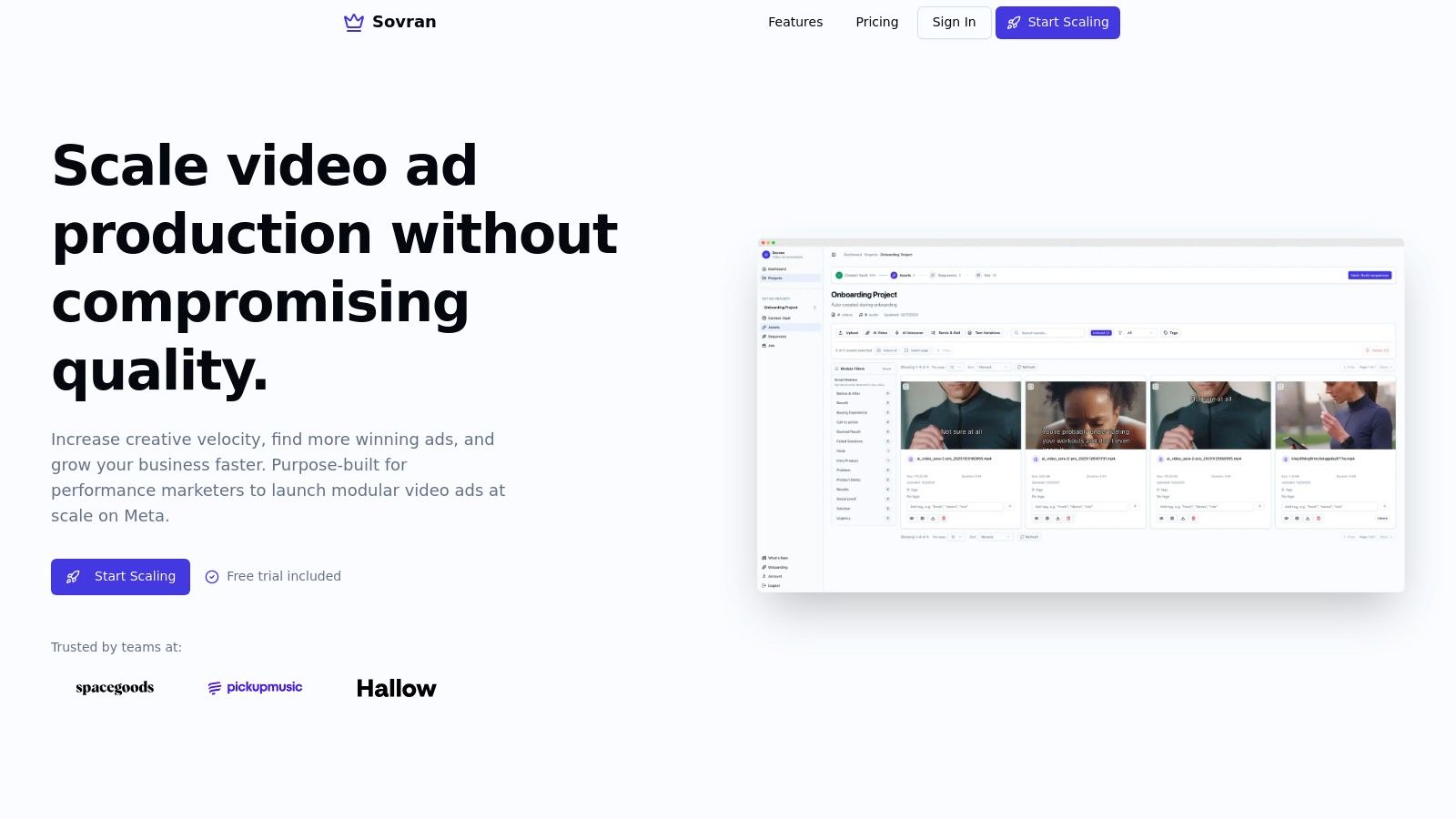
This is useful when you want to compare three opening hooks while keeping the body and offer constant. Start with a small set of combinations, review the results, and send approved ads to your campaign workflow. Producing versions is one step. You still need a campaign setup that can measure the change you want to test.
Best fit: Performance teams with reusable footage and a regular ad testing schedule.
Buying limit: Compare your expected monthly ad output with the plan allowance. For a complex one-off film, assess the required editing controls separately.
Pricing: Base lists 50 modular video ads at $99 monthly, or $66 per month billed yearly. Check the current Sovran plans for allowances and offers.
2. Adobe Express
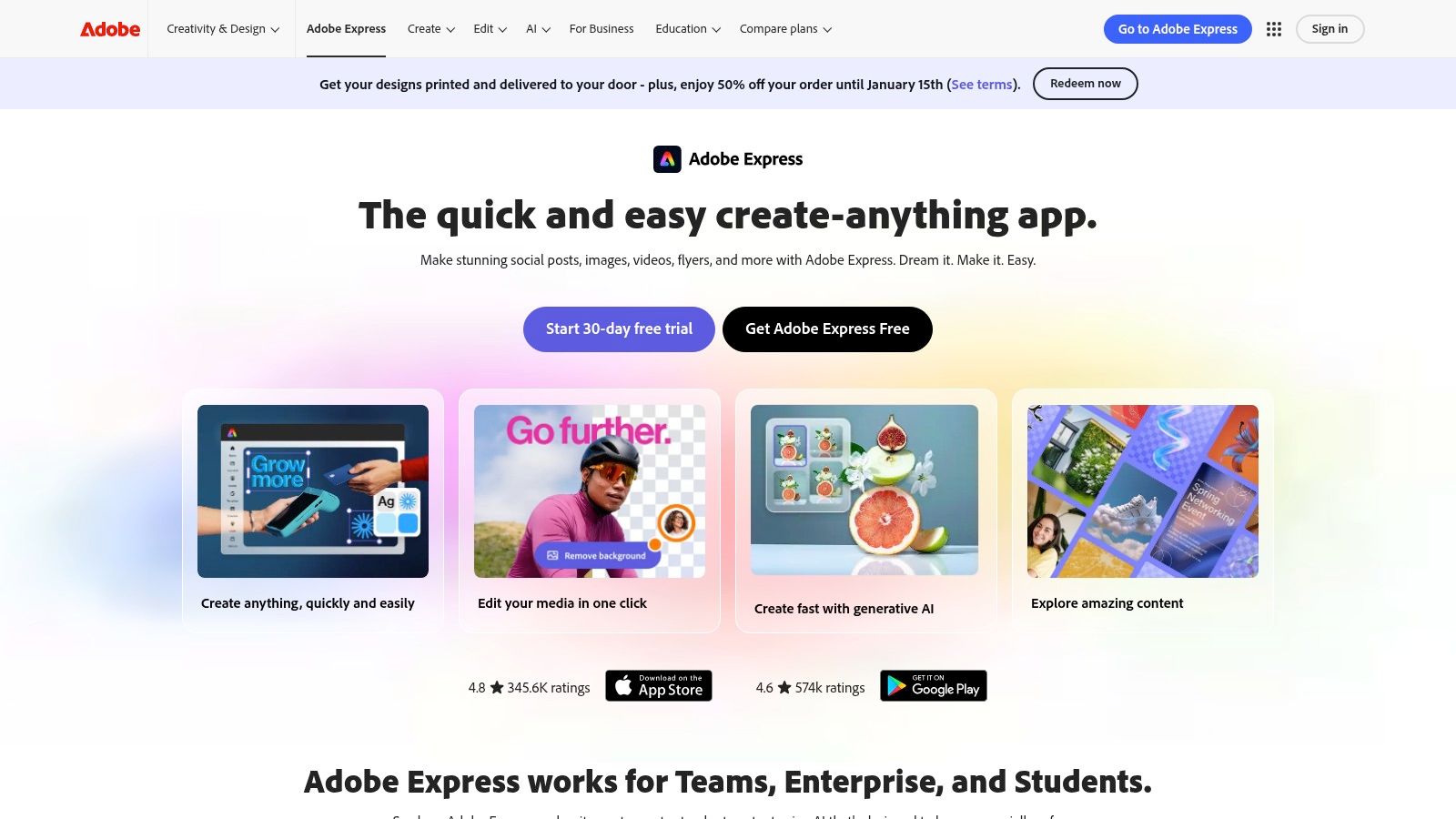
Adobe Express combines drag-and-drop video creation with templates, stock assets, captions, and brand tools. It can fit a marketing team that needs a short product ad and matching campaign graphics. Adobe also documents linked Photoshop and Illustrator assets, which can help a designer and marketer use the same brand material. Adobe Express features and pricing.
Best fit: Template-based campaign production, especially when the team already maintains assets in Adobe tools.
Buying limit: Check the precise controls needed for a finished cut. Do not assume an Express project can open as an editable Premiere Pro timeline.
Pricing: A free plan is available. Premium is listed at US$9.99 per month. Paid templates, brand features, and AI allowances depend on the plan.
3. Canva
Canva is useful when the same team makes static ads, presentations, and short videos. Its shared design environment lets people start with a template, place brand assets, and adapt a campaign to another format. Pro includes resize and translation tools. Business adds further brand and approval controls. Canva plan comparison.
Best fit: Small marketing teams that want video inside their existing design process.
Buying limit: Try the exact edit you need, including caption placement, audio changes, and multiple ad versions. Template access alone does not show how much repeated work remains.
Pricing: Free is available. The US page lists Pro at $180 per year for one person. Business is listed at $250 per year per person. Check regional billing before purchase.
4. CapCut
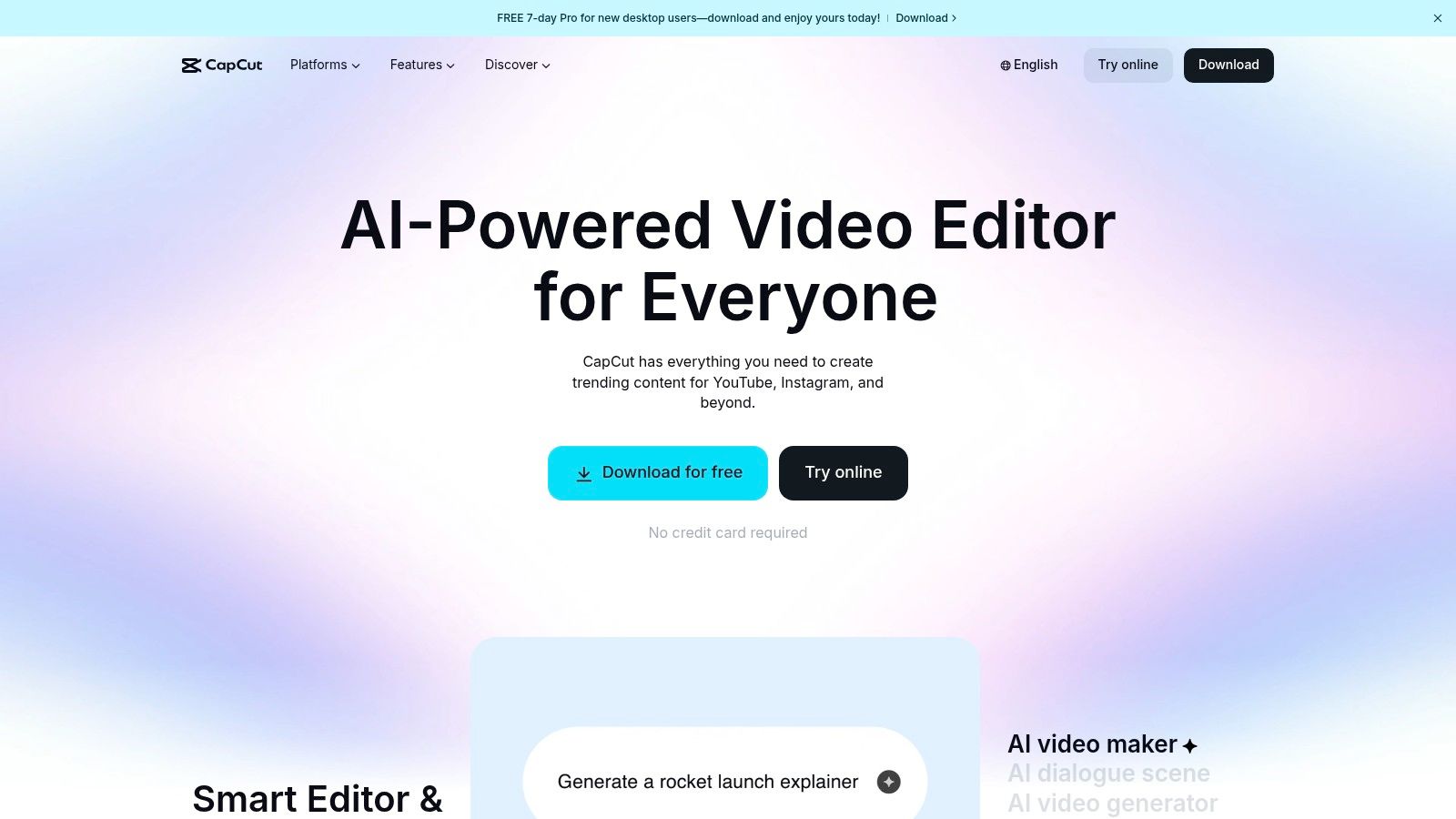
CapCut offers video editing on web, desktop, and mobile. Its editing tools, effects, and captions suit creator footage and vertical social ads. Automatic captions turn speech into text that you can review and correct. CapCut video editor.
Best fit: An editor who needs direct control over a short video and its captions.
Buying limit: Check the final export with the exact effects, templates, audio, and account you will use. Confirm that those assets permit your intended advertising use.
Pricing: Free tools are available. CapCut says paid prices vary by region, device, and promotion. Use the price shown in your account. A single universal Pro price would be misleading. CapCut pricing explanation.
5. VEED
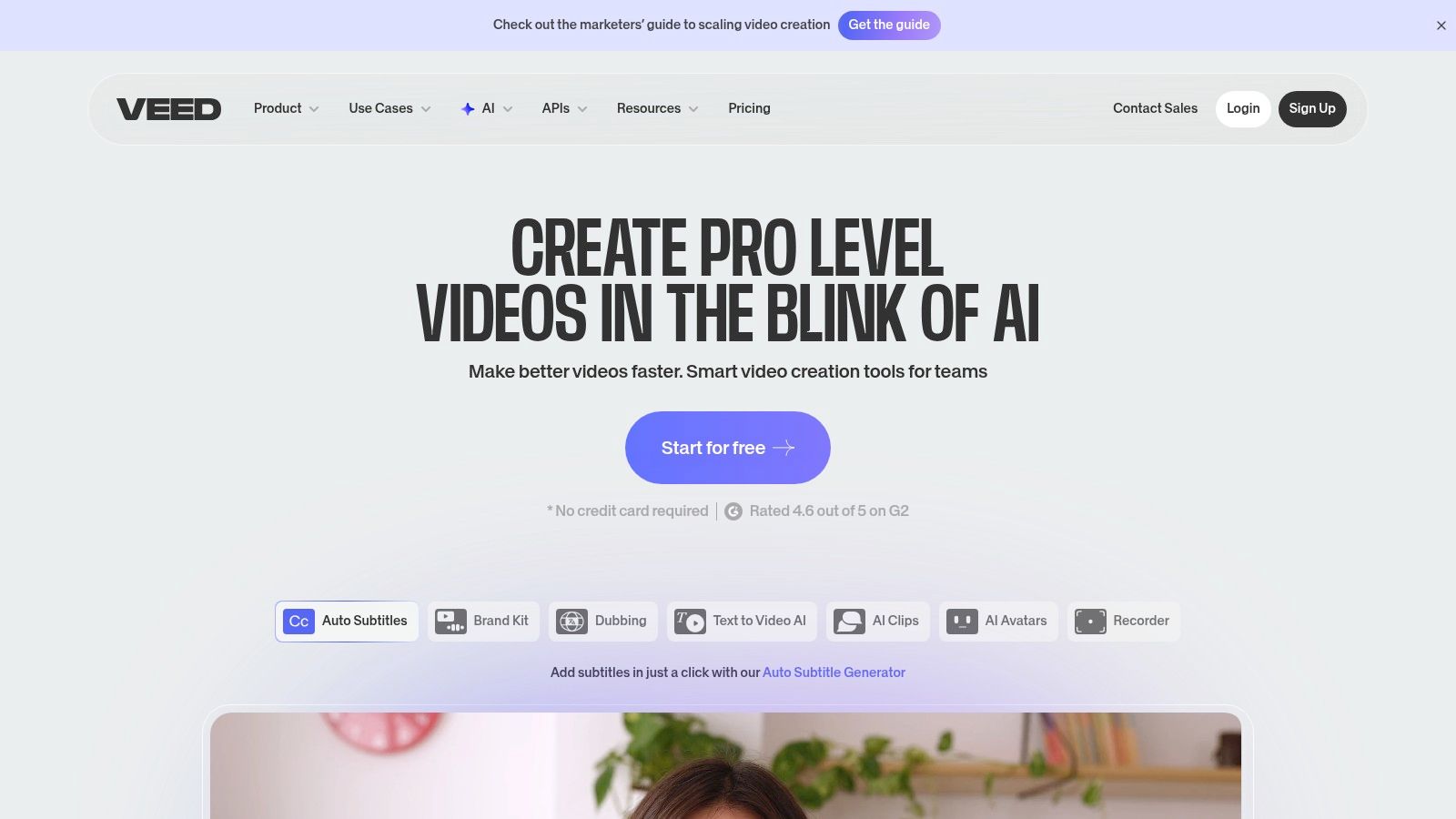
VEED combines browser editing with captions, video translation, dubbing, and AI creation tools. It is a useful candidate when an ad needs both a finished edit and language versions. Keep a human review step for names, product claims, pronunciation, and text placement. VEED features and pricing.
Best fit: Teams making captioned or translated social videos in a browser.
Buying limit: Price the number of users, subtitle minutes, translated minutes, and AI operations you expect. These are different forms of usage.
Pricing: VEED offers a free entry point. Check its current paid plans and export terms for your required features and number of users.
6. InVideo (Invideo AI + Studio)
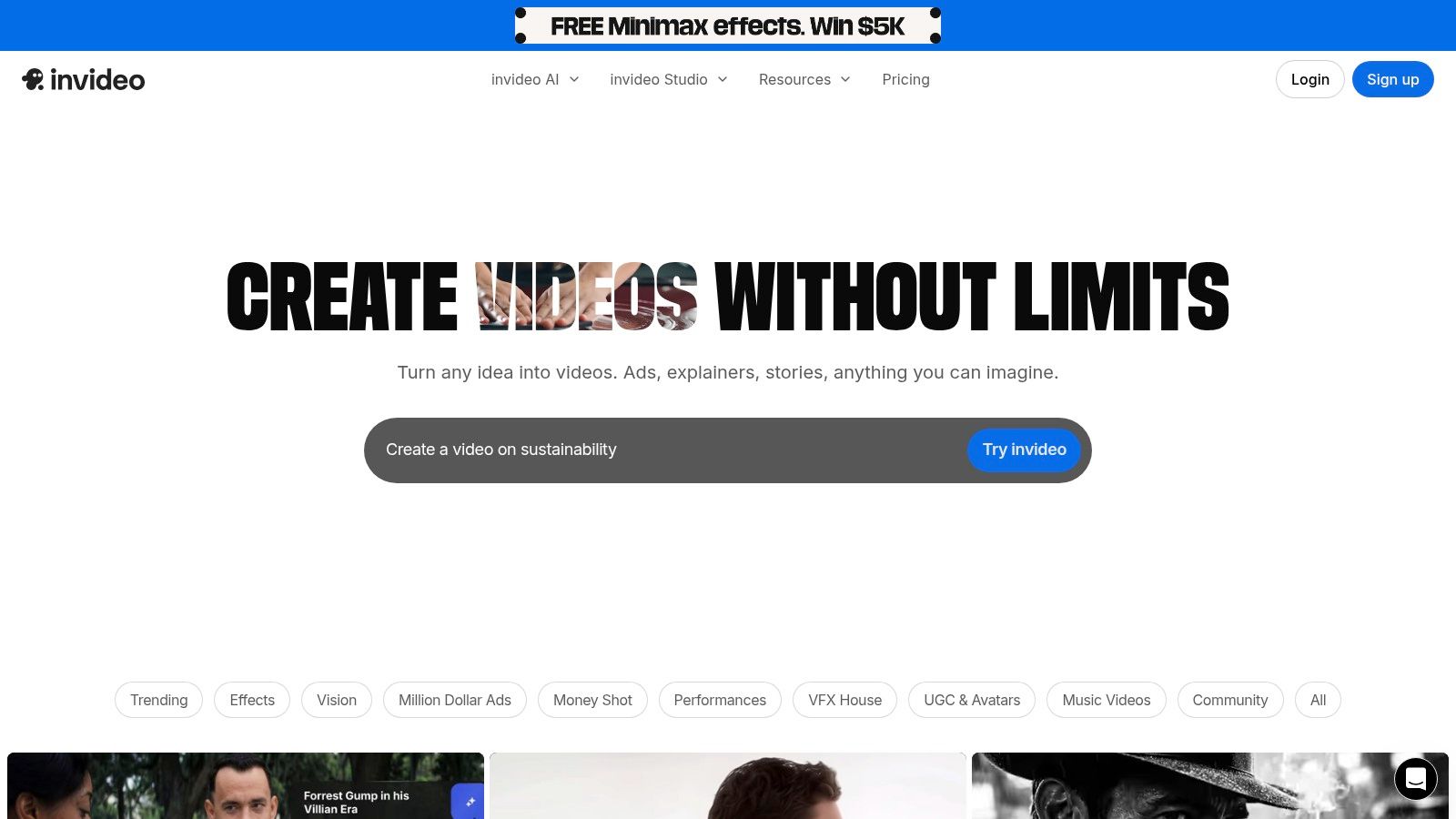
InVideo AI gives teams access to video generation workflows, AI models, avatars, and stock media. The site also lists InVideo Studio as its online editing product. Check which product and plan cover your intended workflow instead of assuming one subscription includes a seamless project transfer. InVideo plans.
Best fit: Marketers turning a brief into a video draft with generated or stock visuals.
Buying limit: Compare the credit cost of your chosen models and the number of generations you can run at once. Inspect the generated product details before using them in an ad.
Pricing: Plus is displayed at $17 per month, billed $200 yearly. The listed plan includes 750 monthly credits and watermark-free exports. Credits fund generation and other features; they are not a count of finished ads.
7. Descript
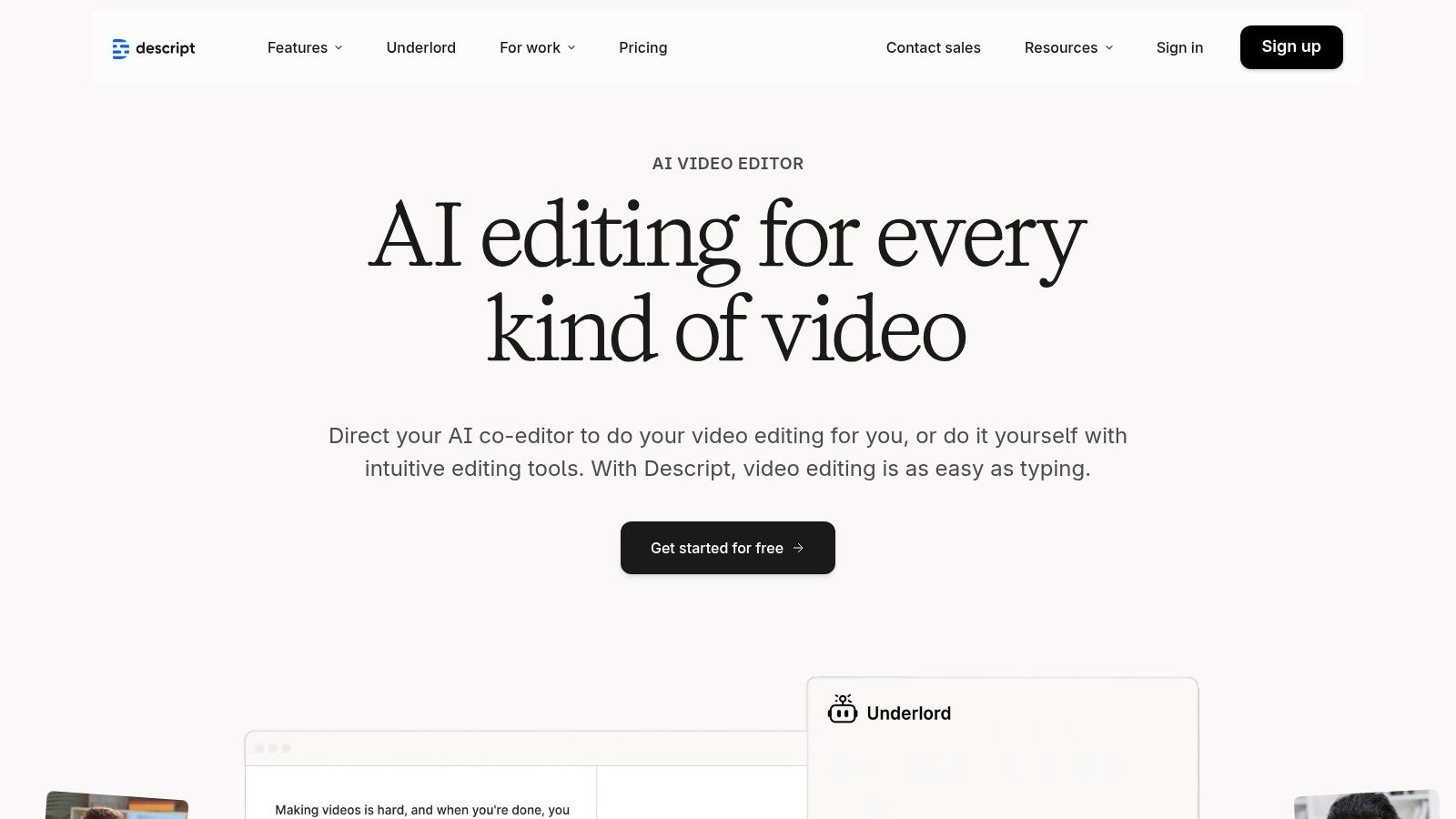
Descript lets you edit spoken video by changing its transcript. That makes it useful for testimonials, product explanations, and founder videos. Its tools include captions, Studio Sound, clip creation, and AI speech. Descript features and plans.
Best fit: A team that needs to shorten and clean spoken content before turning it into ads.
Buying limit: Check media hours and AI credits separately. Make sure the export resolution and team features you need are included.
Pricing: Free is available. Hobbyist is listed at $16 per person per month with annual billing, or $24 with monthly billing. Creator is listed at $24 annually or $35 monthly per person.
8. Runway
Runway is a candidate when the ad needs a new visual: a concept scene, product setting, or opening shot. Its current plans provide access to image and video generation models. Runway plans and model costs.
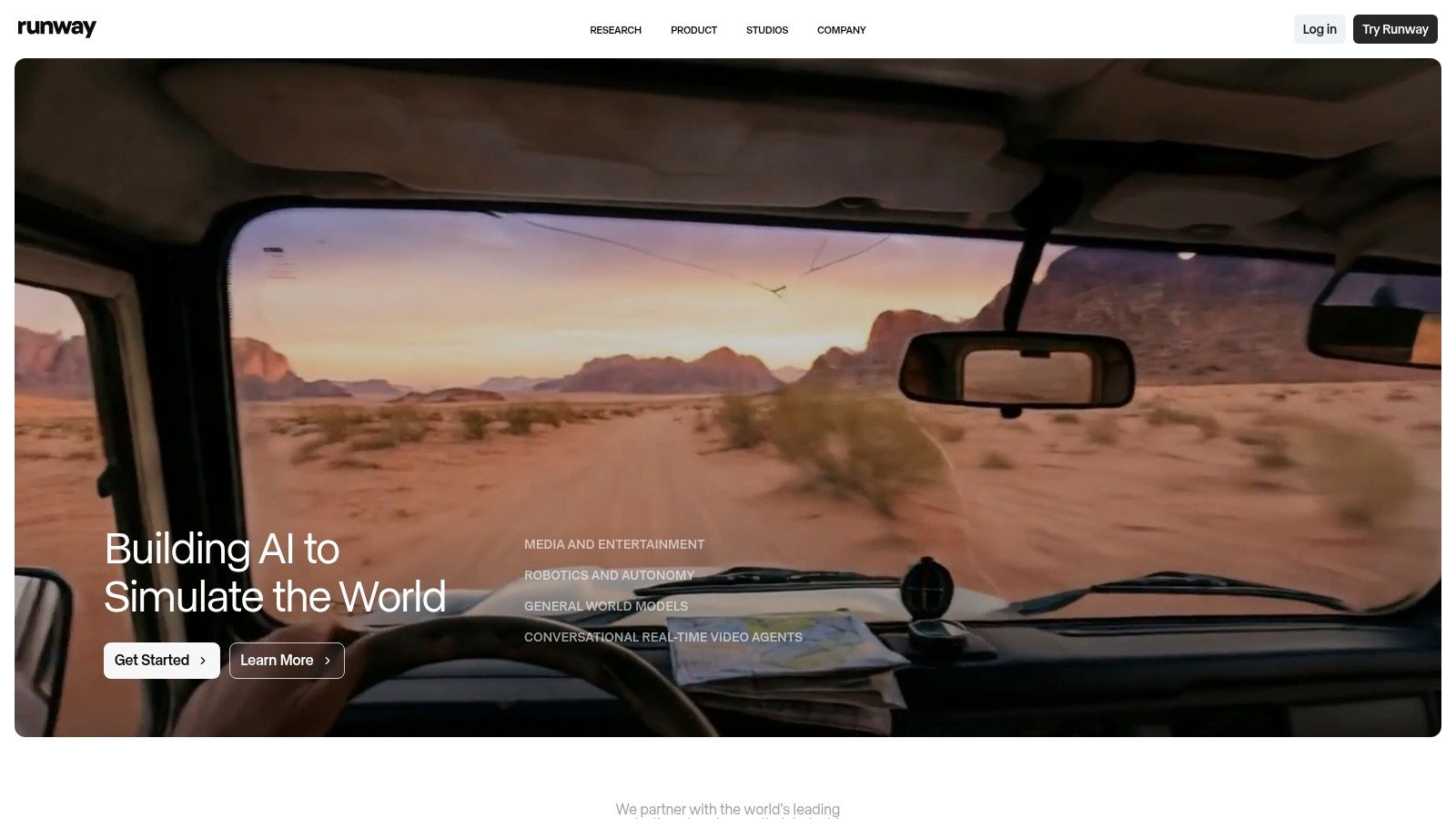
Best fit: Creative teams generating missing footage or exploring visual directions.
Buying limit: Count the attempts needed to get an approved clip. A generated scene can still need editing, captions, product review, and assembly with other assets.
Pricing: Free includes a one-time credit allowance. Standard is listed at $12 per month billed annually, or $15 billed monthly, with 625 monthly credits. Generation cost differs by model. The number of credits is not a fixed number of complete ads.
9. TikTok Symphony Creative Studio
Symphony Creative Studio is TikTok's free creation tool for organic and paid TikTok content. It includes generation, avatars, editing, translation, and dubbing. TikTok states that Symphony has no direct connection to its algorithm. Access to the tool does not mean an ad will receive better delivery. TikTok's Symphony guide.

Best fit: Teams whose immediate task is to create or adapt content for TikTok.
Buying limit: Confirm access in your business account and review the terms for the assets you use. TikTok documents options to export to Ads Manager or download, so the tool is not limited to assets that remain inside the editor. Symphony workflow overview.
Pricing: The creation tool is free. Paid campaign delivery has a separate ad budget.
10. Meta Advantage+ Creative
Meta Advantage+ Creative applies changes to ad assets within Ads Manager. Meta documents creating variations from uploaded images or video and using enhancements such as music. It is relevant after you have source assets and want to prepare an ad for Meta's placements. Meta's description of Advantage+ Creative.
Best fit: Advertisers checking available creative enhancements during Meta campaign setup.
Buying limit: Inspect the options and previews in your account. Feature availability can differ by ad, placement, and account.
Pricing: Access this workflow through Ads Manager. Check the options available to your account. Budget for campaign delivery separately from external production software.
Keep the original approved asset so you can compare what changed. If you need named, reusable versions for several platforms, prepare those files in your production workflow first.
11. Kapwing
Kapwing is a browser editor with shared workspaces, subtitles, translation, clip creation, and AI tools. It is a candidate for teams that turn longer recordings into short ad assets and need a common place to edit them. Kapwing plan comparison.
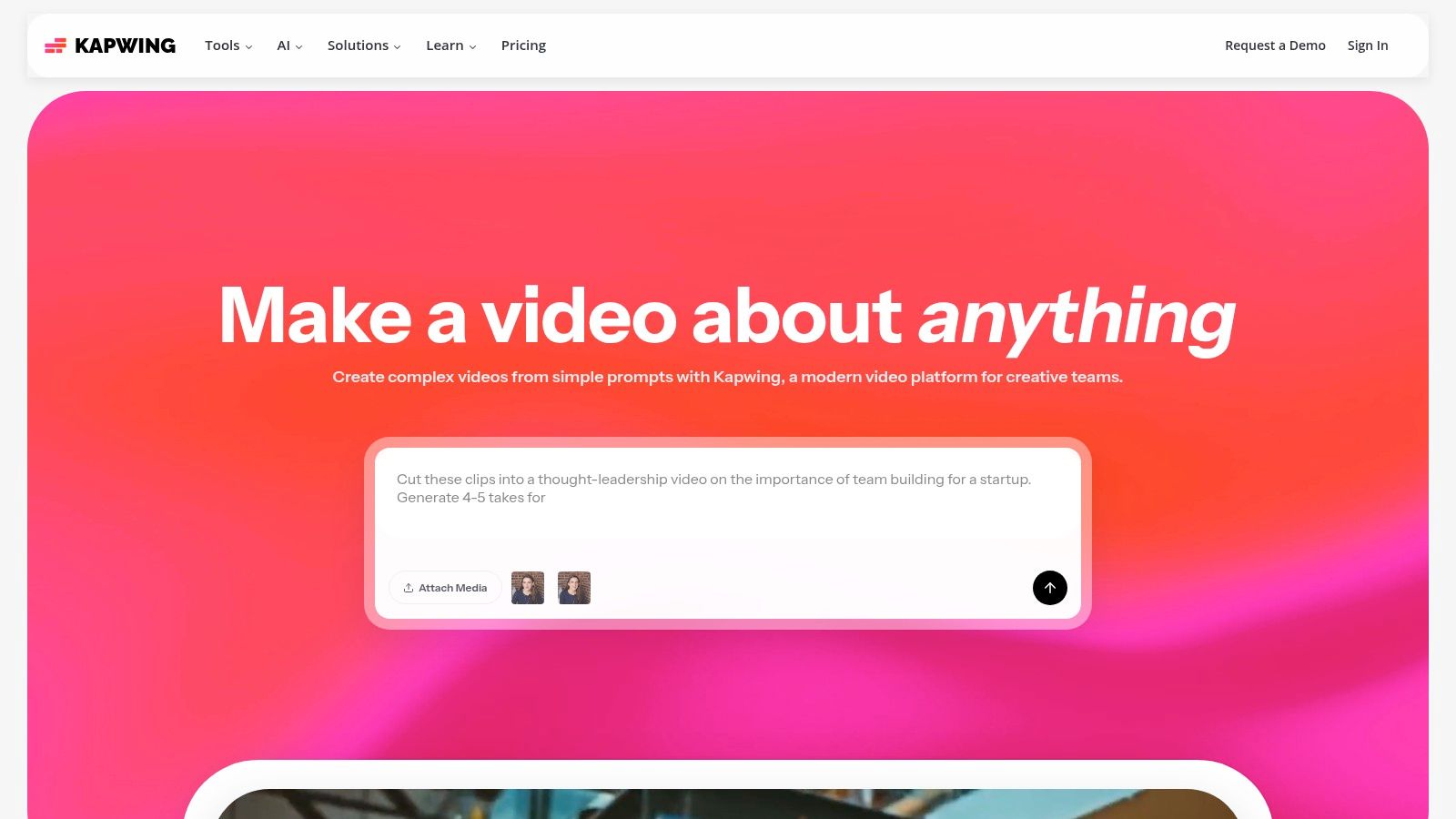
Best fit: Social teams and agencies that edit and repurpose content together.
Buying limit: Count paid members and AI usage. Check the export resolution, watermark, and maximum duration before assigning a production project to a free account.
Pricing: Free exports have a watermark and a four-minute limit. Pro is listed at $16 per member per month billed annually, or $24 monthly. The Pro plan lists 1,000 monthly credits.
Choosing the Right Tool for Your Ad Creation Workflow
Start with the source material
If you have a clear script and good footage, test an editor first. If a key scene is missing, test a generator for that scene. If the footage is already approved and the repeated work is changing hooks or offers, test a modular workflow.
An example makes the distinction clear. Suppose you have one product demonstration, three opening hooks, and two calls to action. You can assemble six combinations without changing the demonstration. A useful tool should let you review each version, identify its components, and return to the source when you need a correction. Our video ad variation workflow explains that approach.
Compare the cost of approved output
Use the same small brief in each shortlisted tool. Include your own footage, brand font, captions, music, and target aspect ratio. Make one finished ad and a second version with a different hook.
Record the editing time, generation attempts, export limits, and paid features required. Add team seats and usage charges to the subscription cost. This gives you a more useful comparison than the lowest headline price.
Separate production from measurement
A tool that creates six versions has not proved which version performs best. Decide what you will change before launch. Keep a record of each hook, offer, and CTA. Then measure the result in your ad platform or reporting workflow.
If your main question is about experiments and results, use our creative testing software comparison. If you first need to make the ad files, choose the production workflow in this guide.
For teams that want to reuse approved footage, explore Sovran's modular video ads and compare the current plans. Start with a small set of versions you can review and use in a defined test.
Compare the tools before you commit
Compare video ad tools by their editing, generation, and creative testing features. Choose the workflow that fits your team.
See Every Sovran Comparison Page
Review competitor breakdowns for Creatify, Canva, InVideo, Runway, and the rest in one place.
Browse comparisons- AI video comparisonOpen comparison
Runway Alternative
See the difference between AI-generated footage tools and modular ad-production workflows.
- Competitor pageOpen comparison
Creatify Alternative
Evaluate high-volume ad testing workflows against UGC-focused generation tools.
- Direct conversionStart Scaling
Start scaling when you're done comparing
Go straight into signup and choose a paid plan if you already know Sovran fits your workflow.
Frequently asked questions

Manson Chen
Founder, Sovran
Related Articles
How to Turn Link Into Video: Ads That Convert in 2026
Learn how to turn link into video for Meta & TikTok ads. Leverage AI to scale creation, boost ROI, and succeed in 2026.
- ai-video-generation
- link-to-video-ads
- 6 more
10 Actionable Ad Creative Ideas That Convert in 2026
Discover 10 actionable ad creative ideas for Meta & TikTok. Get hooks, scripts, and testing frameworks to boost your ROAS and combat creative fatigue.
- ad-creative-ideas
- video-marketing
- 6 more
Your Ultimate Guide to UGC Style Video Ads
Master UGC style video ads for Meta and TikTok. This guide reveals proven frameworks, scripts, and scaling tactics to boost your ROAS in 2026.
- ugc-video-ads
- social-media-advertising
- 4 more