Performance video ad software: Scale Creative Production and Testing
Discover how performance video ad software drives scalable creative production and rapid testing—learn features, benefits, and tips to choose the right tool.
Jump to a section
So, what exactly is performance video ad software?
Think of it as an automated platform built from the ground up to help marketers rapidly create, test, and iterate on video ad creatives at a massive scale. It's a fundamental shift away from traditional, one-off video editing. Instead, it treats ad creation like a high-speed assembly line designed specifically for the relentless demands of performance marketing.
What Is Performance Video Ad Software?
Imagine trying to build a brand-new car model using the tools from a custom bicycle shop. The process would be slow, the tools wouldn't fit, and building more than one would be a nightmare. That's exactly what it feels like when performance marketing teams try to use traditional video editors like Adobe Premiere Pro or CapCut for their creative workflow. These tools are fantastic for crafting a single, polished masterpiece, but they become a huge bottleneck when you need to test fifty ad variations by next week.
Performance video ad software is the purpose-built car factory for your ad campaigns. It isn't just another editor—it's an entire operating system with a single mission: to find out what creative actually drives results. This software is built for the user acquisition (UA) managers and media buyers who live and breathe metrics like ROAS, CPA, and conversion rates.
The Shift From Manual Editing to Scalable Production
The biggest problem this kind of software solves is the painfully manual and slow process of creating ad variations. On platforms like Meta and TikTok, creative fatigue is a real and constant threat. An ad that was a top performer last week can suddenly see its effectiveness dive. The only way to stay ahead is to constantly test new hooks, different visuals, and fresh calls-to-action.
This endless need for new content creates a few major headaches for growth teams:
Slow Turnaround Times: Manually editing dozens of slight video variations is incredibly time-consuming and eats up your team's creative energy.
Creative Bottlenecks: Growth teams often have way more testing ideas than the creative team has the bandwidth to produce, creating a backlog that stalls campaigns.
Difficulty Scaling Winners: Even when you find a winning concept, recreating it with small tweaks to scale across new audiences is yet another manual, repetitive chore.
To really see the difference, let's break down the old way versus the new way.
Manual Editing vs Performance Software
The traditional approach just can't keep up with the speed needed for modern performance marketing. Here's a side-by-side look at how a dedicated platform changes the game.
Feature | Manual Editing (e.g., CapCut) | Performance Software (e.g., Sovran) |
|---|---|---|
Asset Management | Disorganized folders, manual searching | Centralized library with tags, filters, and AI-powered search |
Ad Creation | Linear, timeline-based editing for each ad | Modular "building block" system; assemble ads from components |
Variation Generation | Manual duplication and replacement of elements | Automated generation of hundreds of variations in minutes |
Rendering Process | One-by-one, time-consuming exports | Bulk, cloud-based rendering for massive batches of ads |
Feedback Loop | Slow and disconnected; requires separate analytics tools | Integrated performance data to inform the next creative sprint |
Scalability | Extremely limited; linear increase in time per ad | Nearly infinite; generate 10 or 1000 ads with similar effort |
Best For | One-off, highly polished hero videos or organic content | High-volume, data-driven creative testing and iteration |
Ultimately, a manual workflow forces you to choose between quality and quantity. Performance software is designed to deliver both, letting you test more ideas without sacrificing the polish that captures attention.
An Engine for Growth in a Competitive Market
Performance video ad software tackles these challenges by automating the most repetitive and time-intensive parts of the creative process. Instead of starting from scratch with a blank timeline for every ad, you build your creatives from modular components—like Lego blocks. This approach allows your team to generate hundreds of unique ad combinations in minutes, not days.
This capability is quickly becoming a necessity, not a luxury. The global digital video advertising market was valued at USD 12.21 billion and is projected to explode to USD 47.62 billion by 2033. That’s a compound annual growth rate (CAGR) of 16.33%. This kind of growth means more competition and a greater need for solutions that can iterate at the speed of the market. You can dive deeper into these trends with market insights from Straits Research.
At its core, performance video ad software transforms creative strategy from an art form into a science. It empowers teams to test hypotheses systematically, learn from data faster, and deploy capital more effectively by quickly identifying and scaling what works.
What's Under the Hood? The Core Features That Actually Drive Performance
To really get why performance video ad software is such a game-changer, you have to look past the surface. We're not talking about your standard video editor that’s built for one-off projects. These platforms are engineered from the ground up for one specific purpose: creating high-performing video ads at speed and scale.
Think of it like this: a traditional editor is like a sculptor carving a statue from a single block of marble—a slow, meticulous process. Performance software is more like building with a massive set of Lego blocks. You have all these individual pieces you can snap together in endless combinations to build, test, and rebuild new ideas in a fraction of the time.
This "modular" approach is the secret sauce. It's about breaking ads down into their core components—the hook, the body, the call-to-action—so you can mix and match them on the fly. Let's dive into the four key features that make this all possible.
This diagram perfectly illustrates the shift from the old way of doing things—slow, manual, one-at-a-time—to the modern, factory-like model that lets you scale your creative output.
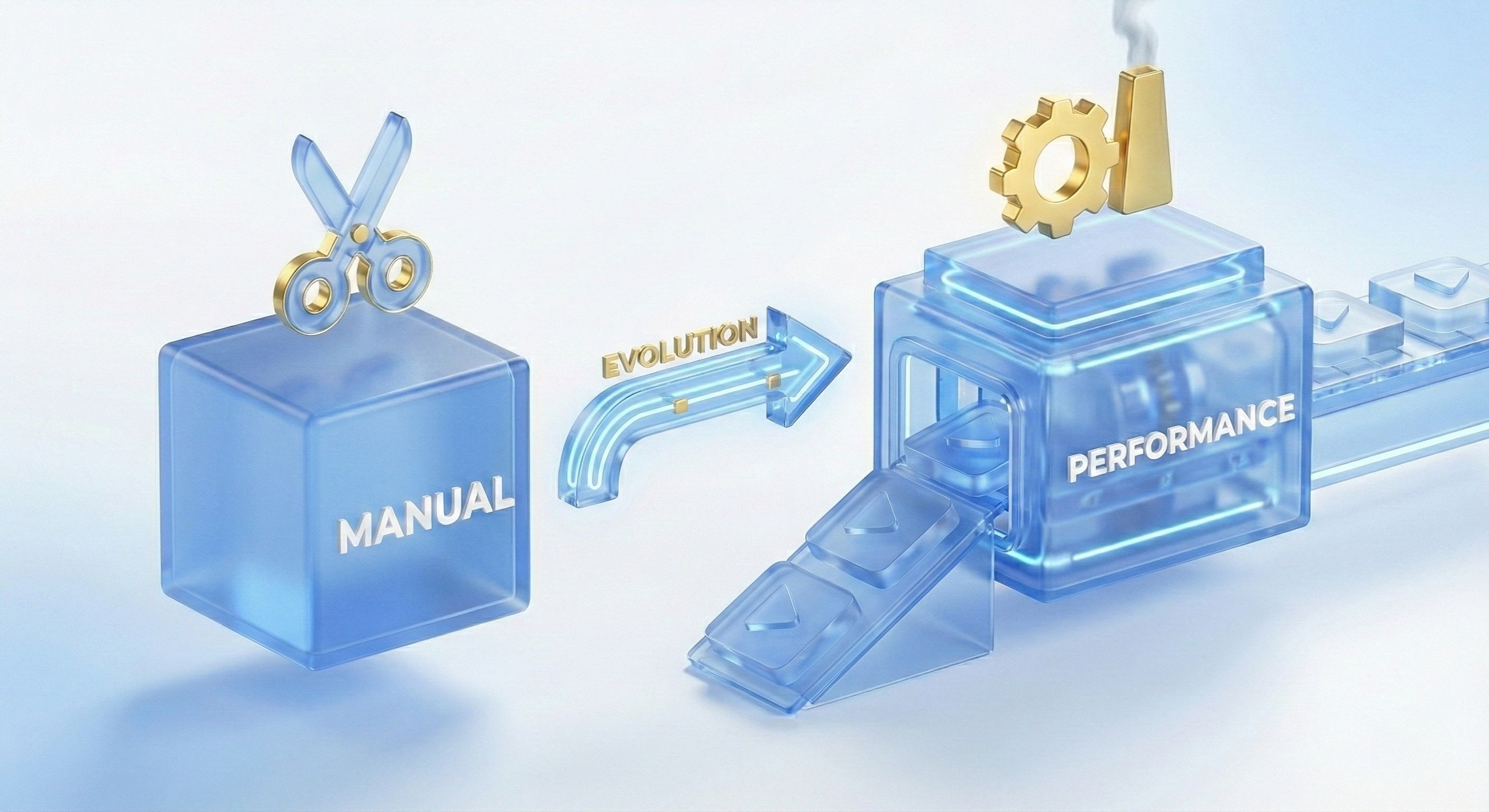
The real takeaway here is that we’ve moved from individual craftsmanship to a systematic production line. It’s a necessary evolution for any team trying to keep up with the demands of today’s ad platforms.
AI-Powered Asset Management
It all starts with your raw ingredients: your video clips, images, sound effects, and music. In most setups, these assets are scattered across a chaotic mess of folders. Finding that one perfect clip becomes a frustrating treasure hunt.
An AI-powered asset management system completely flips the script. When you upload a file, the AI doesn't just store it; it watches it. It understands what's happening and automatically tags the content.
So, instead of searching for "Final_Clip_V3.mp4," you can just type in what you're thinking, like "person unboxing a product" or "high-excitement gameplay footage." The system instantly pulls up every relevant clip, turning that messy library into an intelligent, searchable database that works the way your brain does.
Modular Ad Building
With your assets finally organized, you can get to the fun part: modular ad building. This is where you start snapping those "Lego blocks" together. You can create ad templates based on proven direct-response formulas that you know already work.
Hook-Body-CTA: The bread-and-butter structure for most performance ads.
Problem-Agitate-Solution: A classic storytelling framework that taps directly into customer pain points.
UGC Testimonial Mashups: A fantastic way to stitch together authentic social proof for maximum impact.
Because each piece of the ad is an independent module, you can swap out a hook, test a different call-to-action, or drop in new B-roll without having to start from scratch. If you want to go deeper on this, our full guide on https://sovran.ai/blog/automatic-video-editing is a great place to start.
AI-Powered Generation
Sooner or later, every creative team hits a wall. You've used your best footage, you're running out of fresh ideas, and the well is running dry. This is precisely where AI-powered generation steps in to save the day.
Modern platforms can analyze your top-performing ads and your brand's style guide to generate entirely new, on-brand content from scratch. This isn't just about tweaking what you already have. The AI can write new ad copy, suggest text overlays, or even create entirely new B-roll footage to fill the gaps in your content library. It essentially acts as a tireless creative partner, always ready with a fresh angle.
Bulk Rendering and Platform Integration
This is the final piece of the puzzle that brings it all together. You've used your modular templates to create a bunch of new ad concepts. Now, with bulk rendering, you can generate hundreds of unique variations in just a few minutes.
You simply select a few different hooks, a handful of body segments, and a couple of CTAs. The software then does the heavy lifting, automatically combining them into every possible permutation and rendering them all simultaneously in the cloud.
A User Acquisition manager for a mobile game can create 50 distinct ad variations for a new campaign in under an hour. Manually, that same task would have taken a creative team days. This is the real-world impact of a purpose-built system.
Many of these tools also offer direct integrations with the major ad platforms. This means you can get guidance on how to effectively scale Facebook Ads and then push all your newly rendered creatives straight to your Meta or TikTok ad accounts. Everything is automatically named and organized, making your A/B testing clean, simple, and incredibly fast.
How Automation Accelerates Your Testing Cycles
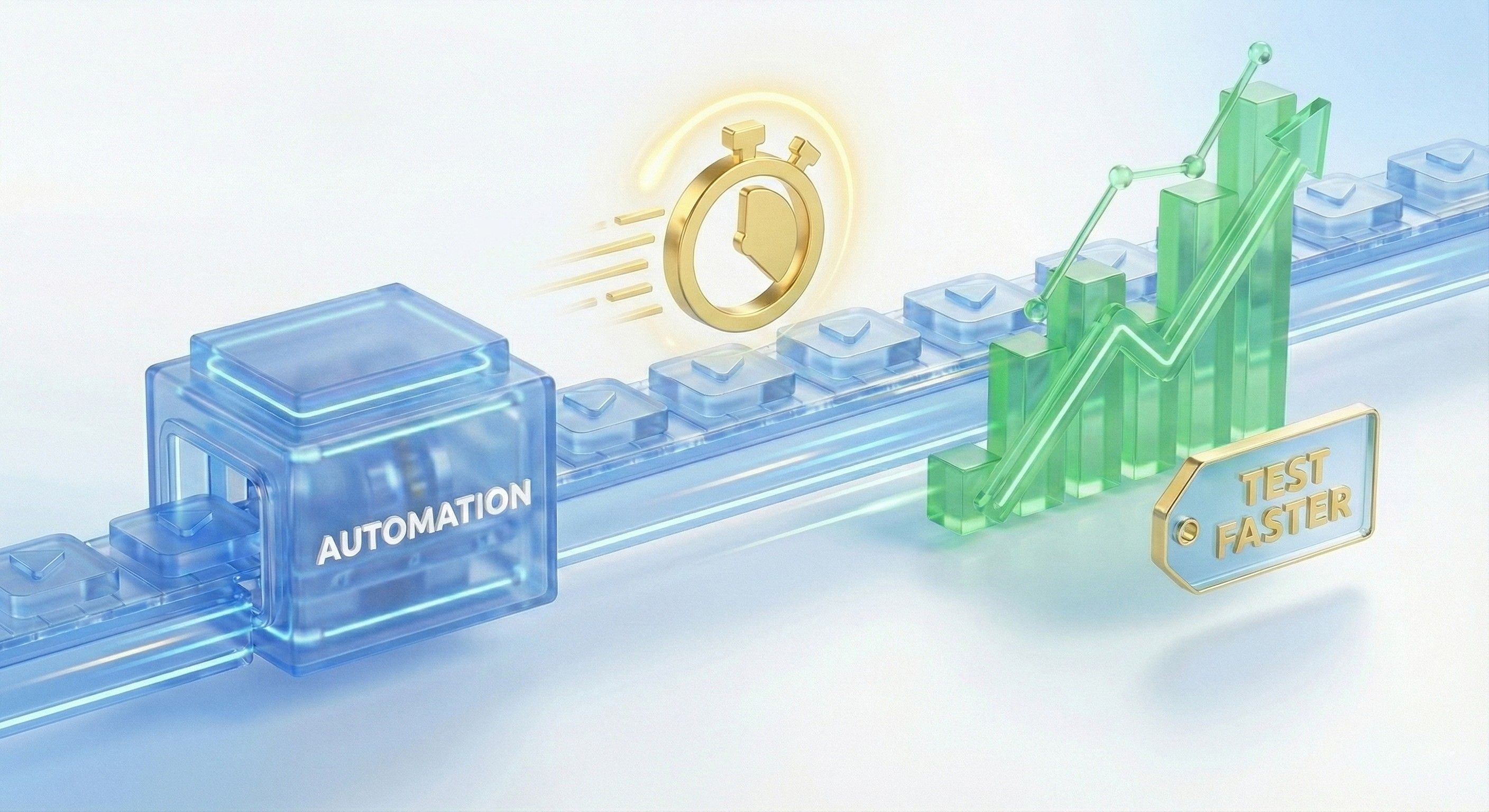
The real power of performance video ad software isn’t just about making more ads—it's about learning what works faster than the competition. Automation is the engine that drives this speed. It turns a slow, manual creative process into a high-speed feedback loop, tearing down production bottlenecks so your team can test more ideas, more often.
This speed gives you a massive competitive edge. While other teams are stuck spending days editing a few concepts, yours can generate and launch dozens in just hours. You’ll be gathering real performance data and refining your strategy before they've even finished rendering their first video.
Drastically Increasing Creative Volume
The first thing you'll notice with automation is the explosive increase in the sheer volume of ads you can produce. Traditional video editing creates a one-to-one relationship between time and output; making ten ads takes ten times as long as making one. Performance video ad software completely shatters that model.
Instead of chaining your creative team to repetitive work—like swapping out text, changing background music, or resizing for different platforms—automation takes over. This frees them up to think about big-picture strategy and creative concepts, not soul-crushing production tasks.
From Dozens to Hundreds: A single media buyer can now test hundreds of ad variations in a week. Just a few years ago, that would have been unthinkable without a huge team.
Combating Creative Fatigue: This high volume lets you constantly feed platforms like Meta and TikTok fresh content, stopping performance from decaying over time.
Resource Efficiency: Your current team can achieve so much more without needing to hire more video editors. Your entire creative operation becomes more scalable and cost-effective.
Shortening the Learning Cycle
At the end of the day, testing is all about learning. The faster you can test a hypothesis, the faster you can find a winning ad and scale it. Automation shrinks this learning cycle from weeks or even months down to just a few days.
By connecting creative production directly to ad platform performance, you create a powerful feedback loop. You can quickly see which hooks grab attention, which visuals drive clicks, and which calls-to-action convert—then immediately feed those insights back into your next batch of creatives.
Direct integrations with ad platforms make launching tests a breeze. Forget manually uploading, naming, and setting up dozens of ads for a simple A/B test. The software pushes everything directly to your ad account with clean, consistent naming conventions, eliminating human error and getting your tests live in a fraction of the time.
To get a better sense of how automation is changing the game in performance monitoring, check out this excellent Automated Marketing Observability guide.
This accelerated process means you stop wasting money on bad ads much, much sooner. You can quickly shift your budget to the creative that’s actually delivering a positive return, maximizing campaign profitability and giving you the confidence to scale your spend on proven winners.
How to Choose the Right Software for Your Team
Bringing a new tool into your workflow can feel like a huge commitment, but picking the right performance video ad software doesn't need to be a headache. If you zero in on a few essential criteria, you can confidently find a platform that actually fits how your team works and helps you hit your goals.
The whole point is to find something that not only makes your day-to-day life easier but also directly fuels better campaign results.
Think of it like picking a vehicle for a road trip. A two-seater sports car looks cool, but it's useless if you need to carry a team of five plus all their gear. You need to look under the hood at its engine (automation features), check if it can handle different terrains (ad platform integrations), and see if it has enough room for everyone (scalability).
Core Evaluation Criteria
When you're kicking the tires on different software options, there are four main areas to really focus on. Getting these right will determine how smoothly the tool slots into your daily grind and how much value you actually get out of it.
Integration Capabilities: First thing's first: does it play nicely with the ad platforms you live in, like Meta and TikTok? Seamless, direct integrations are a game-changer. They cut out the soul-crushing manual work of uploading ads and pulling performance data, letting you launch tests and see results fast.
AI and Automation Features: Dig into the automation. Is it just surface-level stuff, or does it have real power? You're looking for features that do the heavy lifting: AI-powered asset tagging, modular ad building, and especially bulk rendering. These are the workhorses that free up your team's time and make creative scaling possible.
Scalability: Think about where you'll be in six months or a year. The right platform should be able to keep up as you grow. Will it choke when you double your creative assets? Can you easily add more team members or manage campaigns for new brands without everything breaking?
Usability and Adoption: Let's be honest, a powerful tool is completely useless if no one on your team wants to use it because it's a nightmare. Look for a clean interface and a learning curve that isn't a vertical cliff. The goal is to empower your media buyers and strategists—not just your dedicated video editors—to jump in and start running creative tests themselves.
Measuring the Impact After Implementation
So, you’ve picked a tool and rolled it out. How do you prove it was worth it? Success is more than just a gut feeling of being "more efficient." You need cold, hard numbers. Tracking the right key performance indicators (KPIs) is how you demonstrate the software’s ROI and justify the investment to your boss.
For a deeper dive into the mechanics, our guide on dynamic creative optimization tools breaks it down even further.
The real win is moving from guessing what creative will perform to knowing what works because you can test rapidly and let the data guide you. The right software is what bridges that gap by tearing down the old production roadblocks.
To help you get started, we've put together a checklist of what to look for and how to measure success once you're up and running.
Software Evaluation Checklist and Impact KPIs
This table outlines the essential features to look for when evaluating performance video ad software and the key metrics that will help you track its real-world impact on your team's performance.
Evaluation Criteria | Key Feature to Assess | Success KPI to Measure |
|---|---|---|
Workflow Integration | Direct, API-based connections to major ad platforms (Meta, TikTok, etc.) | Time to Launch New Tests: Should decrease by 50% or more. |
Creative Scalability | Bulk rendering and modular template system for creating variations. | Creative Iteration Rate: The number of unique ad variations tested per week. Aim for a 3x-5x increase. |
Asset Intelligence | AI-driven tagging, organization, and performance-based asset suggestions. | Time to Find a Winning Ad: How quickly you go from concept to a creative that hits performance targets. |
Team Empowerment | Intuitive, no-code interface accessible to media buyers and marketers. | Creative Team Bottleneck Reduction: A measurable decrease in the number of backlogged creative requests. |
Performance Impact | Ability to correlate creative elements with campaign metrics like CPA or ROAS. | Ad Performance Lift: An overall improvement in ROAS or a reduction in CPA for tested campaigns. |
Tracking these KPIs will give you a clear, data-backed picture of the software's value, moving the conversation from "I think this is working" to "I know this is working, and here's the proof."
Your First-Week Game Plan
Jumping into new software can feel overwhelming. So, let’s make it simple. Here’s a practical, 7-day playbook to get you from zero to your first automated campaign, using the assets you already have to prove the value of performance video ad software right away.
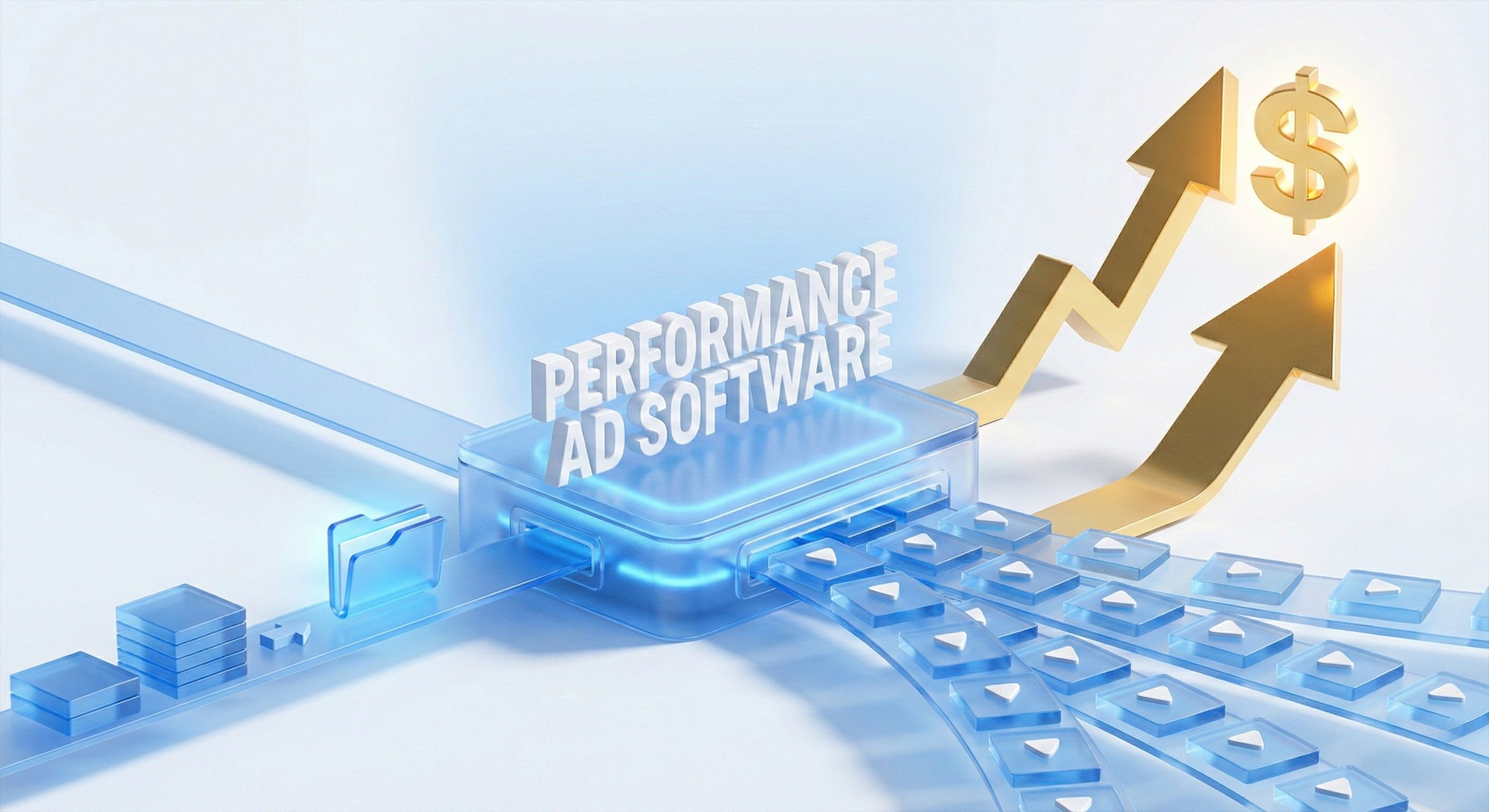
Think of this as a roadmap. We'll break down the onboarding process into daily goals that quickly show you what the platform is capable of.
Days 1-2: Get Organized and Let the AI Do the Heavy Lifting
The first two days are about setting a solid foundation. Don't even think about making new ads yet. The only goal is to get your house in order.
Start by uploading every video asset you can get your hands on—old ads, raw footage, UGC, screen recordings, everything. Just dump it all in.
As you upload, the platform's AI gets to work, automatically watching and tagging every single clip. It identifies objects, actions, and themes, turning that messy pile of files into a smart, searchable library. If you want to dive deeper into this crucial first step, check out our guide on building an effective video asset management system.
Days 3-4: Start Building with Blocks
With your assets neatly organized and tagged, it’s time to start creating. On days three and four, you’ll build your first modular ad templates. This is where you stop thinking in terms of rigid video timelines and start thinking with "building blocks."
Go through your best-performing ads and break them down into reusable parts.
Hooks: Find those killer 3-5 second intros that stop the scroll.
Bodies: Pull out the clips that showcase your core value props or the best gameplay moments.
CTAs: Isolate your most effective closing scenes and end cards.
Using a tool like Sovran, you can drag and drop these pieces into place to assemble your first ad concepts without touching a traditional video editor. The aim here is to create a few strong ad structures you can use as a starting point.
Days 5-6: Scale It Up
Your templates are ready. Now it’s time to multiply your efforts. The next two days are all about scaling, and this is where you’ll really see the magic happen. Pick your best modular ad concepts and use the bulk rendering feature to create dozens of unique variations.
Your goal for these two days is simple: take three core ad concepts and generate at least 20 distinct variations by mixing and matching your different hooks, bodies, and CTAs. A task that would have taken a video editor days to complete can now be done in under an hour.
Day 7: Launch, Test, and Learn
Day seven is launch day. Push all those new creative variations directly to your ad platform of choice, like Meta, for a clean A/B test. The direct integration makes this painless and keeps your campaign naming conventions tidy from the start.
Now, you just sit back and watch the performance data come in. In just one week, you’ve gone from a chaotic folder of assets to a live, data-driven creative test. This first sprint gives you the immediate feedback you need to refine your approach and get ready for the next round.
Frequently Asked Questions
Jumping into any new piece of software always kicks up a few questions. We’ve gathered the most common ones we hear from teams looking at performance video ad software to give you the straight answers.
How Is This Different From Tools Like CapCut Or Premiere Pro?
Think of it like this: tools like CapCut or Premiere Pro are like a custom woodshop. They're perfect for building one beautiful, handcrafted piece of furniture—a single, polished video. But they're not built for mass production.
Performance video ad software, on the other hand, is the entire factory assembly line. It’s designed from the ground up for one thing: high-speed, high-volume ad testing. It uses modular parts and automation to crank out hundreds of variations, letting you test more ideas in a day than you could manually edit in a week.
Does My Team Need Advanced Video Editing Skills?
Nope. In fact, that's one of the biggest wins. These platforms are built for the people running the campaigns—the marketers, media buyers, and creative strategists—not for seasoned video editors.
The whole point is to give the strategic minds on your team a way to bring their own ideas to life without a bottleneck. It empowers them to run tests directly, freeing up your expert editors to work on the big, complex creative projects that actually need their unique skills.
The goal is to put the power of creative testing directly into the hands of the people analyzing the performance data. This closes the feedback loop and lets you learn and adapt way faster.
How Many Creative Assets Do We Need To Start?
You can get going with a lot less than you think. The software is designed to get the absolute most out of every asset you already have by remixing and repurposing it.
Even just a handful of solid video clips, a few user testimonials, or some basic screen recordings can be spun into dozens of ad variations. You can swap out hooks, change the text overlays, or try different CTAs to multiply the value of each asset. Plus, many platforms have AI tools that can generate new b-roll to fill in the gaps, so you're never stuck for new concepts.
How Does The AI Stay On Brand?
This is a huge concern, and the best platforms have a smart solution for it. They use what’s often called a 'Brand Kit' or a 'Context Vault.'
It’s simple: you start by feeding it all your brand essentials.
Brand guidelines
Key messaging pillars
Approved color palettes
Your best-performing ad scripts
The AI then uses this vault as its single source of truth. Every piece of content it generates—from ad copy and scripts to text overlays—is checked against these rules. This keeps everything perfectly aligned with your brand voice and strategy, so you don't have to worry about weird, off-brand creative getting out the door.
Ready to stop the manual grind and start scaling your creative testing? Sovran gives you the automated toolkit to find winning video ads up to 10x faster. Start your free 7-day trial and see the difference today.
For a broader tool shortlist, see our ad testing software comparison for creative testing platforms, analytics tools, and video ad workflows.

Manson Chen
Founder, Sovran
Related Articles
How to Turn Link Into Video: Ads That Convert in 2026
Learn how to turn link into video for Meta & TikTok ads. Leverage AI to scale creation, boost ROI, and succeed in 2026.
- ai-video-generation
- link-to-video-ads
- 6 more

Your Guide to a Social Media Ad Generator in 2026
Discover how a social media ad generator revolutionizes creative production. Learn to automate video ads, scale testing on Meta & TikTok, and drive performance.
- social-media-ad-generator
- ai-video-creation
- 4 more

8 High-Converting Static Ads Examples for 2026
Discover 8 high-performing static ads examples from top apps. Learn to create text-overlays, testimonials, and lifestyle ads that convert.
- static-ads
- performance-marketing
- 5 more