Bulk Upload Facebook Ads
Bulk upload Facebook ads faster by building every video in one place first. Sovran turns clips, hooks, captions, and CTAs into ready-to-review batches, then keeps the Meta launch handoff tidy. Your team skips the download, rename, upload loop that slows down weekly testing and creates easy mistakes.
Trusted by 1,100+ performance marketers at top brands like:






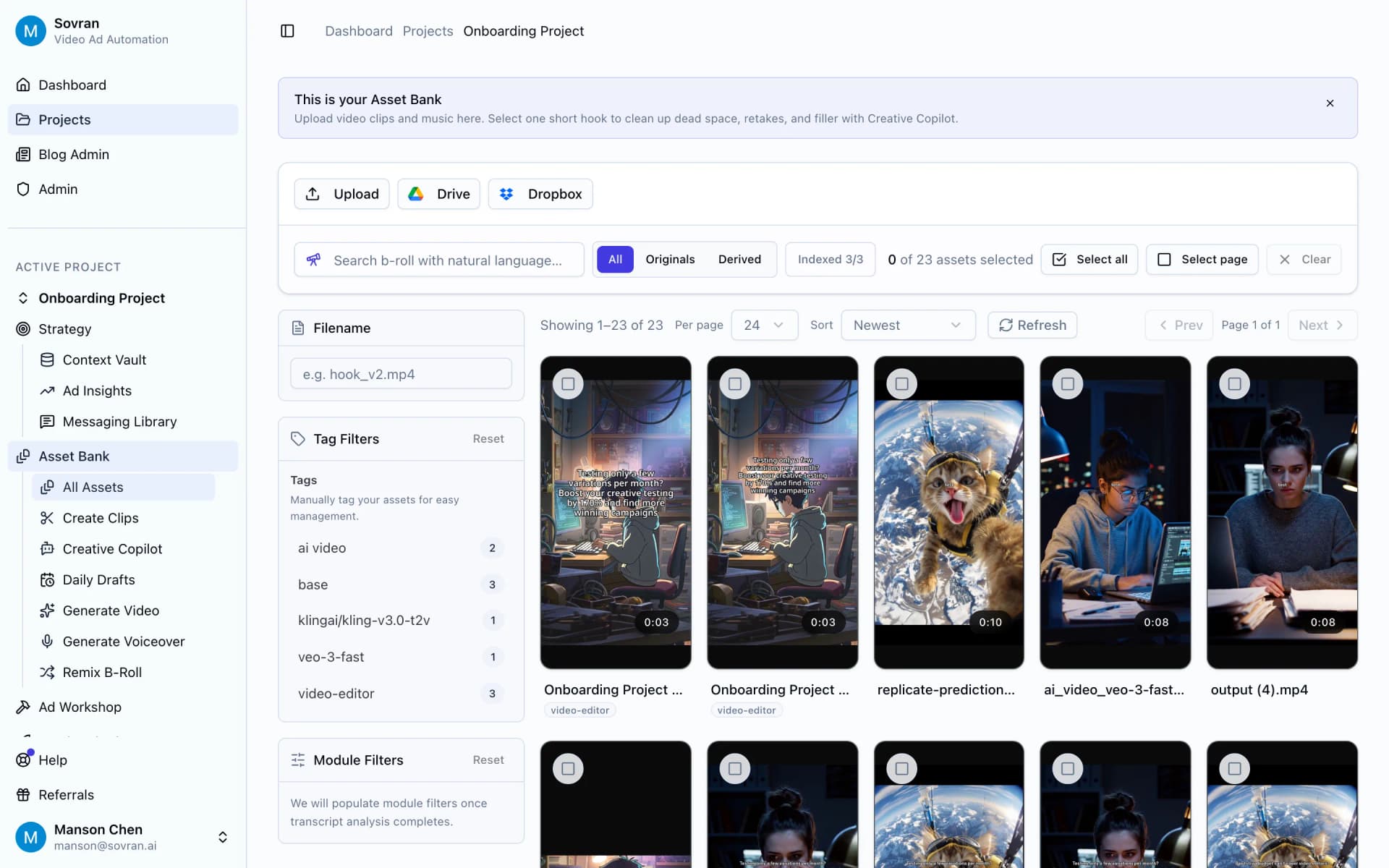
Start from one asset bank
Bring product clips, UGC, demos, proof shots, and music into Asset Bank before the campaign rush. Tags and filters help the team find each hook, body, and CTA fast. The upload batch starts from approved footage instead of scattered folders, random links, or old exports.
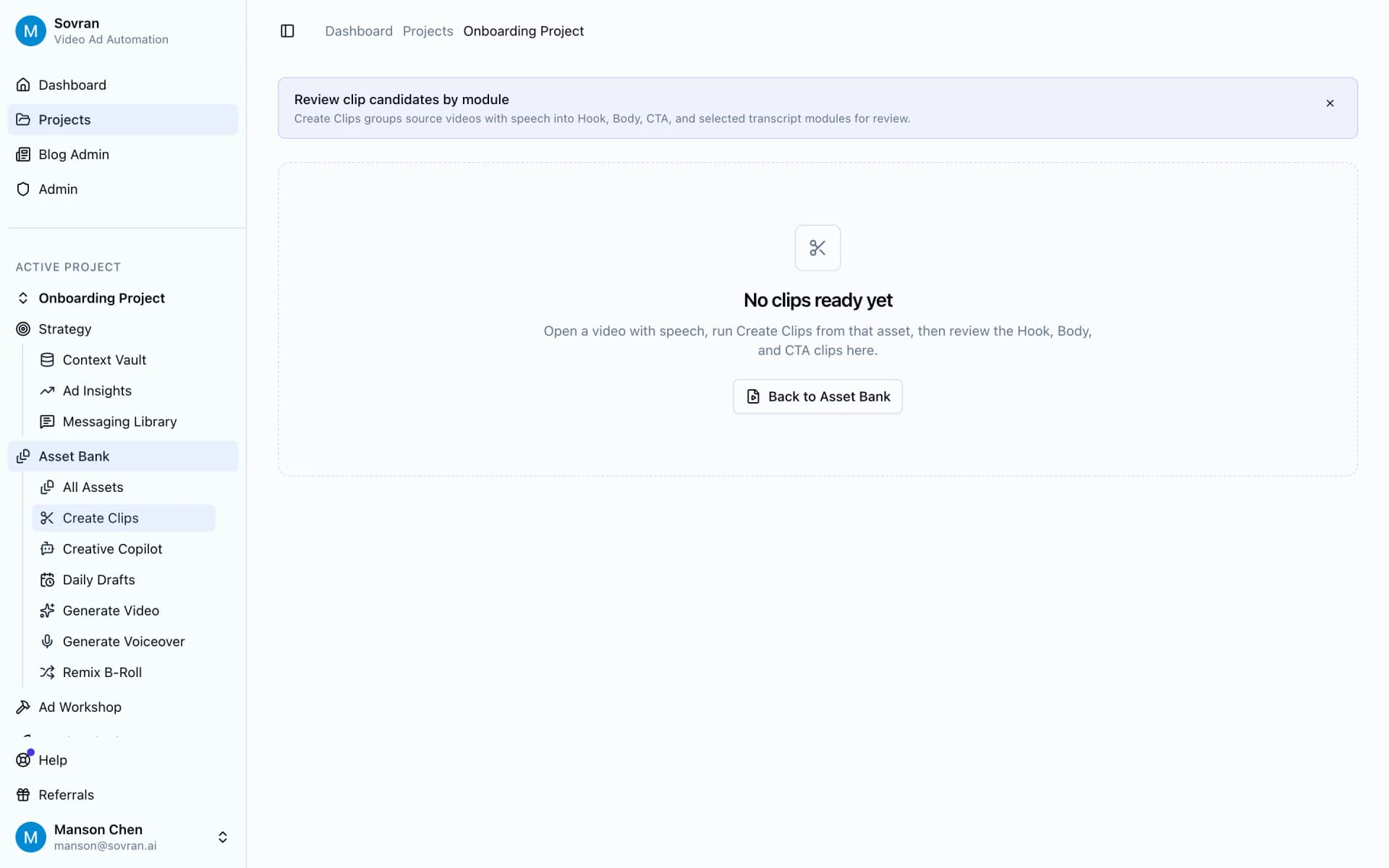
Cut source videos into ad parts
Use Create Clips to pull strong moments from long videos and sort them by role. When you need to bulk upload video ads to Facebook, clean parts make each version easier to build, name, and check. Your team can reuse the best moments across the whole batch.
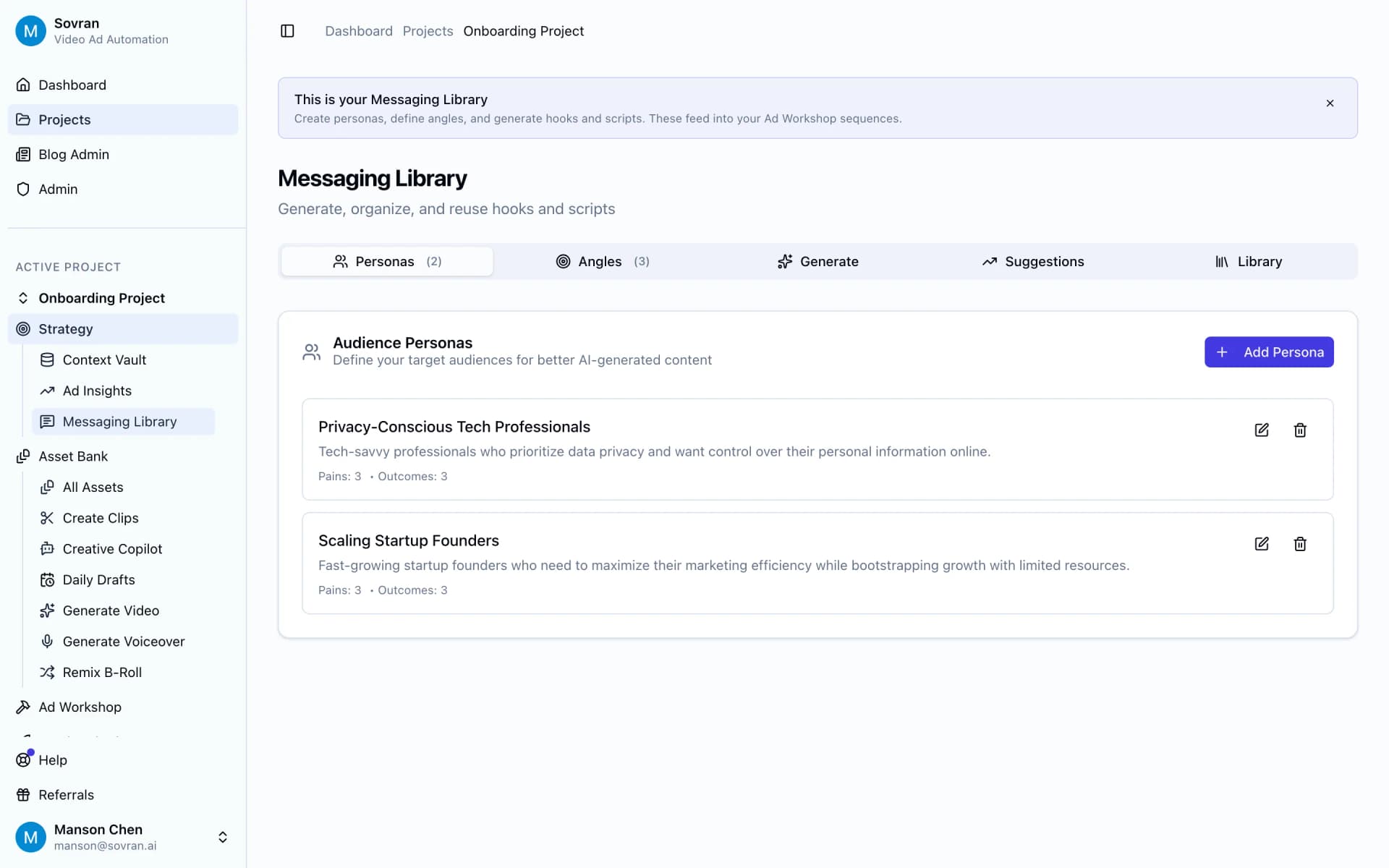
Keep messages and names clear
Save hooks, offers, claims, and CTA lines in Messaging Library before anyone renders. Clear message names keep the Facebook ads bulk upload process from turning into files like final-final-23.mp4. Reviewers can approve the idea, not guess what changed between videos.
Build the batch from blocks
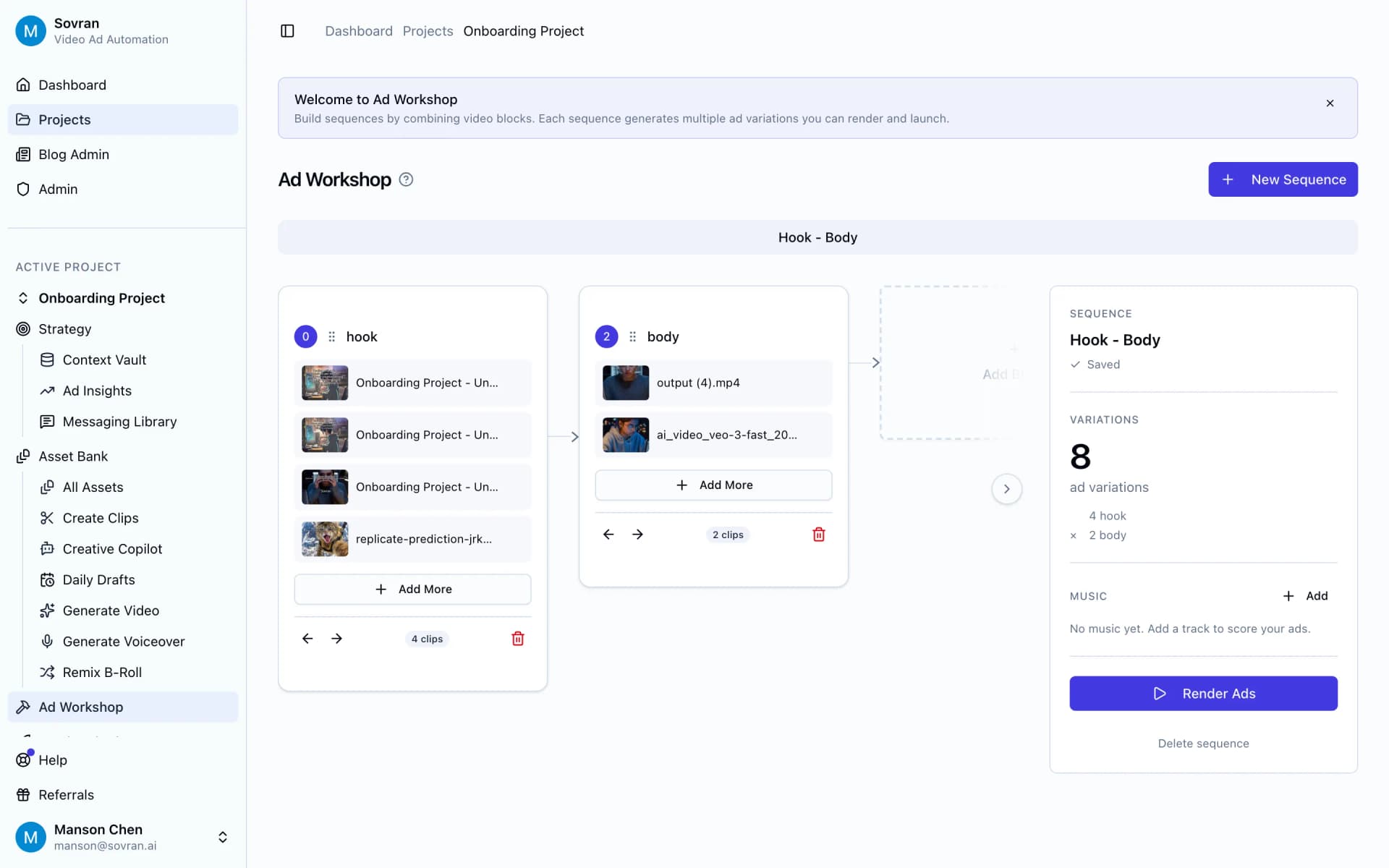
Ad Workshop lets you pair hooks, bodies, and CTAs into many Facebook-ready versions. Change one block, render the next set, and keep the test plan tied to each output. The media buyer can see why each ad exists before launch, which makes naming and QA much easier.
Check crops before upload
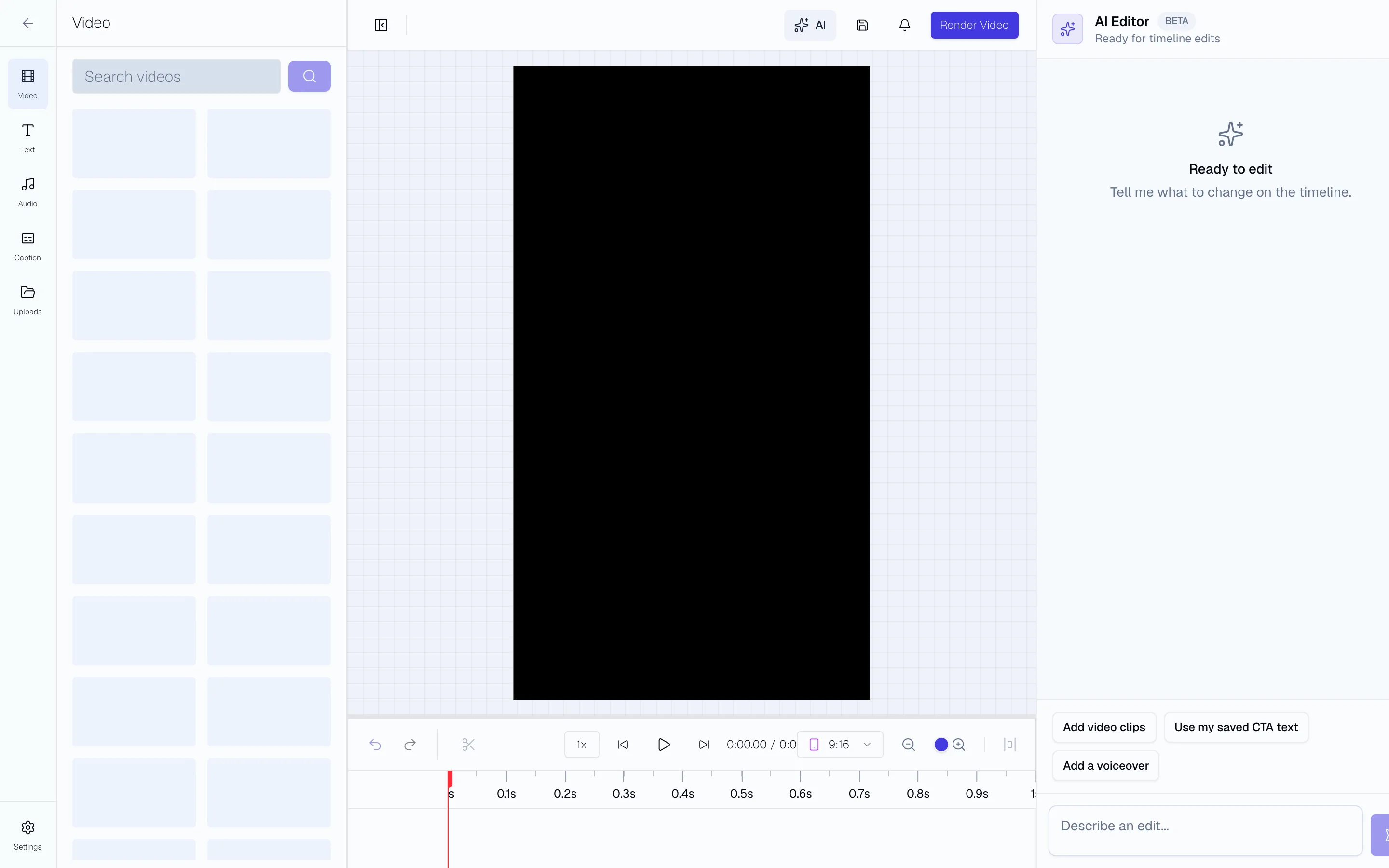
Use the Video Editor to review captions, safe zones, pacing, and aspect ratios before anything reaches Meta. A short review catches the small errors that are painful to fix after upload, like cut-off text or a CTA that lands too late. Fix the batch once, then move it forward.
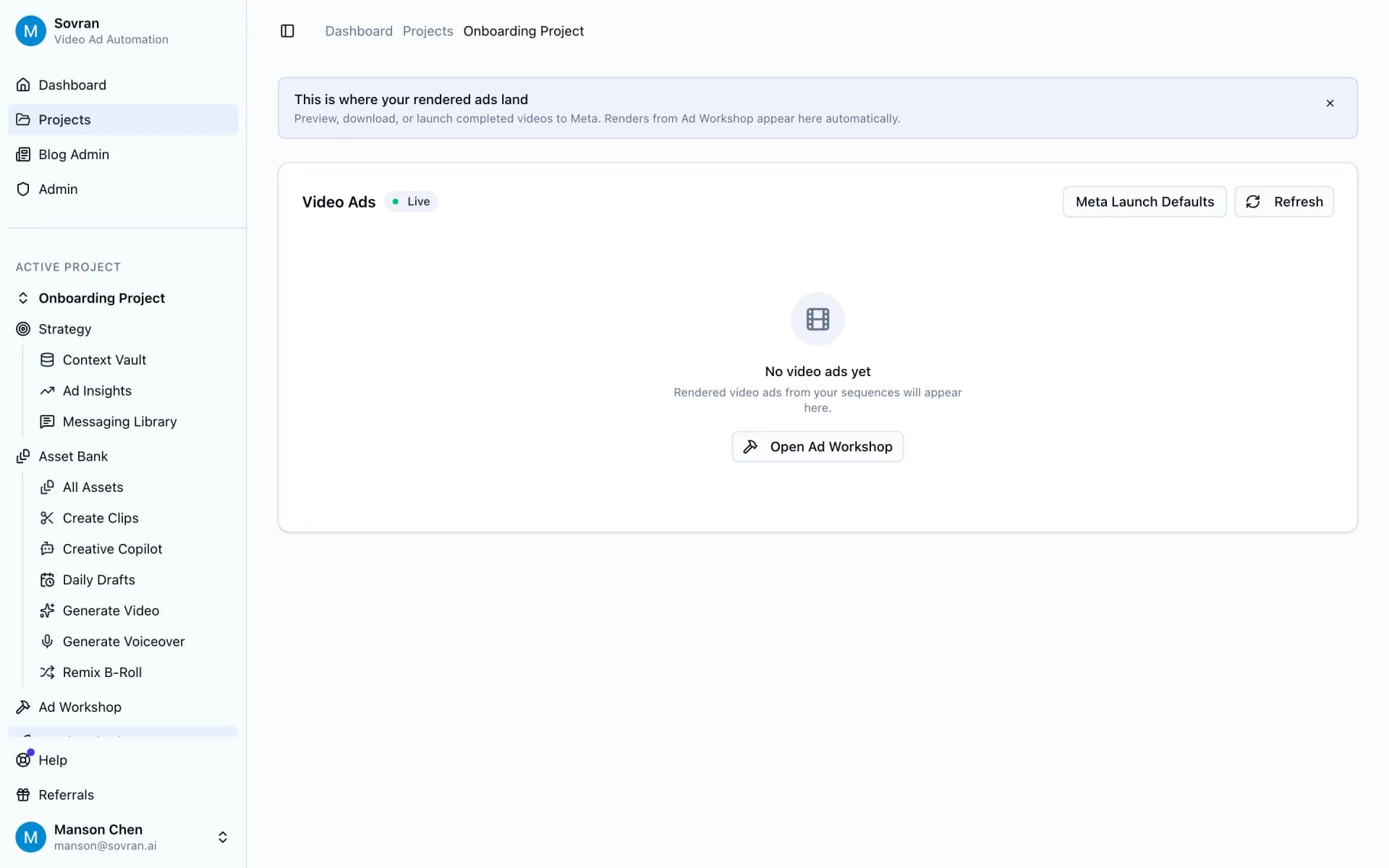
Launch and learn in one flow
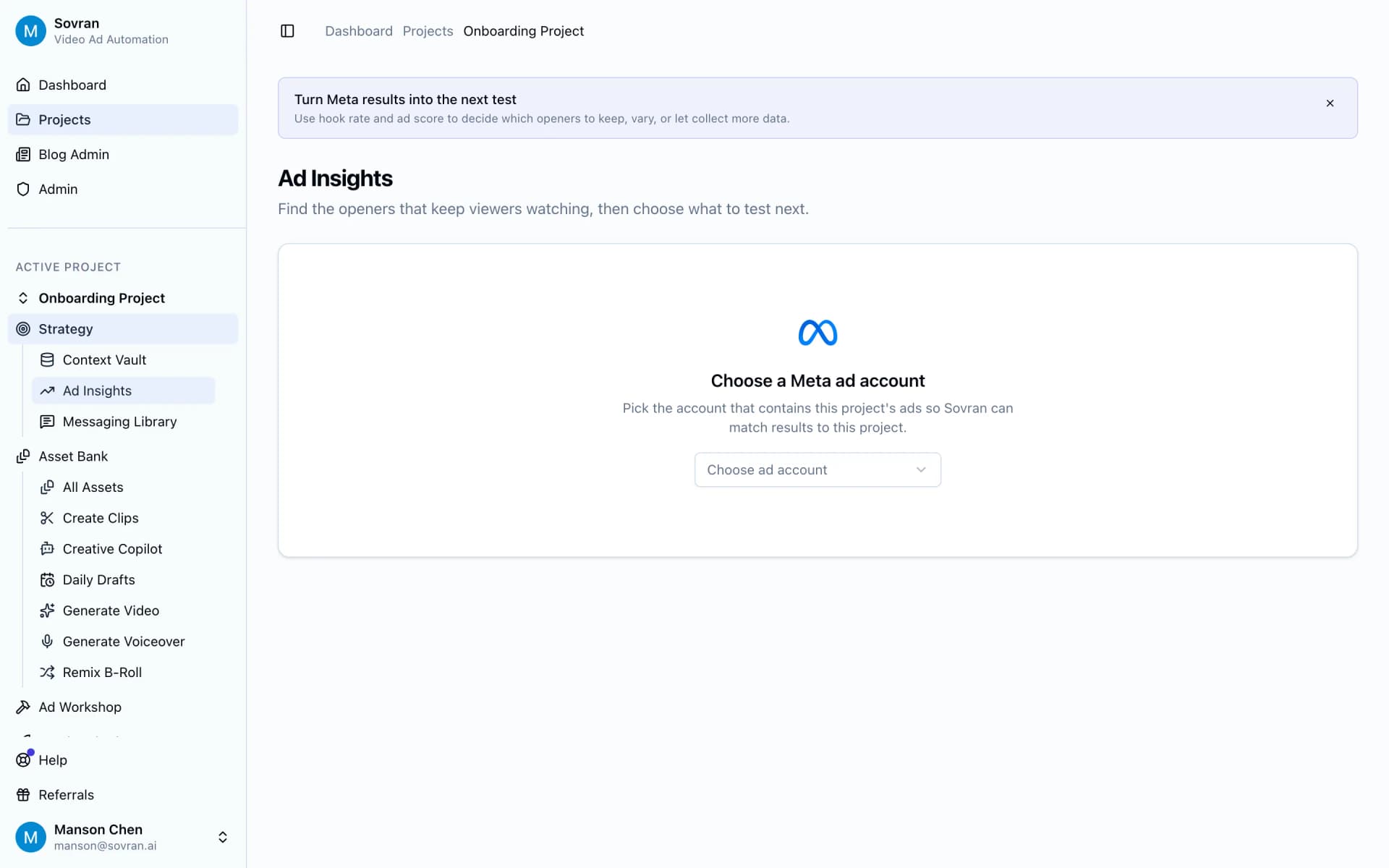
Finished renders land in Video Ads for preview, download, or Meta launch settings. After spend starts, Ad Insights helps you see which hooks and offers deserve the next batch. That keeps each upload tied to learning, so the next round is more focused than the last one.
Ready to launch the next batch?
Use Sovran to build, review, and publish Meta-ready video ad sets without the manual export loop. Start with the clips you already have.