How to Remix Video Ads Without a Video Editor
Learn how to remix video ads without Premiere or Final Cut. The modular approach lets you swap hooks, CTAs, and music without timeline editing.
Jump to a section
Remixing a video ad should not require opening Premiere Pro. When you need to swap a hook, test a different CTA, or try a new voiceover, timeline-based editing is the wrong tool. It was designed for filmmaking, not ad variation testing.
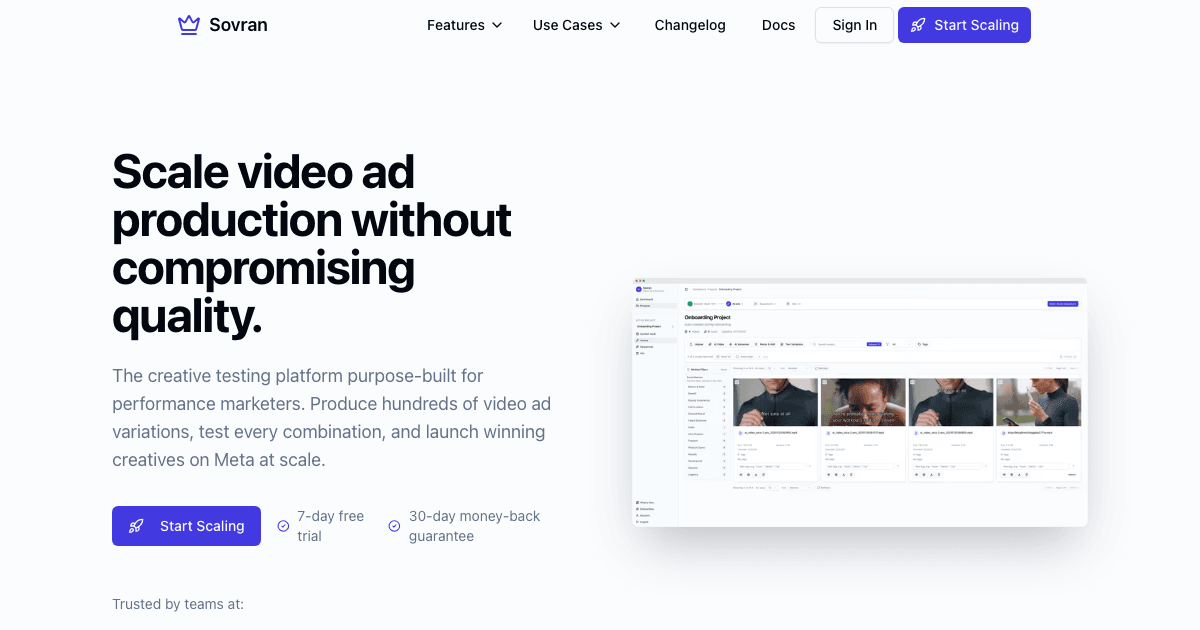
Modular remix tools let you swap components without touching a timeline. Upload once, define your structure, and generate every combination as a finished ad. No editing skills required.
What Remixing Actually Means for Video Ads
Remixing is not creating a new ad from scratch. It is taking an existing ad or footage and generating new variations by swapping individual elements:
- Swap the hook while keeping the same body and CTA
- Test a different CTA ending on a proven body
- Change the background music or voiceover
- Add or change text overlays
- Re-export in a different aspect ratio
Each swap creates a new testable variation. The footage stays the same. Only the combination changes.
Why Traditional Video Editors Are the Wrong Tool
Premiere Pro, Final Cut Pro, and DaVinci Resolve are powerful editing tools. They are also massive overkill for swapping a 3-second hook on an existing ad. Here is what happens when you try to remix ads in a traditional editor:
- Time per variation: 15–30 minutes to open the project, find the right section, make the swap, render, and export
- Skill required: You need to know the software. Keyboard shortcuts, render settings, codec choices. It is not self-serve for a media buyer.
- Error-prone at scale: When you are making 30 variations, manual timeline editing leads to misaligned cuts, wrong audio tracks, and inconsistent naming
- No bulk export: Each variation is a separate export. 30 variations = 30 manual exports.
Timeline editors are built for crafting individual videos. Ad variation testing needs a system that generates many videos from a set of components.
The Modular Remix Workflow
Step 1: Upload Your Existing Ad or Footage
Start with what you have. This could be a winning ad you want to iterate on, raw UGC footage from a creator, or a product demo you filmed on your phone. Upload it to your asset library.
Step 2: Define Your Ad Structure
Break your video into modular blocks: Hook + Body + CTA. Mark the boundaries between each section. Each block becomes an independent slot that can hold multiple options.
Step 3: Swap Components Without Editing
Add new options to any slot:
- Drop in 5 different hook clips to the Hook slot
- Add 2 CTA options to the CTA slot
- Upload alternative background music tracks
- Add text overlay variations
No timeline. No trimming. No keyframe adjustments. Just drag components into slots.
Step 4: Render All Variations at Once
The system generates every combination automatically. 5 hooks × 1 body × 2 CTAs = 10 finished video ads. Each file is named with its components so you can trace performance back to individual elements.
Export in every aspect ratio you need: 9:16, 4:5, 1:1, 16:9. All from one project, in one render batch.
Editor Workflow vs Modular Remix
| Factor | Timeline Editor (Premiere/FCP) | Modular Remix (Sovran) |
|---|---|---|
| Time per variation | 15–30 minutes | Under 1 minute |
| Skills required | Video editing proficiency | None — drag and drop |
| Bulk rendering | One at a time | All combinations at once |
| Structured naming | Manual file renaming | Automatic naming tokens |
| Multi-aspect-ratio | Separate project per ratio | All ratios in one render |
| Best for | Original content creation | Ad variation testing |
When You Still Need a Video Editor
Modular remix does not replace all video editing. You still need a traditional editor for:
- Original content creation — filming and assembling a brand-new ad from scratch
- Complex visual effects — motion graphics, compositing, color grading
- Narrative storytelling — long-form content with precise pacing and transitions
But once you have the base content, the remix and variation work should not happen in the same tool. That is the production bottleneck most teams do not realize they have.
Start Remixing Your Ads
Stop opening Premiere every time you need a new hook or CTA variation. Subscribe now and remix your existing ads into dozens of variations without touching a timeline.
Already have a single clip you want to multiply? See our guide to creating video ad variations from one clip.

Manson Chen
Founder, Sovran
Related Articles
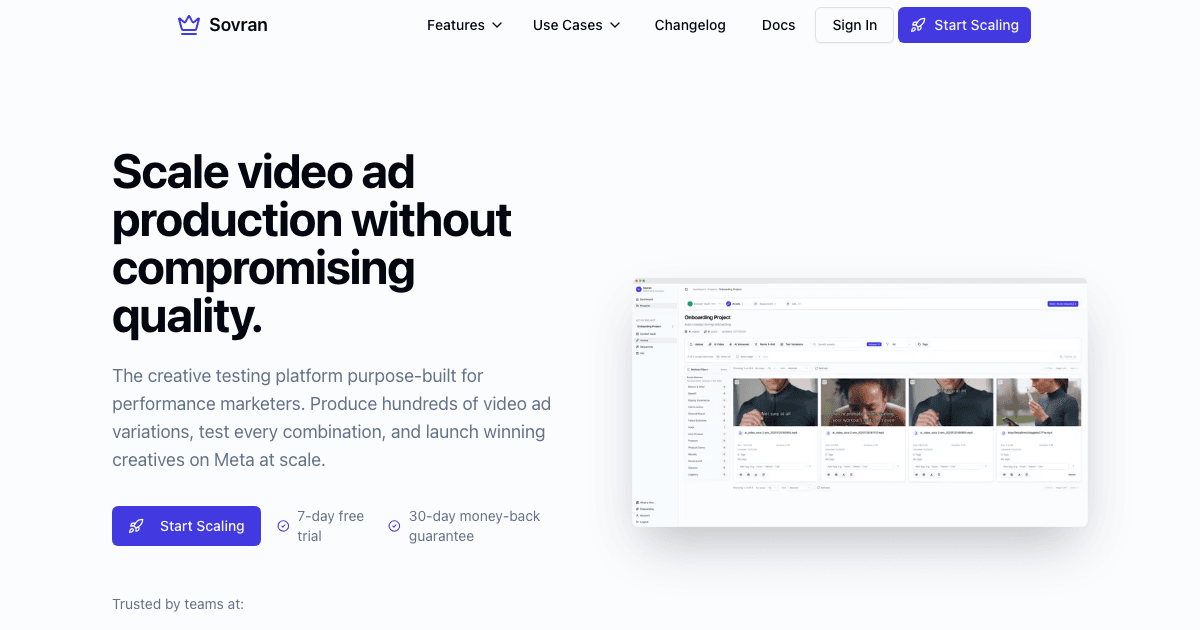
Tool to Split Video Ads into Hooks and CTAs
Split your video ads into reusable hooks, bodies, and CTAs. Test each element independently and generate every combination automatically.

Storyboard Development: Scale Video Ad Production in 2026