Top AI Video Creation Tools for Performance Marketing Teams
In the world of performance marketing, creative fatigue is the silent killer of ROAS. The relentless demand for fresh, engaging video ads for platforms like...
Jump to a section
In the world of performance marketing, creative fatigue is the silent killer of ROAS. The relentless demand for fresh, engaging video ads for platforms like Meta and TikTok can overwhelm even the most efficient creative teams. Manual editing, endless variant testing, and the struggle to maintain brand consistency at scale create bottlenecks that slow down campaign learning and burn through budgets. This is where AI video creation tools have transformed from a novelty into a core part of the modern growth stack.
This guide cuts through the noise to deliver a practical, no-nonsense roundup of the 12 best tools designed specifically for ad creatives and performance teams. We move beyond generic feature lists to analyze each platform's ideal use case, from generating unique b-roll to automating hundreds of UGC ad variants. For a broader look at the landscape of the best AI tools for content creators that are shaping the digital content world, explore this comprehensive guide. Our focus here, however, remains squarely on performance marketing workflows.
Our goal is to equip you with the insights needed to choose the right tool, streamline your production process, and ultimately, find your next winning ad creative faster. Each entry in this list includes direct links, screenshots, pricing pointers, and an honest assessment of its strengths and weaknesses. We will explore platforms like Sovran for ad scaling, Runway and Pika for text-to-video generation, and Synthesia for creating professional AI avatars. This article is your playbook for navigating the ecosystem of AI video creation tools and integrating them effectively into your advertising strategy. Let's dive in.
1. Sovran
Sovran is a performance-first AI video ad platform engineered to dramatically accelerate creative production for Meta and TikTok campaigns. It’s a standout choice among ai video creation tools because it focuses on the entire creative workflow, from asset management and modular creation to bulk rendering and campaign launch. This integrated approach solves a core problem for performance teams: how to scale creative testing without scaling manual labor.
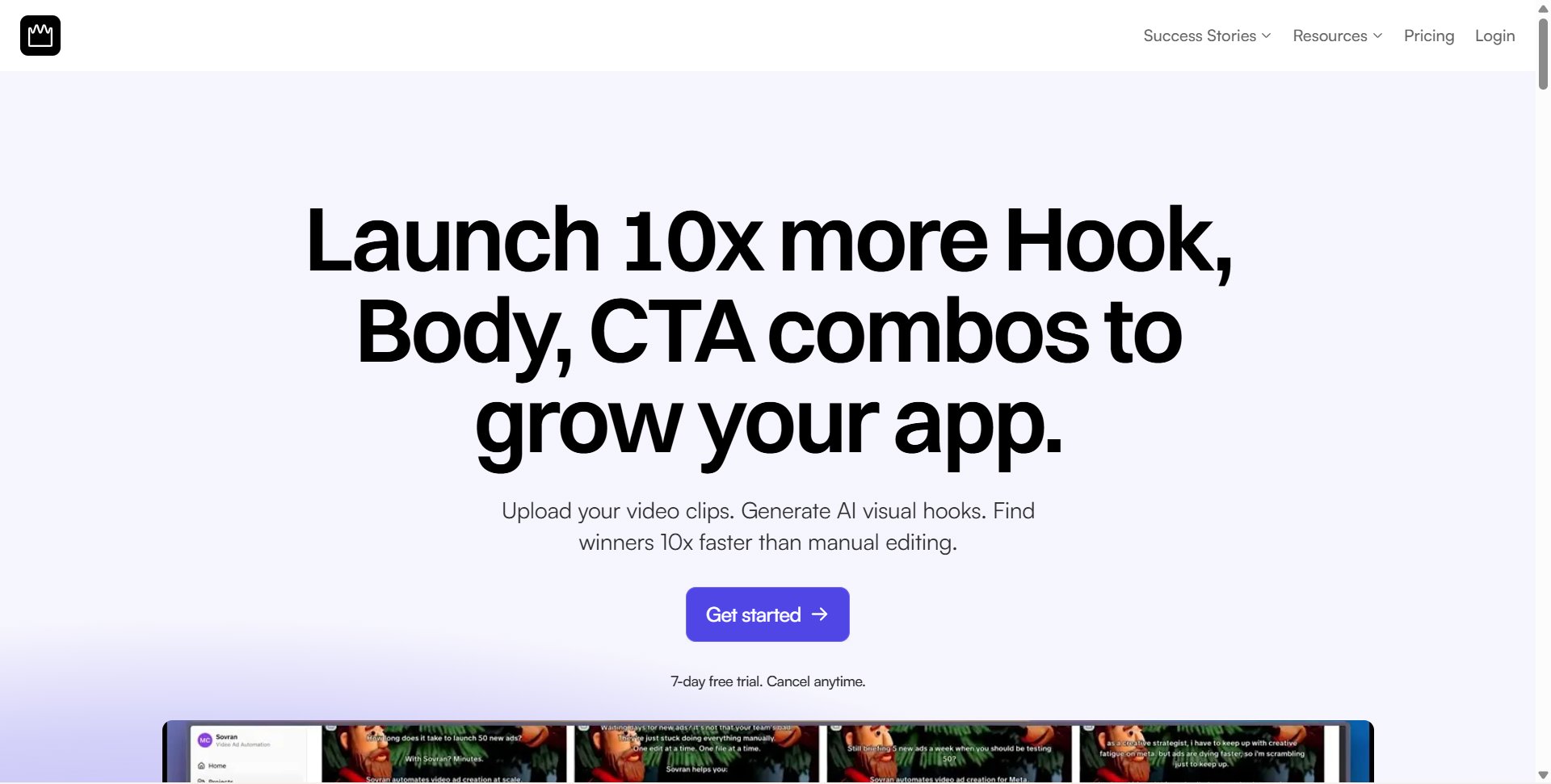
The platform’s power lies in its modular AI system. Users upload raw footage, and Sovran’s AI intelligently auto-tags clips into reusable "building blocks" like hooks, body segments, and calls-to-action (CTAs). Creative strategists can then instantly assemble hundreds of ad variations by combining these blocks, making it simple to test frameworks like Problem-Agitate-Solution or create UGC testimonial mashups in seconds.
Core Features & Use Cases
Modular AI Building Blocks: Automatically deconstructs videos into reusable components. This is ideal for high-velocity A/B testing of hooks against different body-CTA combinations to quickly find winning formulas.
Context Vault: A centralized repository for brand guidelines, scripts, and customer reviews. The AI references this vault to ensure all generated concepts remain on-brand and conversion-focused, preventing generic or off-message outputs.
Bulk Video Renders: Remixes your modular assets into massive variant sets instantly. This feature is a direct replacement for hours of manual CapCut or Premiere Pro work, perfect for scaling creative volume before a major campaign.
AI B-Roll & Hook Generation: When you need new visuals, Sovran can generate b-roll and hooks using integrated models like Sora 2 or Veo 3, filling creative gaps without a new shoot.
Meta Ads Integration: Push completed ads directly to your Meta ad account with automated naming conventions. This streamlines the launch process and maintains a clean, organized Ads Manager, crucial for media buyers tracking performance data.
Who Should Use It?
Sovran is built specifically for UA managers, performance media buyers, agencies, and lean growth teams that rely on frequent, data-driven creative testing. If your team is struggling with creative fatigue or finds manual video editing to be a major bottleneck, Sovran provides the infrastructure to scale experimentation efficiently. It’s particularly effective for teams with an existing library of raw footage who want to maximize the value and longevity of their assets.
Pros: Dramatically accelerates creative iteration (customers report finding winning ad combos up to 10x faster), Context Vault keeps AI-generated content on-brand, and bulk renders eliminate manual editing bottlenecks.
Cons: Paid plans only: there is no free plan or free trial. The platform delivers the best results when fed with a solid baseline of existing assets and brand context.
Pricing & Access: Plans are listed at sovran.ai/pricing: Base $99, Pro $199 and Premium $399 a month, with a 30-day money-back guarantee.
2. Runway
Runway stands at the forefront of generative video, offering a sophisticated suite of tools for creators who demand a high degree of control over their AI-generated content. It's best known for its state-of-the-art models, including Gen-3 Alpha, which provide stunning text-to-video and image-to-video results. This platform is ideal for performance teams and creative strategists aiming to produce cinematic-quality b-roll or unique visual concepts from scratch, moving beyond simple template-based video.
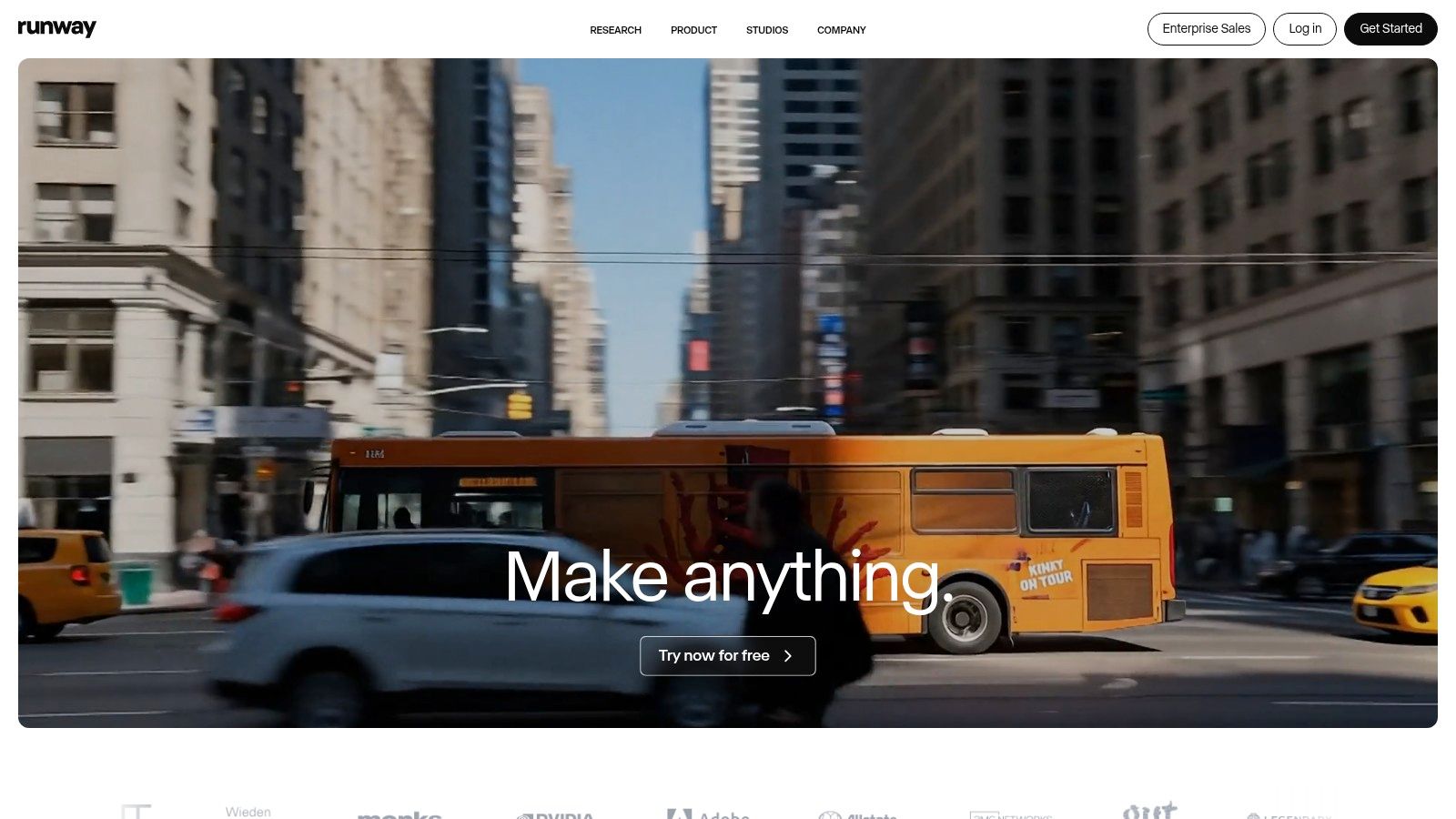
The platform’s web-based editor includes advanced features like keyframe controls, allowing for precise adjustments to camera motion and scene dynamics. This makes it one of the more powerful AI video creation tools for detailed production work.
Use Case & Workflow
Runway excels at generating bespoke, high-fidelity clips for ad campaigns that require a specific aesthetic or narrative element that stock footage cannot provide. For example, a marketing team could use its image-to-video function to animate a key product visual, adding dynamic motion to an otherwise static ad. A recommended workflow involves generating multiple short clips and then using the "Extend" tool to create longer, more cohesive scenes before exporting for final edits in a traditional NLE or a platform like Sovran. For more details on integrating these assets, explore this comprehensive guide on AI-powered video creation.
Key Features & Pricing
Generative Models: Access to cutting-edge models like Gen-3 Alpha for text/image-to-video and video-to-video.
Fine Control: Advanced editor with keyframes, motion brush, and other director-level tools.
Collaboration: Workspace features allow teams to share assets and projects seamlessly.
Pricing: Operates on a credit-based system. Plans start with a free tier and range from the Standard plan ($12/user/month) to advanced Pro ($28/user/month) and Unlimited ($76/user/month) tiers, each offering different credit amounts and generation speeds. Be mindful that "Unlimited" plans often apply to slower, "relaxed" generation modes.
Website: https://runwayml.com
3. Pika
Pika has carved out a niche as a fast and playful AI video generator, perfect for creators focused on rapid ideation and stylized content. It excels at quick, iterative edits through a unique set of operators like Pikaswaps and Pikaffects, making it a go-to for social media content or initial creative explorations. This platform is ideal for performance marketers and creative teams who need to test multiple visual hooks quickly without getting bogged down in complex, cinematic-level controls.
The platform’s strength lies in its multiple internal models, allowing users to choose the right balance between generation speed and visual quality. This flexibility makes Pika one of the more accessible AI video creation tools for teams working with tight deadlines and varied creative requirements.
Use Case & Workflow
Pika is best suited for generating eye-catching, short-form video ads for platforms like TikTok or Instagram Stories. A creative strategist could use Pika to quickly produce several animated variations of a static product image, applying different effects to see which one performs best. A recommended workflow involves starting with a simple text prompt, then using operators like "Pikadditions" to add or change elements within the generated scene. This iterative process allows for fast A/B testing of creative concepts before committing to a final version.
Key Features & Pricing
Specialized Operators: Unique tools like Pikadditions, Pikaswaps, and Pikaffects for targeted in-video edits and transformations.
Multiple Models: Access to various internal models (e.g., Pika 2.5, Turbo, Pro) to prioritize speed or quality based on project needs.
Commercial Rights: Paid plans remove watermarks and grant full commercial usage rights, essential for ad campaigns.
Pricing: Pika uses a credit-based system. It offers a free tier (with watermarks and limited credits), a Standard plan ($8/user/month), a Pro plan ($28/user/month), and an Unlimited plan ($58/user/month), with higher tiers offering more credits and faster generation queues.
Website: https://pika.art
4. Synthesia
Synthesia is a leading avatar-driven platform specializing in corporate training, tutorials, and explainer videos. It excels at producing consistent, professional presenter-style content at scale, making it a go-to for L&D departments and marketing teams focused on educational content rather than performance ads. The platform is built around creating polished, script-based videos without needing cameras, microphones, or actors, offering significant efficiencies for internal communications and product demonstrations.
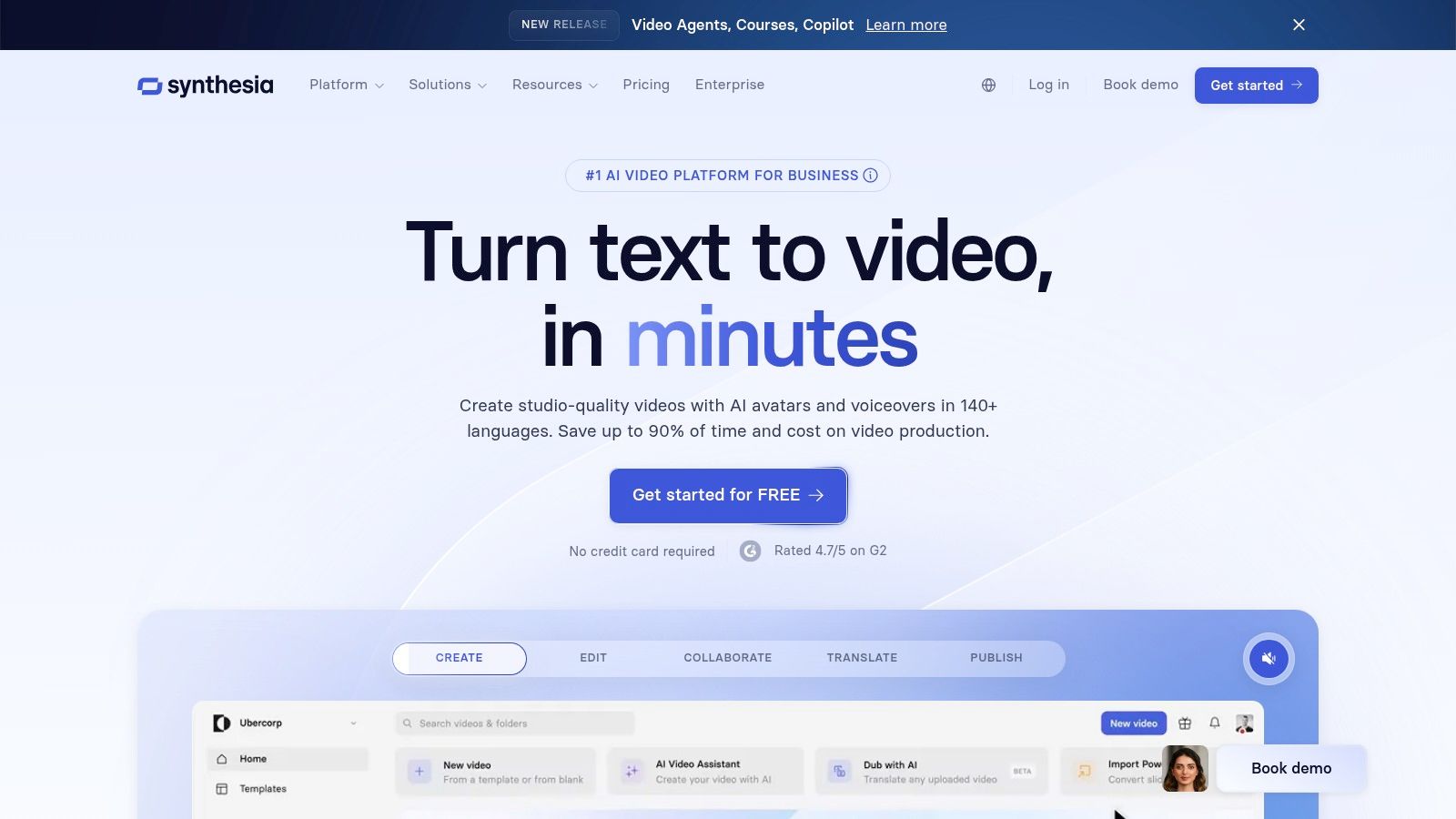
Its strength lies in its extensive library of stock avatars and powerful localization features, which allow businesses to quickly adapt training materials for a global workforce. This makes it one of the most effective AI video creation tools for corporate environments where consistency and clarity are paramount.
Use Case & Workflow
Synthesia is ideal for creating scalable onboarding modules, software walkthroughs, or localized marketing explainers. An enterprise team could use it to generate a new-hire training series, then instantly translate and dub it into multiple languages using different avatars to match regional demographics. The workflow involves selecting an avatar, pasting a script, customizing on-screen elements like text and images, and then generating the video. For more context on using this technology effectively, you can explore how AI avatar videos work.
Key Features & Pricing
AI Avatars: Access to over 200 stock AI avatars, with options to create a custom digital twin of a real person.
Multi-Language Support: AI-powered voice generation and dubbing available in more than 80 languages for seamless localization.
Enterprise Integrations: Offers API access and SCORM exports, allowing videos to integrate directly into Learning Management Systems (LMS).
Pricing: Plans are credit-based, where credits are consumed per minute of video generated. The Personal plan starts at $22/month for 10 minutes of video, while corporate plans offer custom pricing with larger credit pools and advanced features. The credit model can feel restrictive for teams with high-volume production needs on lower-tier plans.
Website: https://www.synthesia.io
5. HeyGen
HeyGen specializes in creating lifelike AI avatar and presenter-led videos, making it a go-to platform for marketing, sales, and training content. It excels at producing professional-looking presenter videos at scale, particularly for teams needing to localize content across multiple languages. The platform stands out for its high-quality avatars and powerful, one-click translation and dubbing features, setting it apart from more generalist video generators.
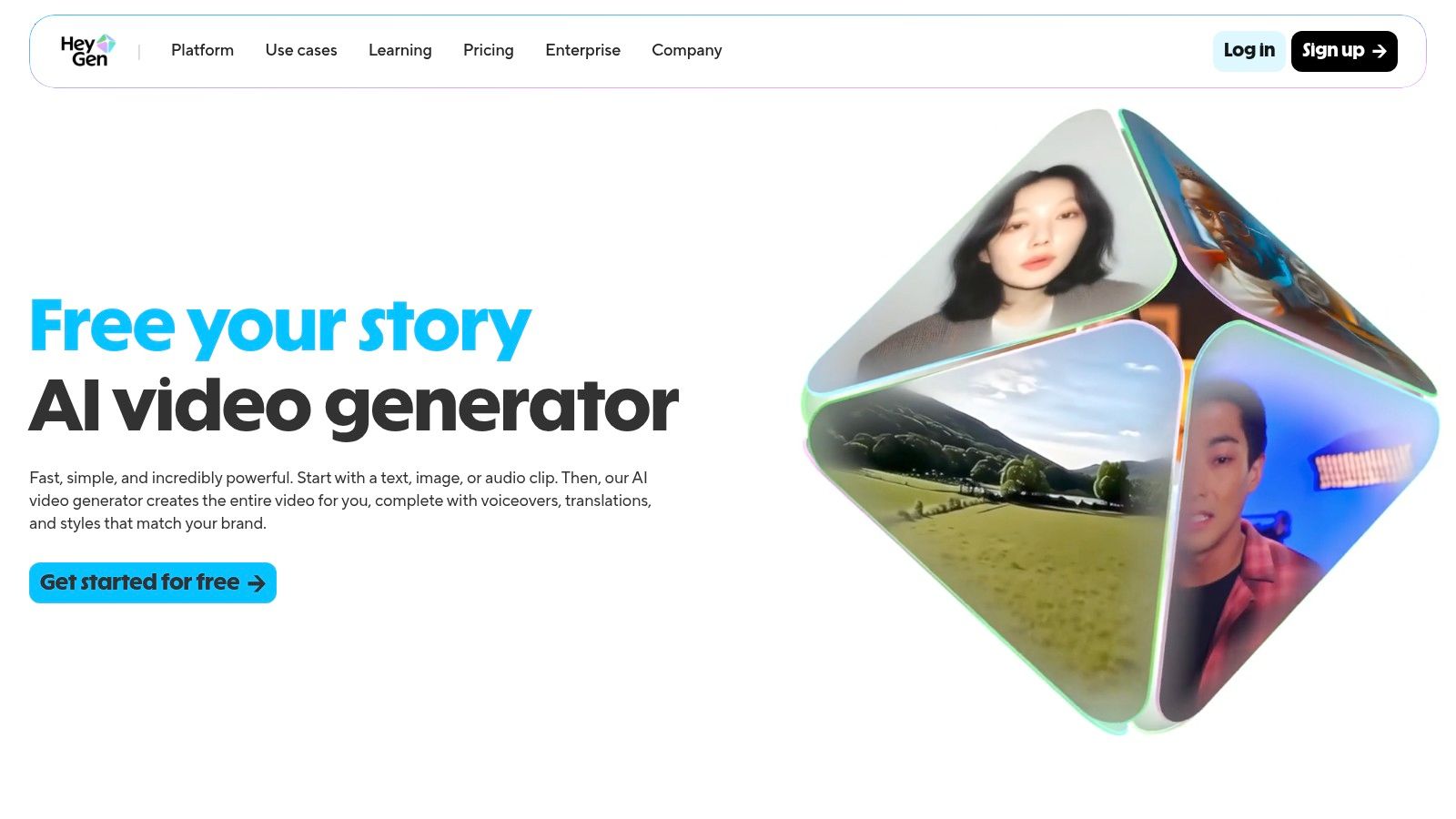
Its strength lies in turning scripts into polished, spokesperson-style videos without needing cameras or actors. For performance marketers, this makes it one of the most efficient AI video creation tools for producing multilingual ad creatives or instructional content that requires a human touch.
Use Case & Workflow
HeyGen is ideal for creating localized ad campaigns or onboarding videos. A marketing team could take a single English video script and instantly generate versions in dozens of languages, each featuring a realistic avatar with accurate lip-syncing. A recommended workflow is to start with a script, select a stock avatar or create a custom one, and then use the built-in translation features to produce localized variants. For more dynamic ad mashups, you can export these avatar clips and integrate them with other assets in a platform like Sovran to build a complete video ad.
Key Features & Pricing
AI Avatars: Access to a large library of 500+ stock avatars and the ability to create custom or interactive ones.
Video Translate: Supports over 175 languages for automated translation and dubbing with realistic voice cloning.
High-Resolution Export: Offers export quality up to 4K on higher-tier plans, ensuring crisp visuals for ad campaigns.
Pricing: Provides a free trial to create a 1-minute video. Paid plans start with the Creator plan ($24/month) and scale to the Business plan ($72/month), which offers more credits, higher resolutions, and collaboration features. An Enterprise plan with API access is available for programmatic video creation.
Website: https://www.heygen.com
6. Descript
Descript offers an innovative, AI-first approach to video editing that merges a word processor's simplicity with powerful production tools. Its core strength lies in its transcript-based editor, allowing creators to edit video and audio simply by editing text. This makes it an exceptionally efficient tool for teams focused on narrative-driven content, like podcasts, interviews, or educational videos, where the spoken word is central to the final product.
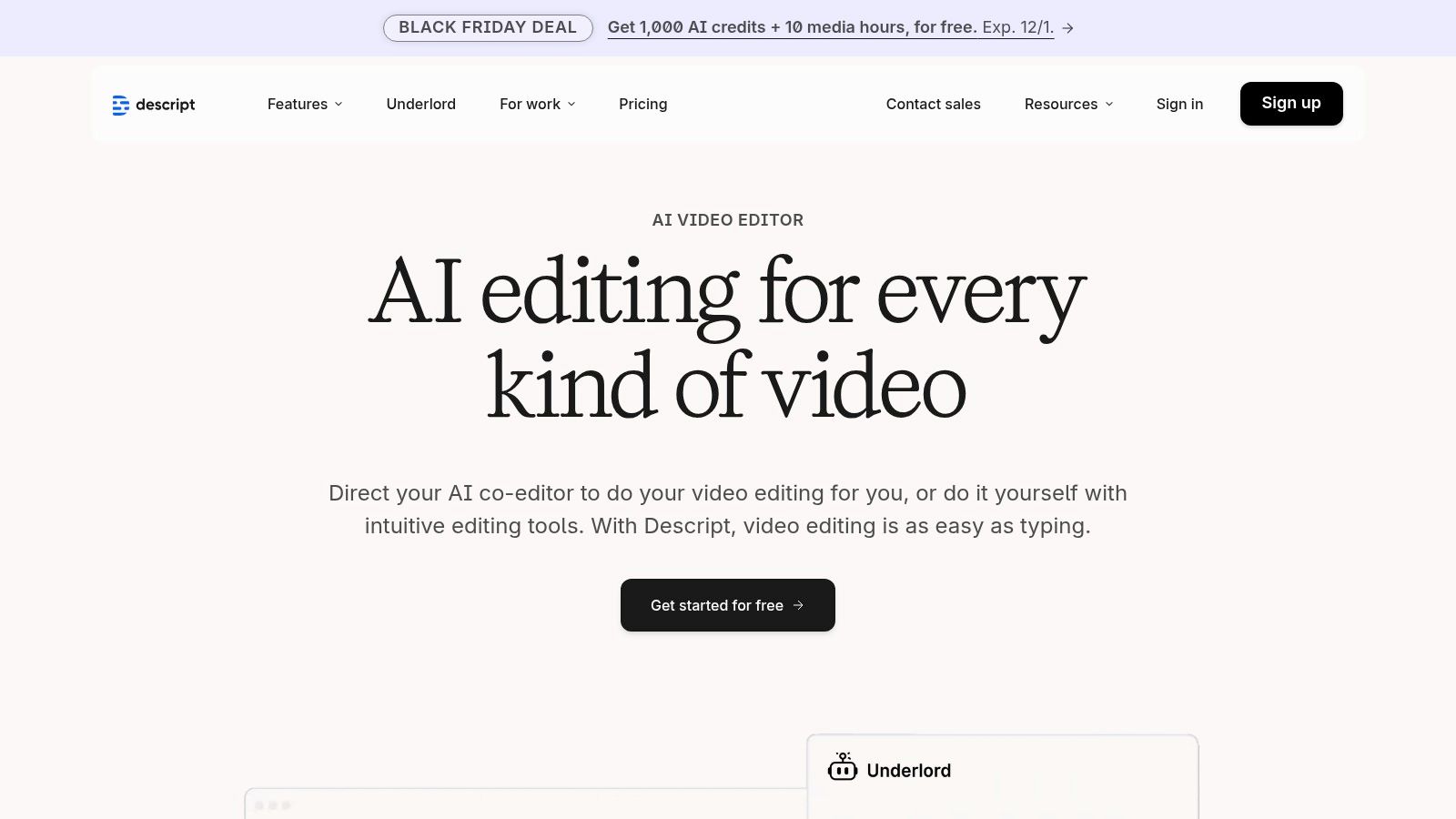
The platform is designed as an all-in-one solution, moving from recording and transcription to editing and final export within a single interface. While not purely a generative tool, it integrates AI deeply into the editorial workflow, making it one of the most practical AI video creation tools for content refinement and repurposing.
Use Case & Workflow
Descript is ideal for quickly turning long-form interviews or webinars into a series of short, engaging social media clips. A performance marketer could upload a customer testimonial video, and Descript's AI will automatically transcribe it. From there, they can use the text editor to find the most impactful quotes, delete filler words like "um" and "uh" with a single click, and assemble a new video sequence without ever touching a traditional timeline. Its Studio Sound feature enhances audio quality, making even poorly recorded audio sound professional.
Key Features & Pricing
Transcript-Based Editing: Edit video and audio by editing the transcribed text.
AI Audio Tools: Features like Overdub (voice cloning), Studio Sound (noise reduction), and automatic filler word removal.
AI Co-Editor: "Underlord" provides AI assistance for summarizing, finding highlights, and generating social posts.
Pricing: Offers a free tier for basic use. Paid plans include Creator ($12/user/month) and Pro ($24/user/month), with a custom Business tier for teams needing advanced features like translation and batch exporting. Be aware of transcription hour and AI credit limits on each plan.
Website: https://www.descript.com
7. VEED
VEED positions itself as an all-in-one, browser-based video toolkit, blending AI video generation with a comprehensive suite of editing features. It's designed for social media teams and content creators who need an end-to-end workflow without switching between multiple applications. The platform’s standout feature is its flexibility, offering access to various AI generation models, allowing users to balance quality, speed, and cost based on their project needs. This makes it a practical choice for teams producing a high volume of content for different channels.
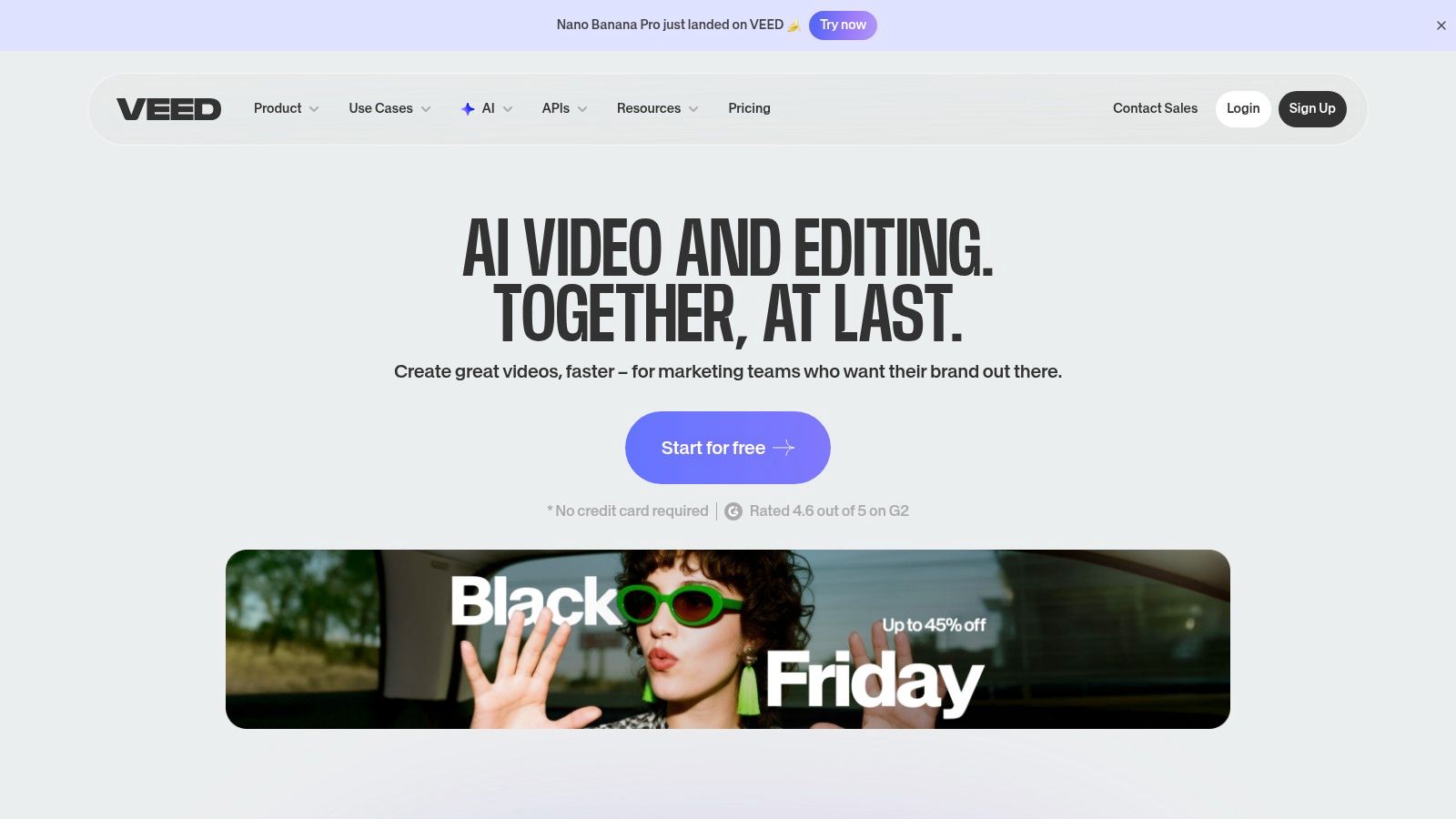
Its integrated environment includes powerful tools for subtitles, dubbing, and even voice cloning, making it one of the more versatile AI video creation tools for content localization and accessibility. The full editor streamlines the process from initial concept to final export.
Use Case & Workflow
VEED is ideal for marketing teams managing social media channels who need to quickly create, subtitle, and repurpose video content. For instance, a performance marketer could generate a short product explainer video, use the AI subtitle tool to add captions for silent viewing on Meta, and then use the voice cloning and dubbing feature to create versions for different international markets, all within the same tab. The workflow is entirely browser-based: generate a clip, drop it into the editor timeline, add text overlays or brand elements, and export directly.
Key Features & Pricing
Model Flexibility: Users can choose from different AI generation models to manage the trade-off between creative quality and credit consumption.
Integrated Editor: A full-featured video editor with subtitles, voice cloning, dubbing, and branding tools built-in.
Collaboration: Team-focused features allow for shared workspaces and assets, streamlining content approval and production.
Pricing: VEED offers a free tier with limited features. Paid plans include Basic ($12/user/month), Pro ($24/user/month), and Business ($59/user/month), each providing different amounts of AI credits and access to premium features. Note that generative AI tools are gated behind paid plans and operate on a credit system.
Website: https://www.veed.io
8. Kapwing
Kapwing is a collaborative online video editor that integrates a suite of AI-powered features to streamline the content creation process, particularly for social media and marketing teams. It excels at tasks that require speed and consistency, such as automatically generating subtitles, translating content, and creating voiceovers with text-to-speech. This makes it an excellent choice for teams that need to repurpose content across different languages and platforms without extensive manual work.
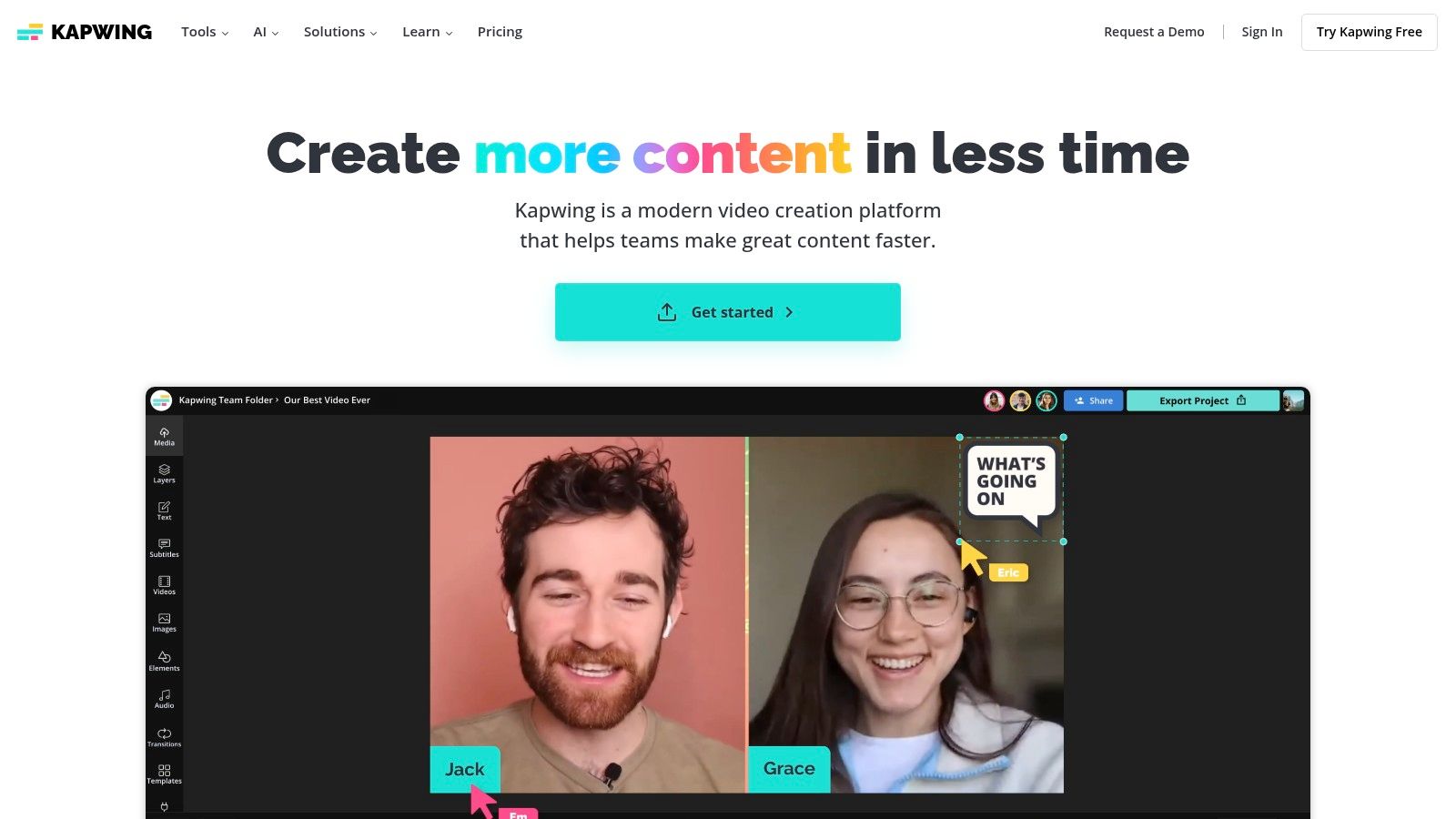
The platform is less focused on purely generative video and more on using AI to enhance and accelerate traditional editing workflows. Features like its Smart Cut tool, which automatically removes silences, make it one of the more practical AI video creation tools for polishing interview or UGC-style content quickly.
Use Case & Workflow
Kapwing is ideal for marketing teams managing high volumes of social media content who need to maintain brand consistency. For instance, a team can upload a core video asset, use the auto-subtitle and translation features to create versions for different regions, and apply a brand kit template to ensure all outputs are on-brand. A common workflow involves uploading raw footage, using AI tools for initial clean-up and subtitling, adding brand elements from a shared workspace, and then exporting directly for various social media platforms.
Key Features & Pricing
AI-Powered Editing: Includes auto-subtitles, translation, text-to-speech, video-to-audio, and smart silence removal.
Collaboration Tools: Features shared workspaces, brand kits, and collaborative templates for team efficiency.
Credit System: Generative AI features operate on a credit system, with monthly allotments tied to subscription tiers.
Pricing: Offers a free tier with watermarks. Paid plans include the Pro plan at $16/user/month (billed annually) and a Business plan at $50/user/month (billed annually) for larger teams needing more AI credits, storage, and 4K export quality.
Website: https://www.kapwing.com
9. Canva (Magic Media / Script-to-Video via HeyGen app)
Canva has integrated generative AI into its widely-used design ecosystem, making it a go-to platform for marketing and non-technical teams. Its Magic Media suite includes text-to-video generation, allowing users to create short clips from simple prompts directly within the familiar Canva editor. This is ideal for social media managers and content creators who need to quickly produce visual assets without leaving their primary design tool, leveraging a massive template library to get started.
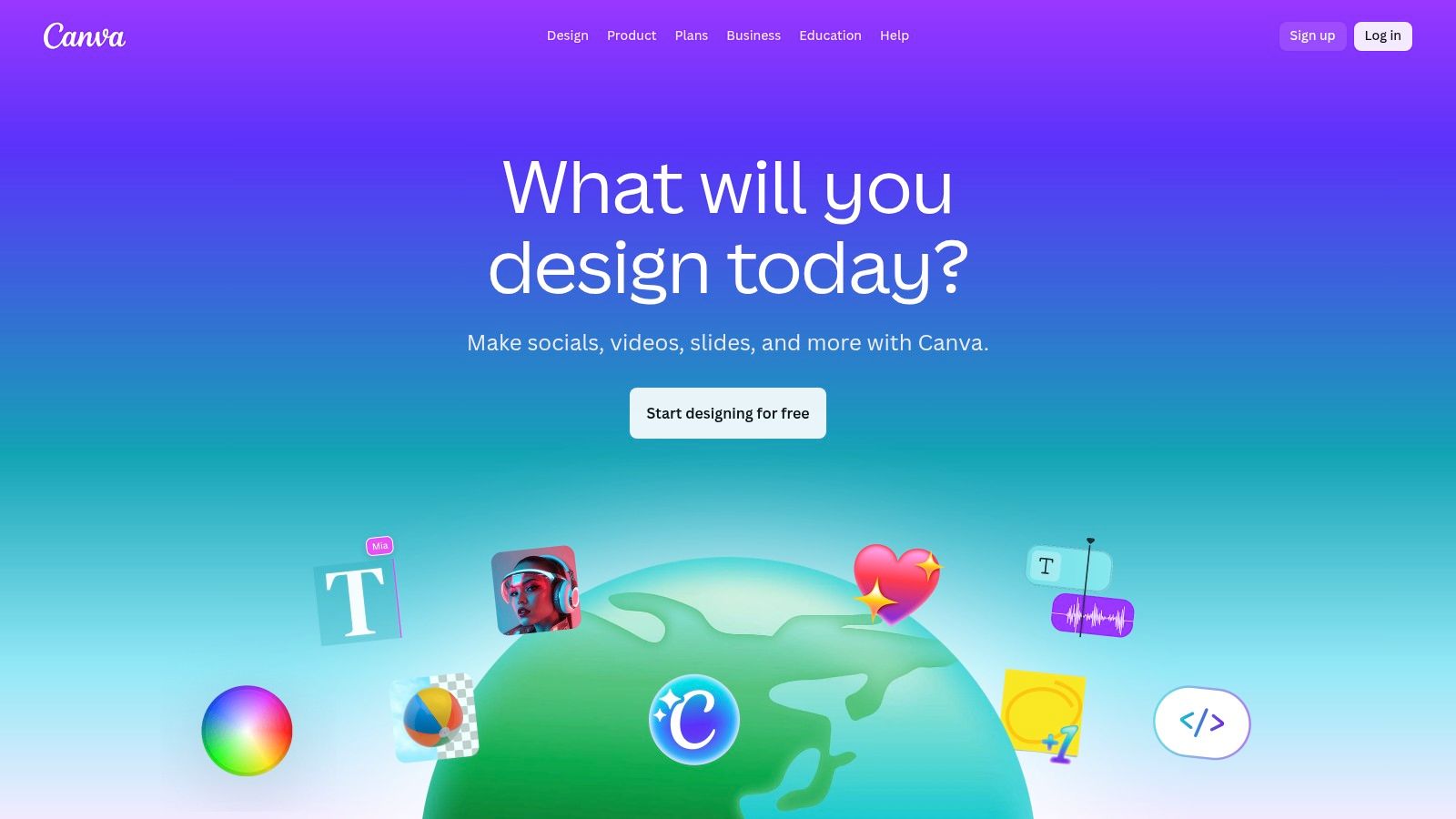
The platform also offers a script-to-video workflow through an integrated HeyGen app, which streamlines the creation of presenter-style videos. While the native AI features are solid for basic b-roll, the HeyGen integration makes it a more versatile option among AI video creation tools for teams that produce a mix of animated and spokesperson content.
Use Case & Workflow
Canva is best suited for teams that need to rapidly create ad variations based on existing templates and brand kits. A social media manager could use Magic Media to generate a 5-second background video for a TikTok ad, add text overlays, and use Beat Sync to match it to a trending audio track, all in one place. For script-to-video, the workflow involves using the HeyGen app within Canva, which requires a separate credit system from Canva's own Magic Media credits. It's an excellent choice for producing quick, template-driven ad content at scale.
Key Features & Pricing
Magic Media: Native text-to-video and image-to-video generation built into the Canva editor.
HeyGen Integration: Access script-to-video capabilities and AI avatars via a connected in-platform app.
Unified Workspace: Combines AI generation with a massive library of stock assets, templates, and collaborative design tools.
Pricing: AI features are available on paid plans like Canva Pro and Canva for Teams. Usage is credit-based, with credit allowances varying by tier. Note that the HeyGen integration operates on its own credit system, separate from Canva's.
Website: https://www.canva.com
10. InVideo AI
InVideo AI offers a guided, prompt-based workflow designed for rapid content creation, making it a strong choice for marketers who need to produce social media clips and simple ads with minimal friction. The platform excels at transforming a single idea or script into a complete video, including stock footage, voiceovers, music, and text overlays. It's best suited for teams focused on speed and simplicity over deep creative control, allowing for quick generation of explainer videos, social posts, and short promotional content.
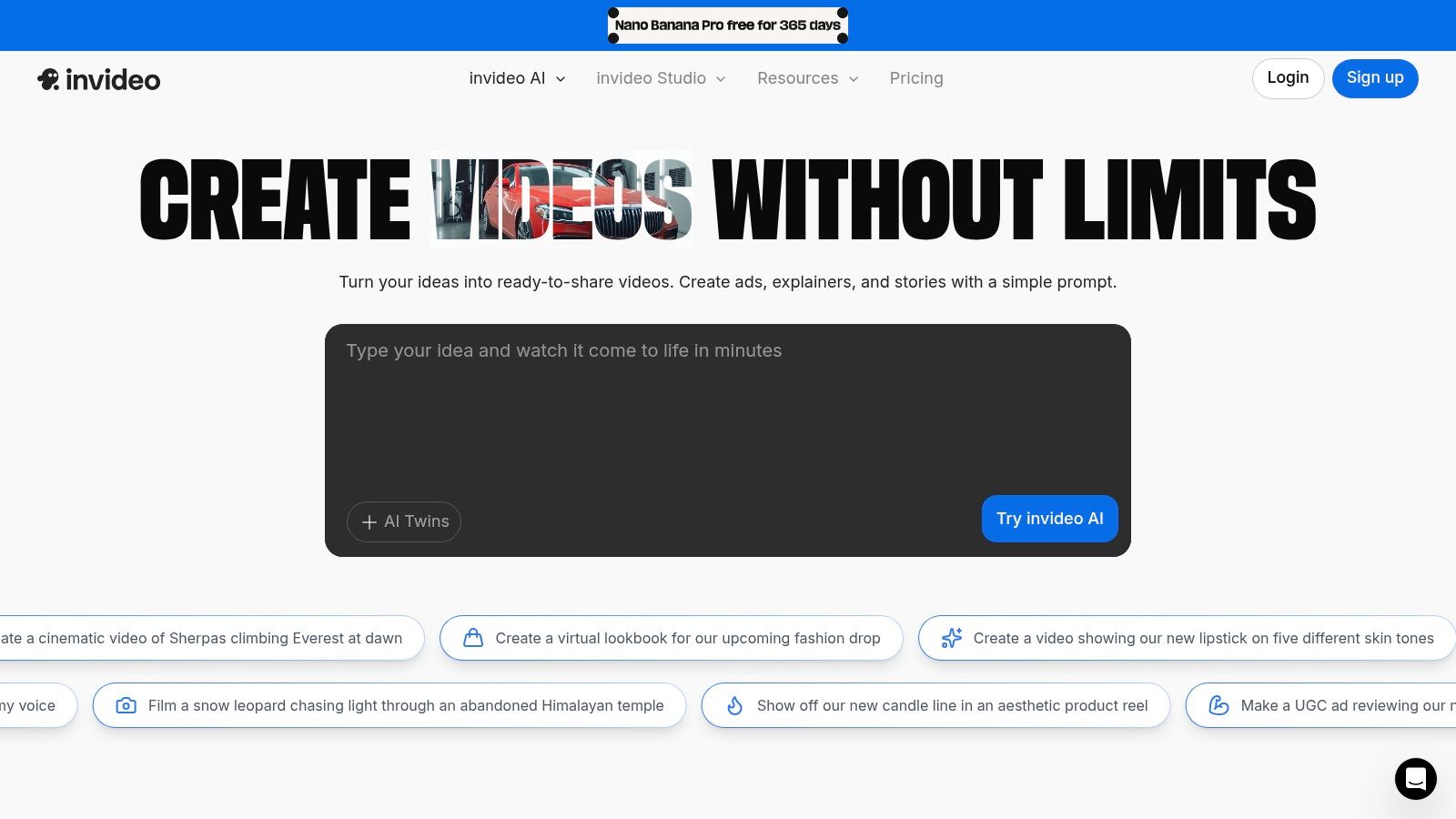
The user experience is streamlined through a text-based editor where you can issue commands like "change the background music to an upbeat corporate track" or "make this scene shorter." This approach lowers the barrier to entry, positioning InVideo AI as one of the more accessible AI video creation tools for non-editors.
Use Case & Workflow
InVideo AI is ideal for generating first-draft ad concepts or social media content at scale. A marketing team could use it to quickly test different messaging angles for a campaign by providing several script variations and letting the AI assemble the visuals. A recommended workflow is to use the AI to generate a complete video based on a detailed prompt, then use the command-based editor to refine specific scenes, swap out stock clips, or adjust the voiceover pacing. For more on how this tool fits into a broader advertising strategy, check out this guide on using an AI video generator for ads.
Key Features & Pricing
Prompt-Based Generation: Create full videos from a single text prompt, complete with media, voice, and text.
AI Avatars & Voiceovers: Includes options for AI-generated presenters and multi-lingual voice cloning.
Template-Driven: Relies on structured templates to ensure consistent and polished outputs for various formats.
Pricing: Offers a free plan for testing basic features (generative AI is excluded). Paid plans start at $20/month (billed annually) for the Plus tier, unlocking AI generation and removing watermarks, with the Max plan at $48/month offering more exports and storage.
11. Lumen5
Lumen5 is an established AI-assisted video creation platform designed for marketing and communications teams looking to transform text-based content into engaging social videos. Its primary strength lies in its ability to quickly convert blog posts, articles, and scripts into branded video content, making it ideal for content repurposing and consistent storytelling. The platform is less about high-end generative visuals and more about creating professional, template-driven explainer and marketing videos efficiently.
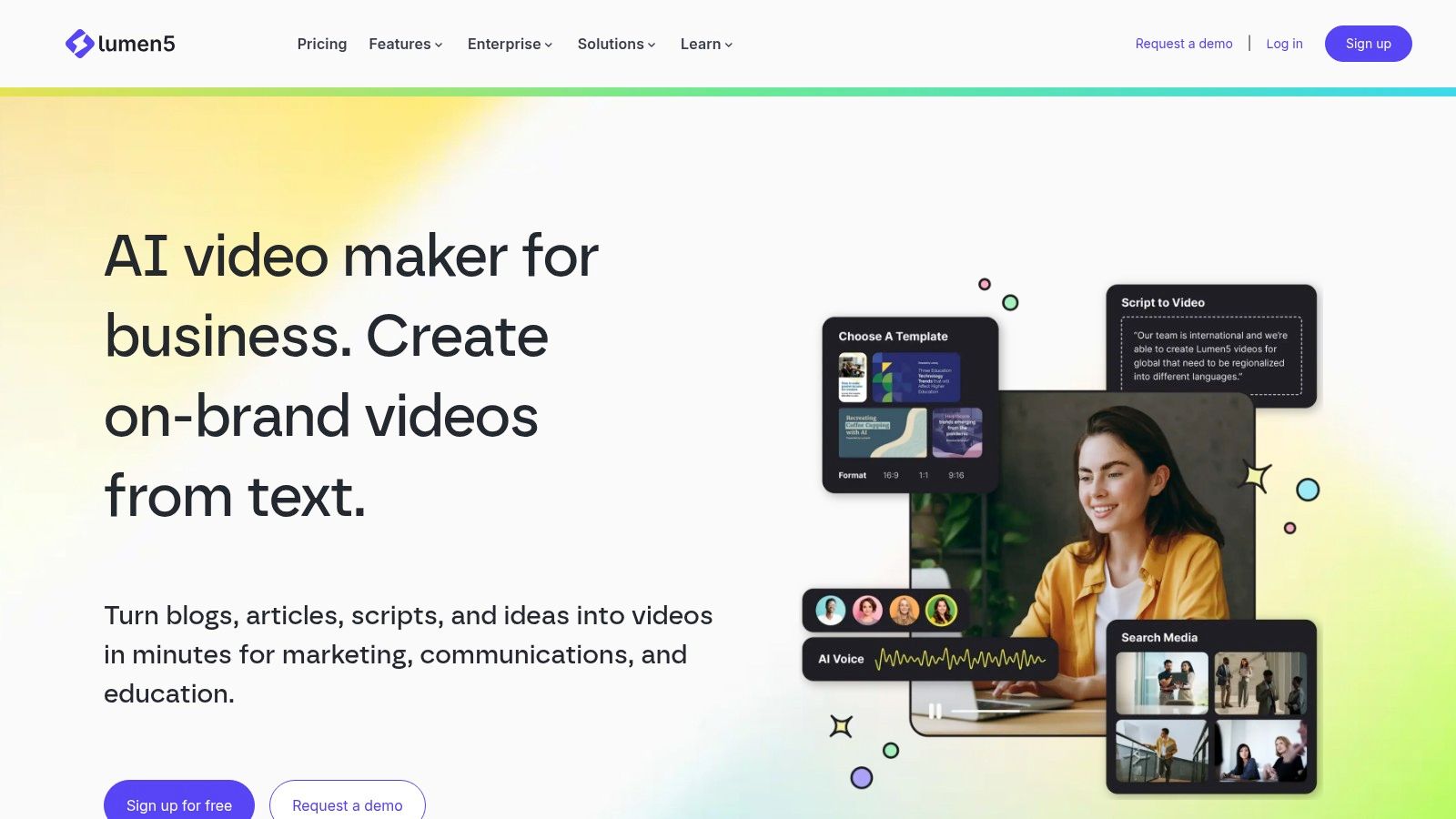
This tool is one of the most straightforward AI video creation tools for teams that prioritize brand consistency and speed over complex generative controls. Its robust brand kit features and enterprise-level controls ensure all outputs align with company guidelines.
Use Case & Workflow
Lumen5 is perfectly suited for a content marketing team aiming to extend the reach of their written content. For example, a team can paste a link to a recent blog post, and Lumen5's AI will summarize the key points, select relevant stock footage or images, and generate a draft video. The workflow involves pasting the text, customizing scenes with the drag-and-drop editor, applying the brand kit for logos and colors, and then exporting the final video for social media channels. It’s an efficient way to turn one asset into multiple formats.
Key Features & Pricing
AI Script-to-Video: Automatically converts articles and scripts into video scenes with AI-selected media.
Brand Kits: Enterprise-level controls for maintaining brand consistency with custom fonts, colors, and watermarks.
Extensive Media Library: Access to a large collection of stock photos, videos, and music tracks.
Pricing: Offers a free-forever plan with a watermark. Paid plans start at the Basic tier ($19/user/month), moving up to Starter ($59/user/month) and Professional ($149/user/month), with custom pricing for Enterprise needs. Higher tiers unlock more stock media and remove watermarks.
Website: https://lumen5.com
12. Microsoft Clipchamp
Microsoft Clipchamp is a user-friendly online video editor designed for quick, straightforward projects, making it a practical choice for teams already embedded in the Microsoft ecosystem. While not a generative-first platform, it integrates AI-assisted features to streamline the editing process. Its primary strength lies in its accessibility and value for Microsoft 365 subscribers, who gain access to premium features like 4K exports and brand kits at no extra cost, positioning it as an efficient tool for quick ad edits or internal communications.
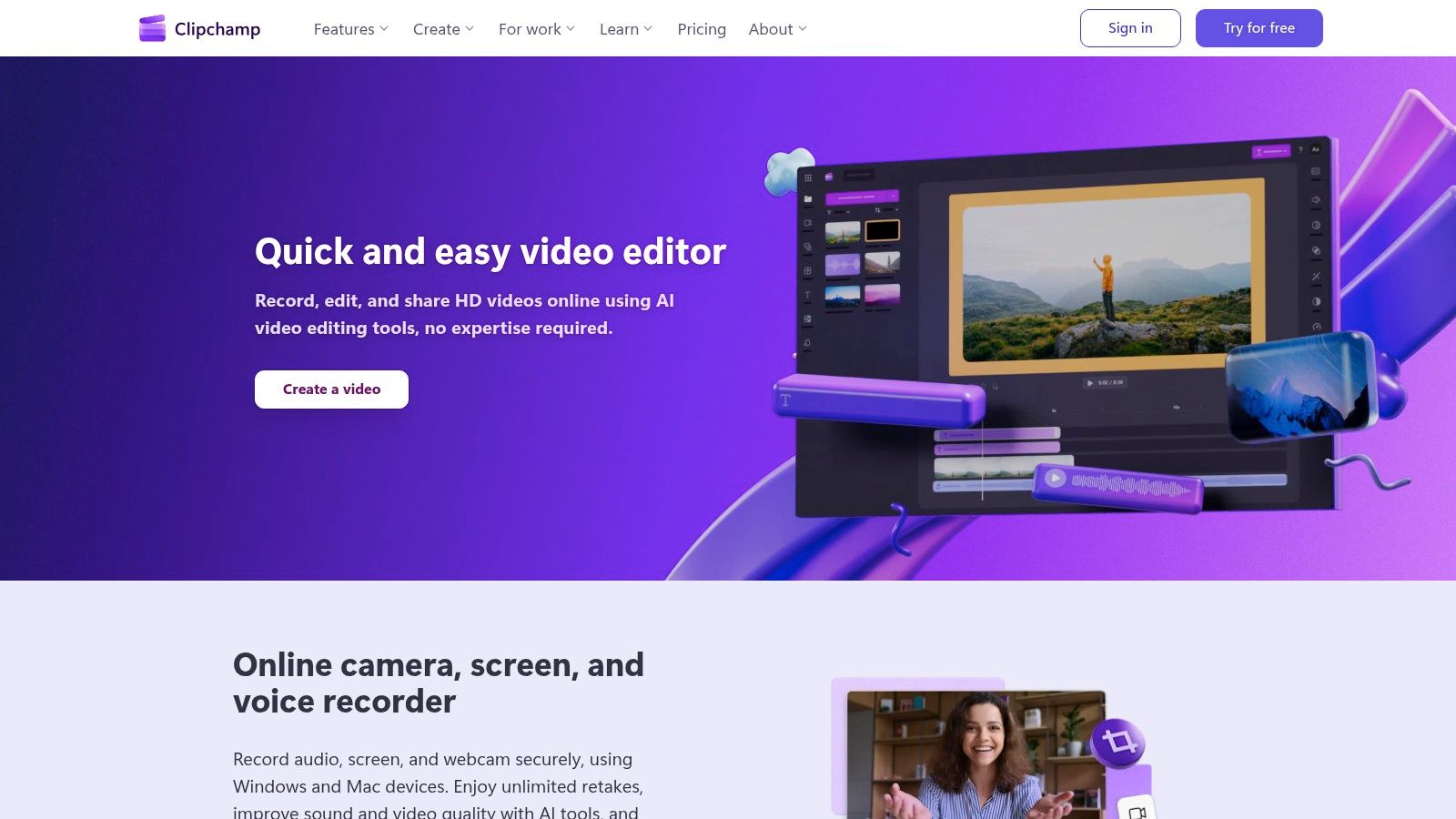
The platform functions more as a traditional editor enhanced with smart tools rather than a full-fledged generative suite. These assistive features make it one of the more approachable AI video creation tools for beginners or marketers needing to make simple cuts and compositions without a steep learning curve.
Use Case & Workflow
Clipchamp is ideal for quick-turnaround social media content, like simple UGC mashups or trimming down longer videos for platforms like TikTok and Instagram. A marketing team could use its auto-compose feature to quickly assemble a highlight reel from customer testimonials, then apply their brand kit with a single click. The workflow is simple: upload media, use the timeline editor for basic cuts, leverage AI tools for quick composition, add brand elements, and export directly. It's best used for final-touch editing rather than for generating net-new creative assets.
Key Features & Pricing
AI-Assisted Editing: Includes an auto-compose feature and smart tools to help structure video projects quickly.
Microsoft 365 Integration: Premium features like 4K export, brand kits, and premium stock assets are bundled with Microsoft 365 Personal/Family subscriptions.
Simple Timeline Editor: A clean, intuitive interface that is easy for non-editors to learn and use effectively.
Pricing: A robust free tier is available. The premium plan is included with Microsoft 365 subscriptions (starting at $6.99/month) or can be purchased standalone as the "Premium" plan for $11.99/month.
Website: https://clipchamp.com
12 AI Video Creation Tools: Feature Comparison
Product | Core features | 👥 Target | ★ UX/Quality | 💰 Price/Value | ✨ USP |
|---|---|---|---|---|---|
🏆 Sovran | Modular AI building blocks, Context Vault, Asset Search, Bulk Video Renders, Sora/Veo generators, Meta push | 👥 UA managers, media buyers, agencies, growth teams | ★★★★★ | 💰 From $99/mo; 30-day money-back guarantee | ✨ On‑brand Hook‑Body‑CTA combos, massive variant output, launch-ready workflows |
Runway | Gen‑3/Gen‑4 text/video-to-video, keyframe editor, collaboration | 👥 Creators, studios, VFX artists | ★★★★★ | 💰 Credit‑based (per‑sec); tiered plans | ✨ State‑of‑the‑art generative models + fine control |
Pika | Multiple internal models, iterative edit operators (Pikadditions/etc.) | 👥 Rapid ideators, indie creators | ★★★★☆ | 💰 Affordable entry; credit tiers | ✨ Playful fast iteration and stylized edits |
Synthesia | Avatar library, personal avatars, AI dubbing, API/SCORM | 👥 Corporate training, localization, enterprise comms | ★★★★☆ | 💰 Credit‑minutes; enterprise pricing | ✨ Large avatar set + robust localization/workflows |
HeyGen | Realistic avatars, 175+ languages, up to 4K export, API | 👥 Marketers, sales, training teams | ★★★★ | 💰 Mid‑tier pricing + API credits | ✨ High‑fidelity presenters and multi‑language dubbing |
Descript | Transcript-based editor, Overdub, Studio Sound, AI co‑editor | 👥 Podcasters, creators, editorial teams | ★★★★ | 💰 Freemium + Creator/Business tiers; AI credits | ✨ All‑in‑one script→publish workflow with strong audio tools |
VEED | Text-to-video + full editor, voice clone, model choice, branding | 👥 Social teams, marketers, creators | ★★★★ | 💰 Paid plans + credits for generative tools | ✨ In‑browser end‑to‑end editing with model flexibility |
Kapwing | Auto-subtitles, TTS, translation, templates, team workspaces | 👥 Marketing/social teams, small agencies | ★★★★ | 💰 Transparent tiering; monthly AI credits | ✨ Template/brand kits + collaborative editor |
Canva (Magic Media) | Text-to-video, Script-to-Video (HeyGen app), templates, stock | 👥 Non‑technical marketing teams, designers | ★★★★ | 💰 Pro/Business/Enterprise; HeyGen credits separate | ✨ Massive templates + integrated design/video workflow |
InVideo AI | Script-to-video, avatars, templates, AI writing | 👥 Small businesses, social advertisers | ★★★☆ | 💰 Free tier; AI features on paid plans | ✨ Fast template-driven ad/social video assembly |
Lumen5 | Script→video conversion, brand kits, stock media, translation | 👥 Marketing teams, content repurposers | ★★★☆ | 💰 Free‑forever tier; paid for premium assets | ✨ Easy branded storytelling from text content |
Microsoft Clipchamp | Simple timeline editor, AI assist, OneDrive/brand kit via M365 | 👥 Microsoft 365 users, beginners | ★★★☆ | 💰 Free + premium via M365 (4K/stock) | ✨ Low‑friction editor included in Microsoft ecosystem |
Choosing Your AI Co-Pilot: From Raw Clips to Winning Campaigns
The explosion of AI video creation tools has fundamentally shifted the paradigm for performance marketing teams. The question is no longer if you should use AI, but how you can strategically assemble a toolkit to accelerate your creative workflow from ideation to campaign launch. This guide has unpacked a dozen powerful platforms, from generative powerhouses like Runway and Pika that conjure novel visuals from a simple prompt, to specialized solutions like Synthesia and HeyGen for scalable, avatar-driven content.
We've seen how tools like Descript and VEED are revolutionizing the editing process, making it as simple as editing a document, and how platforms like Canva and Kapwing are democratizing access to powerful video features for broader marketing teams. Each tool occupies a unique space in the creative ecosystem, offering distinct advantages for specific tasks. The key takeaway is that no single platform is a silver bullet; the real competitive edge comes from building an intelligent, integrated workflow.
Building Your Performance Creative Stack
Your ideal toolkit depends entirely on your primary bottleneck. To select the right combination of AI video creation tools, start by diagnosing your most significant challenge:
If you struggle with generating new concepts and hooks: Your priority should be generative AI. Start with tools like Runway or Pika to create a library of unique, eye-catching b-roll and visual concepts that can serve as the raw material for new ad angles. These platforms are your brainstorming partners, helping you break free from creative fatigue.
If your bottleneck is iterating on winning ads: You need a platform built for speed and variation. This is where a system like Sovran becomes the central hub of your operations. Its purpose is to take existing assets, both human-shot and AI-generated, and rapidly assemble them into hundreds of testable variants, allowing you to quickly find the next winning combination.
If you need to produce polished, explanatory content at scale: Focus on avatar-based platforms. Synthesia and HeyGen are invaluable for creating consistent, multi-lingual onboarding videos, tutorials, or presenter-led ads without the logistical overhead of filming.
If your challenge is simply streamlining the editing process: Look to AI-assisted editors. Descript's text-based editing can drastically cut down post-production time, especially for user-generated content (UGC) or testimonial-heavy ads.
A Workflow, Not Just a Toolset
The most advanced performance teams think in terms of a connected system. A modern, AI-powered workflow might look like this: a creative strategist uses Pika to generate a 3-second animated hook, which is then passed to a video editor. The editor combines this hook with existing UGC clips inside Sovran, using its modular system to create 50 different ad variations by swapping out text overlays, calls-to-action, and background music. These ads are rendered in bulk and pushed directly to the ad platforms for testing.
This approach transforms the creative process from a linear, project-based task into a continuous, data-driven feedback loop. The goal is no longer to produce a single 'perfect' video but to deploy a wide array of creative hypotheses and let performance data guide your next steps. As you implement these AI video creation tools, remember to start small. Integrate one tool at a time, master its function within your workflow, and then build from there. The landscape is constantly evolving, so maintaining an agile and experimental mindset is crucial. Beyond the tools highlighted in this guide, new platforms are continuously emerging; for example, you might want to explore the offerings of the vidfarm platform for more options.
Ultimately, the true power of AI in video creation isn't just about automation, it's about augmentation. These tools are co-pilots that empower creative strategists and media buyers to test more ideas, learn faster, and unlock new levels of campaign performance. By choosing your tools wisely and building a workflow that aligns with your goals, you can move from simply making videos to systematically engineering campaigns that win.
Ready to transform your raw creative assets into a high-volume testing engine? Sovran is the central hub designed for performance teams to assemble, iterate, and scale ad creatives at unprecedented speed. Stop building ads one by one and start building a system that discovers winners. Explore Sovran today and accelerate your creative feedback loop.

Manson Chen
Founder, Sovran
Related Articles
Your Guide to an AI Video Ad Creator
So, what exactly is an AI video ad creator?Think of it as a platform that uses artificial intelligence to automatically build and test video ads on a massive...
- AI
- Video Ads
- 1 more
Your Guide To An AI Video Generator for Ads
An AI video generator for ads is a tool that uses artificial intelligence to automate the creation, editing, and scaling of video advertisements. In simple...
- AI
- Video Ads
- 1 more
AI Video Ad Generator Creative Marketing at Scale
An AI video ad generator is a platform that automatically cranks out on-brand, campaign-ready video ads. Don't think of it as just another editing tool. It's...
- AI
- Video Ads
- 1 more