The 12 Best Free Ad Template Resources for High-Converting Campaigns in 2026

In the fast-paced world of digital advertising, speed and volume are non-negotiable. Creative fatigue sets in faster than ever, and manually building every ad variation for Meta, TikTok, and Google is a surefire way to fall behind. The secret to scaling your campaigns without burning out your design team lies in leveraging proven frameworks. This guide curates the 12 best sources for a free ad template, from dynamic video layouts to polished static banners. We'll break down each resource, highlighting its unique strengths, practical use cases, and limitations, so you can stop staring at a blank canvas and start launching winning creatives today.
This is not just another list. We have meticulously evaluated each platform to give performance media buyers, user acquisition managers, and creative strategists the exact information needed to make quick decisions. You'll find direct links, screenshots, and expert tips for platforms like Canva, CapCut, Adobe Express, and even lesser-known gems like the Figma Community and Biddyco's frameworks. We focus on templates that are easily adaptable for high-velocity testing and provide a solid foundation for your campaigns.
Our goal is to equip you with the right tools to build better ads, faster. While a great template is a critical starting point, truly effective creative requires a deeper understanding of strategy and execution. To fully leverage these templates and achieve impactful results, understanding the complete process of how to create video ads that convert is essential. This curated collection will serve as your go-to resource, helping you find the perfect free ad template to streamline your workflow and drive better performance across all your paid channels. Let’s dive into the best template sources available right now.
1. Adobe Express: The Professional's Choice for Versatile Templates
Adobe Express stands out for its sheer volume and professional quality, offering a massive, constantly updated library of free ad templates. It covers a wide range of needs, from social media and video to traditional display banners. The platform’s primary advantage is its built-in adherence to platform-specific technical requirements, a feature often overlooked by simpler tools.

This focus on technical accuracy makes it a reliable choice for performance marketers who can’t afford errors. The interface is intuitive, yet the toolset is powerful enough for professional designers, bridging a critical gap for teams with varying skill levels. The integration of Adobe's AI for generative fill and intelligent resizing further accelerates creative production.
Key Features & Assessment
The platform’s free tier is exceptionally generous, granting access to thousands of templates without an initial investment. This makes it an ideal starting point for anyone looking for a high-quality free ad template.
Pros:
Platform-Specific Guides: Templates include built-in safe zone overlays for TikTok and Reels, ensuring UI elements don't obscure key messaging.
Generous Free Plan: Access a vast library of templates, fonts, and design assets without a paid subscription.
Intuitive Workflow: The drag-and-drop editor is user-friendly, while collaboration features support team-based projects.
Cons:
Premium Asset Paywall: The best assets, brand kits, and advanced AI features require upgrading to a paid plan.
Browser Performance: Complex video projects or designs with many layers can cause the browser-based editor to become sluggish.
Website: https://www.adobe.com/express/templates/advertisement
2. Canva: The Accessible Powerhouse for Rapid Ad Creation
Canva has become the go-to design platform for marketers who need to produce a high volume of creatives quickly. Its massive library of free ad templates spans nearly every digital platform, from Meta and TikTok to LinkedIn and Google Ads. The platform’s core strength lies in its unmatched accessibility, allowing users with no design background to create professional-looking static and video ads in minutes.

What sets Canva apart for advertisers are its integrated apps and direct publishing capabilities. Tools like the Meta Design Check help validate specs before export, and integrations allow direct uploads to platforms like LinkedIn Ads. This workflow-centric approach significantly reduces friction, making it a favorite for teams focused on speed and efficiency. The one-click resizing feature is also a massive time-saver for adapting a single concept across multiple ad placements.
Key Features & Assessment
Canva's free tier offers a remarkably robust starting point, giving users access to a substantial portion of its template library. It’s an ideal choice for anyone looking for a free ad template that can be customized and deployed with minimal effort.
Pros:
Unmatched Ease of Use: The intuitive drag-and-drop editor and extensive template library make it extremely easy for non-designers to get started.
Platform Integrations: In-app tools for Meta spec checks and direct publishing to select ad platforms streamline the creative workflow.
Vast Template Selection: Thousands of templates are available for static and video ads across all major social and display networks.
Cons:
"Canva Look": The popularity of its templates means creatives can sometimes look generic without significant customization.
Pro Version Limitations: Key features like brand kits, background remover, and premium stock assets are locked behind a paid subscription.
Website: https://www.canva.com/create/advertising-videos/
3. CapCut: The Go-To for Short-Form Video Ads
CapCut has rapidly become the essential tool for creating short-form video ads, especially for TikTok and Meta platforms. Its strength lies in a vast library of free ad templates designed around current trends, user-generated content (UGC) styles, and direct-response formulas. The platform is built for speed, allowing marketers to quickly produce and iterate on video creatives directly from their mobile device or web browser.

Unlike more traditional editors, CapCut excels at simplifying complex video effects, auto-captioning, and synchronizing audio to visuals with just a few taps. This mobile-first approach makes it incredibly accessible for teams needing to create authentic-looking ads without a steep learning curve or professional video editing software. For platforms like TikTok, dedicated AI TikTok Ads tools can further streamline the creation of engaging, viral-style content.
Key Features & Assessment
CapCut’s commercial template library is specifically categorized by industry and objective, making it easy to find a relevant starting point for a promo or product showcase. This focus on business use cases provides a significant advantage for performance marketers looking for a reliable free ad template for video campaigns.
Pros:
Trending Ad Formats: The library is constantly updated with templates that mimic viral trends and proven UGC ad structures.
Extremely Fast Workflow: Its intuitive interface on both mobile and web enables rapid ad creation and iteration, perfect for high-velocity testing.
Cost-Effective: The core platform and most of its powerful features are completely free to use.
Cons:
Limited Creative Control: Offers less granular control over keyframes, color grading, and effects compared to professional NLEs like Premiere Pro.
Inconsistent Template Quality: The discovery feed mixes professional templates with lower-quality community submissions, requiring some filtering.
Website: https://www.capcut.com/explore/commercial-ads
4. TikTok Creative Center (Top Ads Dashboard)
While not a direct template provider, the TikTok Creative Center is an indispensable resource for informing your creative strategy. It serves as a real-time intelligence dashboard, showcasing the platform's highest-performing ads. Users can filter this vast library by region, industry, and campaign objective to deconstruct what makes winning creative tick.

The platform's primary value is its deep analytics, which reveal second-by-second engagement data and highlight the "most valuable frame" in a video. This insight is crucial for understanding narrative pacing, hook effectiveness, and optimal CTA placement. For marketers, it transforms the search for a free ad template from guesswork into a data-backed research process, ensuring the concepts you develop are based on proven success.
Key Features & Assessment
The dashboard is completely free to use, though signing in with a TikTok for Business account unlocks more comprehensive data and fewer restrictions. Its insights directly inspire effective template structures by revealing current trends and audience behavior patterns.
Pros:
Competitive Intelligence: Analyze top-performing ads in your specific niche to identify successful creative formulas and trends.
Data-Driven Insights: Go beyond simple views with analytics on CTR, CVR, and second-by-second viewer retention to inform your ad structure.
Free Inspiration Source: An essential first stop for brainstorming and validating creative concepts before committing to production.
Cons:
No Direct Templates: It provides inspiration and data, not downloadable templates, requiring you to recreate the concepts in another tool.
Limited Access for Guests: Full access and the best filtering capabilities require logging into a business account.
Website: https://ads.tiktok.com/business/creativecenter
5. Creatopy: The Scalable Solution for Multi-Placement Campaigns
Creatopy specializes in creating comprehensive ad sets, making it a powerful tool for marketers running multi-platform display or social campaigns. Its key differentiator is the ability to design a core creative and then instantly generate a full set of ad sizes, covering everything from IAB standard banners to various social media placements. This massively streamlines the production process for consistent, cross-channel branding.

The platform’s strength lies in its balance between automation and creative control. While you can bulk-edit elements across an entire ad set, you can also tweak individual sizes to optimize for specific placements. The inclusion of high-quality motion and animated templates provides a strong foundation for performance advertisers looking to scale creative testing without starting from scratch for every ad size.
Key Features & Assessment
While Creatopy is a robust paid platform, its template library can be browsed for inspiration, and a free trial offers a glimpse into its powerful workflow. It’s an excellent resource for those planning a high-volume campaign and needing a reliable free ad template foundation to build upon.
Pros:
Efficient Ad Set Creation: The multi-size "display sets" feature is a significant time-saver, producing many IAB-compliant sizes from a single design concept.
High-Quality Layouts: Templates are professionally designed and structured for performance, making them ideal for A/B testing variations.
Animation and Motion: Easily add simple animations to static designs to increase ad engagement without complex video editing software.
Cons:
Paid Export Functionality: Downloading the full, unwatermarked ad sets in all formats requires a paid subscription.
Restrictive Free Trial: The free trial has limitations on features and exports, which may be insufficient for larger teams or extensive testing.
Website: https://www.creatopy.com/templates/
6. Visme: The Data-Driven Ad Creator
Visme carves out a niche by blending standard ad design with powerful data visualization capabilities. It is an excellent choice for marketers who need to create ads that incorporate charts, graphs, or infographics. While it offers a solid library of templates for social media and web banners, its true strength lies in making complex data visually appealing and easy to digest within an ad format.

The platform is designed for non-designers, providing a user-friendly editor that simplifies the creation of both static and lightly animated ads. For advertisers in SaaS, finance, or B2B sectors, Visme offers a unique advantage by turning performance statistics or feature comparisons into compelling creative assets, moving beyond typical stock photo-based designs.
Key Features & Assessment
The free plan provides a good entry point to explore the tool's capabilities and access a usable selection of templates. Marketers looking for a free ad template that can handle data-heavy content will find Visme particularly well-suited to their needs, allowing for the creation of ads that educate and convert.
Pros:
Data Visualization Tools: Easily create charts, graphs, and infographics directly within the ad editor to showcase data.
User-Friendly Editor: The interface is clean and intuitive, making it accessible for beginners without design experience.
Interactive Ad Support: Paid plans offer HTML5 export, enabling the creation of engaging, interactive banner ads.
Cons:
Limited Free Exports: The free plan has limitations on download formats and may include Visme branding.
Basic Animation: While it supports simple animations, the video and motion capabilities are not as advanced as video-first platforms.
Website: https://www.visme.co/ad-maker/
7. Kapwing: The Go-To for Quick Video Ad Prototyping
Kapwing excels as a browser-based video editor built for speed, making it an essential tool for creating user-generated content (UGC) style ads and social media videos. It provides a massive catalog of free, customizable ad templates specifically tailored for TikTok and Reels, prioritizing quick edits, subtitling, and fast turnarounds over complex motion design.

The platform’s strength lies in its streamlined workflow for common performance marketing tasks like adding bold captions, trimming clips, and resizing videos for different placements. This simplicity makes it ideal for creative strategists and media buyers who need to quickly mock up and test new concepts without involving a dedicated video editor.
Key Features & Assessment
Kapwing’s accessibility and focus on video-first social formats make it a standout resource for anyone needing a high-velocity free ad template for video. The free tier is robust enough for prototyping, though users should be mindful of the watermark on exports unless they are logged into an account.
Pros:
Fast for UGC Edits: The interface is optimized for rapid, text-heavy ad formats and meme-style content that performs well on social platforms.
Solid Free Tier: Excellent for prototyping creative concepts and making quick edits without needing a subscription.
Auto-Subtitling: Quickly generate and style captions, a crucial feature for sound-off viewing environments on Meta and TikTok.
Cons:
Watermark on Exports: Free exports can include a Kapwing watermark unless you upgrade or are logged in to a free account.
Limited Motion Design: The tool is not built for complex animations or advanced motion graphics, limiting creative complexity.
Website: https://www.kapwing.com/templates/advertisement
8. Figma (Facebook Ad Creator Template)
For design-centric teams, Figma offers a powerful and free community template specifically built for creating Facebook ads. Unlike one-click template builders, this is a fully customizable workspace with pre-sized frames and layout guidance. Its primary advantage is its integration into a broader design system, allowing teams to maintain brand consistency by pulling in standardized components, fonts, and logos directly.

This makes it an ideal solution for organizations aiming to standardize their ad creation workflow across multiple designers. The collaborative, browser-based environment allows for real-time feedback and iteration, streamlining the approval process before assets are exported. It bridges the gap between ad-hoc creative production and a systematic, brand-aligned approach.
Key Features & Assessment
While it requires some familiarity with the Figma interface, the template serves as an excellent foundation for any team looking to build its own free ad template library internally. It empowers designers to work within established brand guidelines while rapidly producing variations.
Pros:
Design System Integration: Perfect for teams that want to standardize ad components, variants, and brand assets for consistent output.
Collaborative Workflow: Browser-based editing enables seamless teamwork, feedback, and version control for creative teams.
Highly Extensible: The template is a starting point; it can be expanded with new formats and custom components.
Cons:
Learning Curve: Requires basic Figma knowledge to use effectively, unlike simpler drag-and-drop ad builders.
Manual Export/Upload: Creatives must be exported from Figma and then manually uploaded to Facebook Ads Manager.
Website: https://www.figma.com/templates/facebook-ad-creator/
9. Google Web Designer: The Powerhouse for Interactive HTML5 Ads
Google Web Designer is a free, professional-grade desktop application specifically built for creating interactive HTML5 display and video ads. It moves beyond static templates, offering a powerful environment for building animated and rich-media units that are fully compliant with Google Ads and Display & Video 360. Its main strength lies in producing sophisticated banner ads that web-based tools cannot replicate.

Unlike simple drag-and-drop editors, this tool provides both a design view for visual creation and a code view for granular control. This dual-mode approach makes it suitable for designers who want to animate visually and developers who need to implement custom JavaScript or dynamic content feeds. The timeline-based animation system is familiar to anyone with a background in motion graphics software.
Key Features & Assessment
The platform includes a solid library of starter templates and interactive components like image galleries, maps, and video players. While it requires a download and has a steeper learning curve, it's an unparalleled free resource for anyone serious about producing high-impact display advertising and in need of a powerful free ad template for HTML5.
Pros:
Professional HTML5 Authoring: A completely free tool for creating complex, animated, and interactive display ads that meet IAB standards.
Seamless Google Integration: Natively builds ads optimized for Google’s advertising ecosystem, ensuring compatibility and performance.
Advanced Animation Control: The timeline editor provides precise control over keyframes and easing for sophisticated motion design.
Cons:
Steep Learning Curve: Not a simple pick-up-and-use tool; it requires time to learn, especially for those new to HTML5 or animation.
Display Focus: Primarily designed for HTML5 display banners, not for the fast-paced social video formats used on platforms like TikTok or Reels.
Website: https://webdesigner.withgoogle.com/intl/en_us/
10. Microsoft Create (Clipchamp)
Microsoft Create, powered by its integrated Clipchamp video editor, provides a streamlined solution for producing social-optimized video ads, particularly for TikTok. It is designed for users who need to quickly generate vertical video mockups or ads without the steep learning curve of professional non-linear editing (NLE) software. The platform's main strength lies in its simplicity and accessibility, making it an excellent entry point for creating effective, platform-native video content.

This focus on ease of use makes it a practical tool for teams already operating within the Microsoft ecosystem, allowing for smoother workflows. The in-browser Clipchamp editor offers a surprising range of features, including stock audio, effects, and export settings pre-configured for TikTok’s specifications. This ensures that even novice editors can produce content that feels right at home on the platform.
Key Features & Assessment
The platform’s free tier provides solid functionality for anyone seeking a free ad template for vertical video, allowing users to create and export watermark-free videos. This accessibility makes it a valuable resource for startups and marketers experimenting with TikTok or Reels for the first time.
Pros:
TikTok-Optimized: Templates are designed specifically for vertical, short-form video, with export settings aligned to TikTok’s requirements.
Accessible In-Browser Editor: Clipchamp offers a user-friendly, timeline-based editor that is far more intuitive than complex desktop software.
Microsoft Ecosystem Integration: A great option for teams using Microsoft 365, enabling smoother collaboration and asset management.
Cons:
Limited Template Library: The collection of ad-specific templates is smaller and less diverse compared to dedicated creative platforms like Canva or CapCut.
Less Depth Than NLEs: Lacks the advanced controls, plugin support, and granular editing capabilities of professional software like Premiere Pro or Final Cut Pro.
Website: https://create.microsoft.com/en-us/tiktok
11. HubSpot (Advertising Templates & Checklists)
HubSpot shifts the focus from visual ad creation to the operational backbone of paid media campaigns. It offers a resource hub with downloadable templates designed to standardize campaign preparation, planning, and quality assurance. This makes it an invaluable asset for user acquisition managers and marketing teams looking to streamline their internal processes rather than just designing creatives.

Unlike design-centric tools, HubSpot provides media planning spreadsheets, ad mockup documents, and campaign launch checklists. These resources help teams maintain consistency in naming conventions, budget tracking, and creative QA, preventing costly errors before campaigns go live. It’s a practical toolkit for building a more organized and scalable advertising operation.
Key Features & Assessment
The resources are free to download, though some may require an email submission, providing access to operational tools that complement creative production workflows. While you won't find a visual free ad template here, the strategic documents are just as critical for campaign success.
Pros:
Operational Excellence: Templates for media planning and campaign setup help standardize paid media operations across a team.
QA and Standardization: Checklists and mockup guides ensure consistency and reduce errors in campaign launches.
Completely Free: All resources are downloadable at no cost, making them highly accessible for teams of any size.
Cons:
Not for Creative Design: The library lacks visual or video ad templates like those found in Canva or Adobe Express.
Email Gate: Access to some of the more comprehensive templates may require providing contact information.
Website: https://www.hubspot.com/resources/templates/advertising
12. Biddyco: Advanced After Effects Templates for Performance Teams
Biddyco offers a unique, high-value resource for performance-focused creative teams: a free pack of After Effects video ad templates. Unlike purely aesthetic options, these templates are engineered around proven direct-response frameworks, structuring content into distinct hook, body, and CTA segments. This makes them an invaluable asset for teams focused on systematic creative testing and optimization for Meta platforms.

These project files are not for beginners but are a goldmine for experienced video editors and motion designers. They provide a structured, scalable foundation for producing high-velocity ad variations. The emphasis on performance over polish means users can quickly iterate on messaging, offers, and visual hooks without building new video structures from scratch, directly supporting a high-tempo testing methodology.
Key Features & Assessment
The resource is explicitly designed for marketers who live in After Effects and need a reliable free ad template that aligns with performance goals. Access is gated by an email sign-up, which also subscribes you to their insightful newsletter on creative strategy.
Pros:
Performance-Engineered: Templates are built on direct-response principles (Hook-Body-CTA), not just design trends.
Scalable Foundation: Provides an excellent starting point for building a scalable video ad production workflow in After Effects.
Professional Grade: These are not simple Canva-style templates but complex project files offering granular control for professional editors.
Cons:
High Skill Requirement: Useless without proficiency in Adobe After Effects and a solid understanding of motion design.
Email Gate: Access requires providing an email address, which may be a barrier for some users.
Platform-Specific: The free pack is primarily designed and optimized for Facebook and Instagram ad formats.
Website: https://biddyco.com/templates/
Free Ad Template Tools — 12-Tool Comparison
Tool | Unique Features ✨ | Strengths / Excellence 🏆 | UX / Quality ★ | Target Audience 👥 | Price / Value 💰 |
|---|---|---|---|---|---|
Adobe Express | Platform‑spec templates, safe‑zones, built‑in AI | 🏆 Broad template library & team tools | ★★★★ — beginner friendly; can slow on heavy projects | 👥 SMBs, marketing teams, non‑designers | 💰 Free tier; premium assets paid |
Canva | One‑click resize, brand kits, platform apps | 🏆 Fast time‑to‑creative for many formats | ★★★★ — very easy; common aesthetic | 👥 Small teams, creators, marketers | 💰 Free + Pro (some exports/features paid) |
CapCut | Mobile‑first editor, UGC templates, auto captions | 🏆 Best for rapid short‑form iteration | ★★★★ — fast on mobile; less pro control | 👥 TikTok creators, social editors, growth teams | 💰 Free |
TikTok Creative Center | Top Ads dashboard, 2s engagement metrics, trends | 🏆 Competitive creative research & insights | ★★★★ — research‑heavy; limited guest view | 👥 Performance marketers, social strategists | 💰 Free (better when signed in) |
Creatopy | Multi‑size display sets, bulk editing, motion templates | 🏆 Scales consistent creative across sizes | ★★★ — solid layouts; paid export limits | 👥 Agencies, teams scaling display/social ads | 💰 Paid plans; trial limited |
Visme | Data viz + simple animation, HTML5 export | 🏆 Good for interactive banners & data ads | ★★★ — user‑friendly; basic video motion | 👥 Marketers needing interactive/display assets | 💰 Free + paid (HTML5/export gated) |
Kapwing | In‑browser video editor, subtitling, auto‑resize | 🏆 Fast prototyping for UGC and text‑heavy ads | ★★★★ — easy; free exports may watermark | 👥 Creators, social editors, small teams | 💰 Free (watermark) / Paid removes limits |
Figma (FB Ad Template) | Pre‑sized frames, component variants, collaborative | 🏆 Great for standardized design systems | ★★★ — powerful for teams; learning curve | 👥 Design teams, product/brand teams | 💰 Free starter; manual publish to Ads Manager |
Google Web Designer | HTML5 ad templates, code & design views, timeline | 🏆 Pro‑grade interactive/rich‑media ads | ★★★ — capable; steeper learning curve | 👥 Rich‑media designers, agencies | 💰 Free |
Microsoft Create (Clipchamp) | TikTok‑optimized vertical templates, Clipchamp editor | 🏆 Quick vertical ad mockups & MS integration | ★★★ — simple editor; smaller library | 👥 Microsoft‑centric teams, social creators | 💰 Free / Clipchamp tiers for advanced |
HubSpot (Templates & Checklists) | Media plans, ad mockups, launch checklists | 🏆 Standardizes UA ops & QA workflows | ★★★★ — resource‑focused, easy to use | 👥 UA ops, campaign managers, analysts | 💰 Free resources (some gated by email) |
Biddyco | After Effects direct‑response project files (H‑B‑CTA) | 🏆 Performance‑tuned AE templates for D‑R testing | ★★★ — high quality but AE‑dependent | 👥 Motion designers, performance editors | 💰 Free pack (email gate); AE required |
Beyond the Template: How to Supercharge Your Ad Production Workflow
Throughout this guide, we've explored a powerful arsenal of tools offering a diverse range of free ad template resources. From Canva's user-friendly static designs and CapCut's trend-driven video formats to Figma's collaborative frameworks and the inspirational ads found in the TikTok Creative Center, you now have a solid foundation for your next campaign. These templates are more than just a starting point; they are a strategic shortcut, providing proven structures and design principles that can significantly reduce your initial production time.
The core takeaway is that a free ad template is your launchpad, not your final destination. It provides the architectural blueprint, the Hook-Body-CTA framework, that underpins most successful direct response creative. By leveraging these resources, you can bypass the "blank page" problem and focus your energy on what truly matters: testing, learning, and iterating.
From Manual Customization to Programmatic Scaling
The initial phase of your creative strategy will likely involve manually customizing these templates. You might use Adobe Express to swap out product images in a carousel ad or use CapCut to add new text overlays to a vertical video. This hands-on approach is invaluable for understanding the nuances of each platform and developing your creative intuition. However, performance marketers quickly realize this manual process has a ceiling. Customizing a dozen ads is manageable; customizing hundreds to combat creative fatigue is a production bottleneck.
This is the critical inflection point where your workflow needs to evolve. The real challenge isn't just creating one good ad; it's establishing a system that can consistently generate a high volume of testable variants. To achieve true testing velocity and find winning concepts before your competitors, you must move beyond one-off edits.
Key Factors for Implementing a Scalable Creative Workflow
As you transition from using a single free ad template to building a scalable production engine, consider these critical factors:
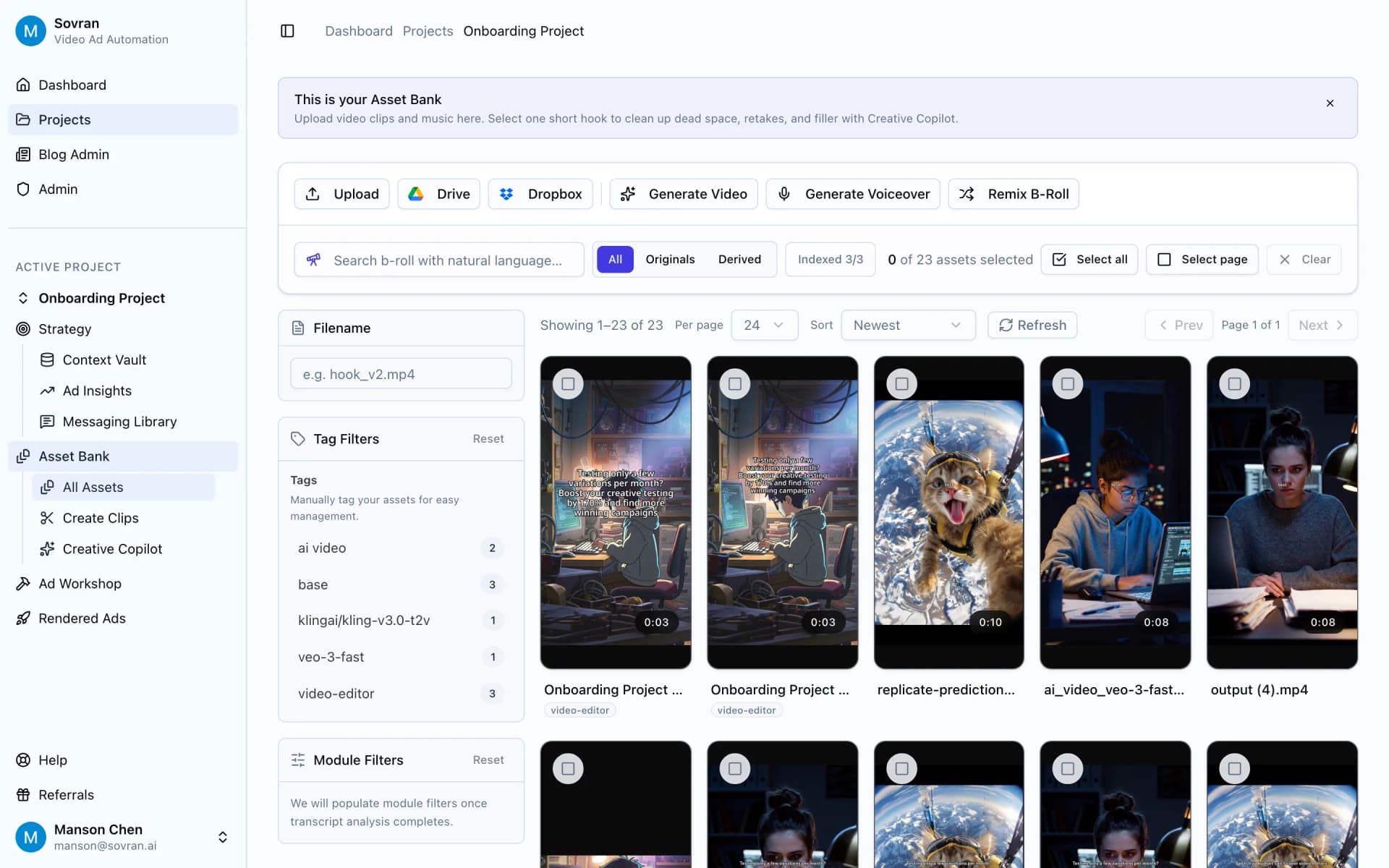
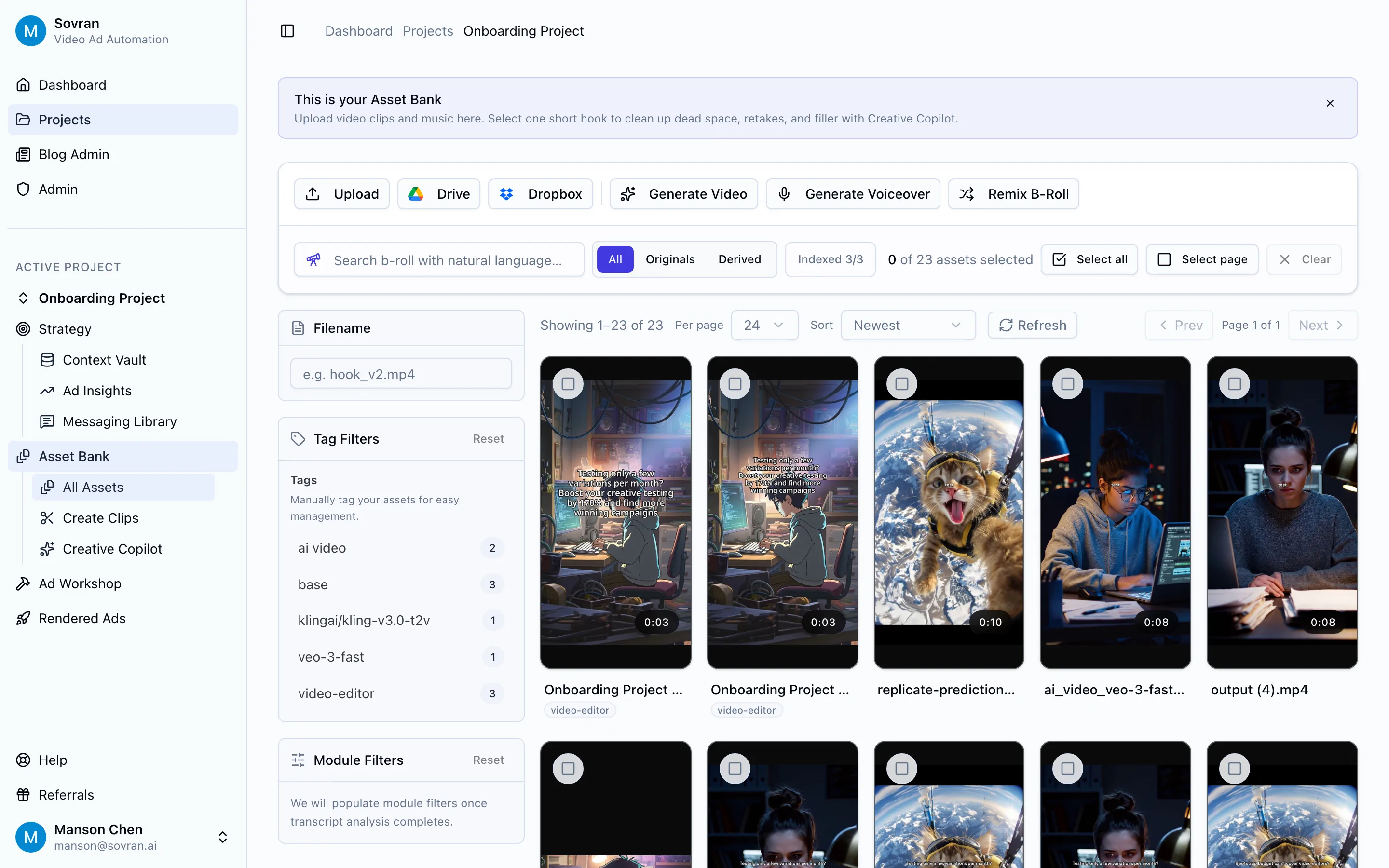
Asset Organization: Before you can scale, you need a well-organized library of raw assets. Tag your video clips, product shots, user-generated content (UGC), and testimonials by theme, angle, and purpose (e.g., "hook," "social proof," "problem-solution").
Framework-First Mentality: Stop thinking in terms of individual ads and start thinking in terms of reusable frameworks. Break down your best-performing ads into their core components (Hook, Body, CTA) and treat them as interchangeable modules.
Embrace Automation: The only way to generate hundreds of variants efficiently is through automation. Manual editing in traditional tools simply cannot keep pace with the demands of modern performance marketing. This is where AI-driven platforms become essential, not just a luxury.
Data-Informed Iteration: Your goal isn't just to make more ads; it's to accelerate your learning cycle. A scalable workflow allows you to launch more tests simultaneously, gather performance data faster, and quickly reinvest in the angles and concepts that resonate with your audience.
The free resources we've covered provide the strategic DNA for your campaigns. By pairing the structural wisdom of a great free ad template with a powerful production engine, you can transform your creative process from a time-consuming chore into a strategic advantage that drives measurable growth.
Ready to move beyond manual edits and unlock true creative velocity? See how Sovran uses AI to turn your raw assets and winning frameworks into hundreds of high-performing ad variants in minutes. Stop the tedious work and start testing at scale by visiting Sovran today.

Manson Chen
Founder, Sovran
Related Articles

How to Make Marketing Videos That Get Sales on Meta and TikTok
Learn how to make marketing videos that drive real results. Our guide covers proven strategies for creating high-converting video ads for Meta and TikTok.

10 Facebook Advertising Best Practices to Scale Performance in 2026
Master these 10 Facebook advertising best practices for 2026. Get actionable insights on creative, targeting, and testing to scale your Meta ad campaigns.

How to Start UGC That Actually Converts
Learn how to start UGC with a proven framework. This guide covers finding creators, managing content, and scaling winning ads on Meta and TikTok.